ClackylandLive
Blip by the notch
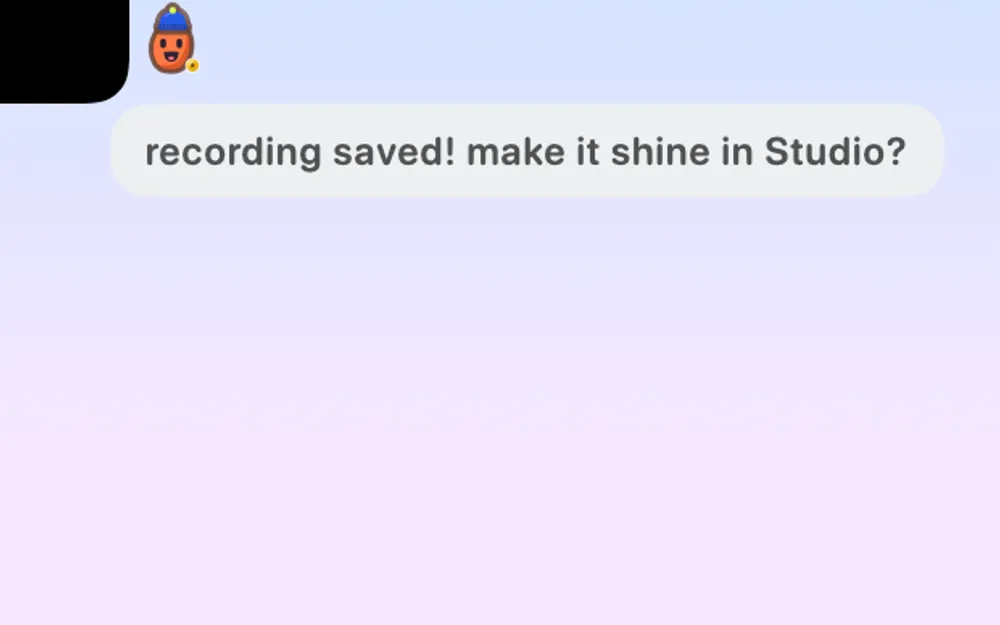
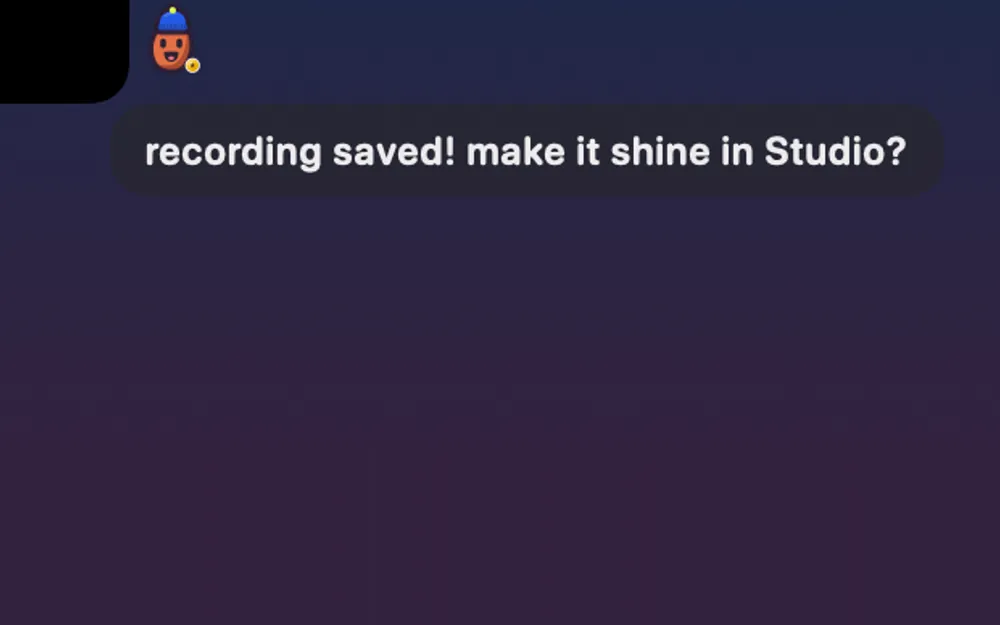
Your Blip sits small beside the notch, blinks now and then, and says one short line when something needs you.
What it is
Turn it on and your Blip sits small beside your Mac’s notch, or beside the drawn one on a Mac without a notch. It blinks now and then.
When something needs you, it says one short line there, like a hot Mac or low space, and never while you record.
It follows the notch’s recording and screenshot switches, so it stays out of your captures unless you let the notch in. It’s off by default.
How to use it
Open Settings
Click the gear in the Clacky window.
Go to Boop
Choose Boop, then find Your blip.
Turn it on
Switch on Blip beside the notch.
Tips
- Want the short lines too? Switch on Blip talks about my Mac in the same section.
Questions
- Does it work on a Mac without a notch?
- Yes. It sits beside Clacky’s drawn notch instead.
- Will it show up in my recordings?
- Not unless you’ve allowed the notch in recordings or screenshots. It follows the same switches.
Make something on your Mac today.
Seven days free, every feature, cancel anytime.