Clean Up Voice
Hum, hiss and room noise gone, your voice at an even level, processed on your Mac. Clicks stay crisp.
What it is
Clean Up Voice tidies the sound of a recording in Studio: hum and room noise go, and your voice sits at an even level from start to finish.
It’s processed on your Mac, not in the cloud. It’s gentle on purpose, so Clacky’s clicks in the same track stay crisp.
Your recording file isn’t changed. The cleaned sound is used in the preview and in the video you export.
How to use it
Open the recording in Studio
Click the Clacky icon in the menu bar, go to Studio and click Edit a Video.
Find Audio
In the Edit tab of the inspector, scroll to the Audio section.
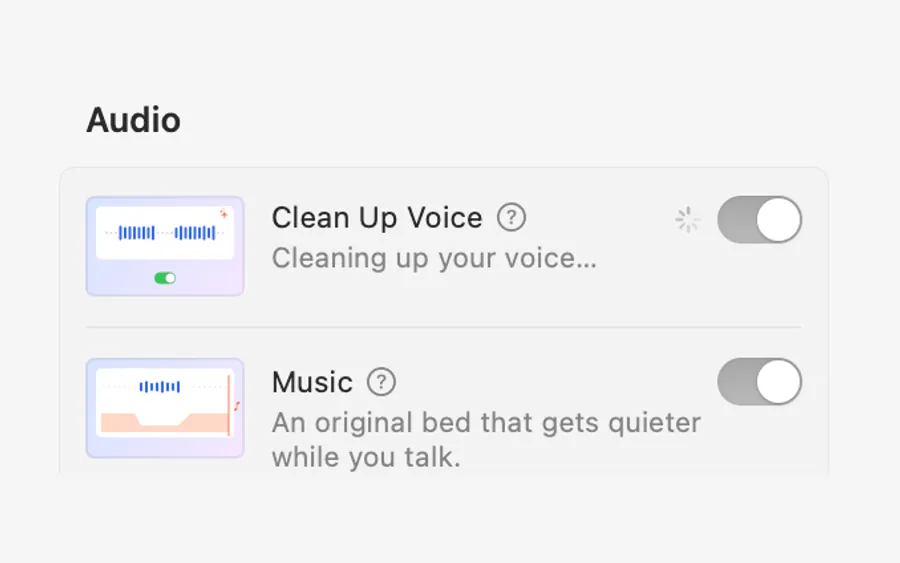
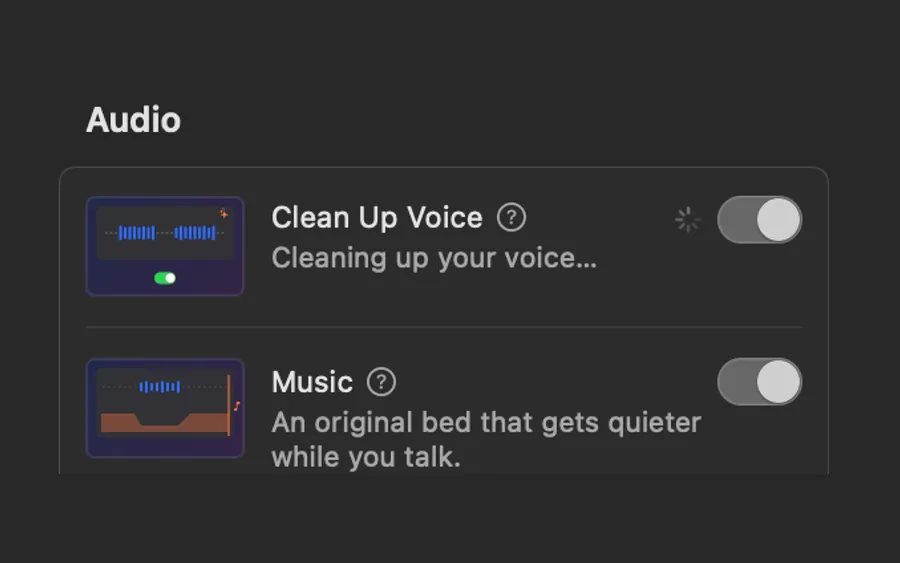
Turn on Clean Up Voice
Switch it on. It says Cleaning up your voice… while it works.
Listen and export
Play the preview to hear it, then export as usual.
Tips
- Add Music in the same section: it dips while you talk, so the cleaned voice stays clear.
Questions
- Is my audio uploaded?
- No. Clean Up Voice runs on your Mac.
- Will it cut my click sounds?
- No. It’s set up so the clicks keep their edge while the voice is evened out.
- Can I turn it off again?
- Yes. Switch it off and the original sound is back; your recording file is never changed.
Make something on your Mac today.
Seven days free, every feature, cancel anytime.