Music
Four music beds made by Clacky, free to use anywhere. The music dips while you talk and comes back when you stop.
What it is
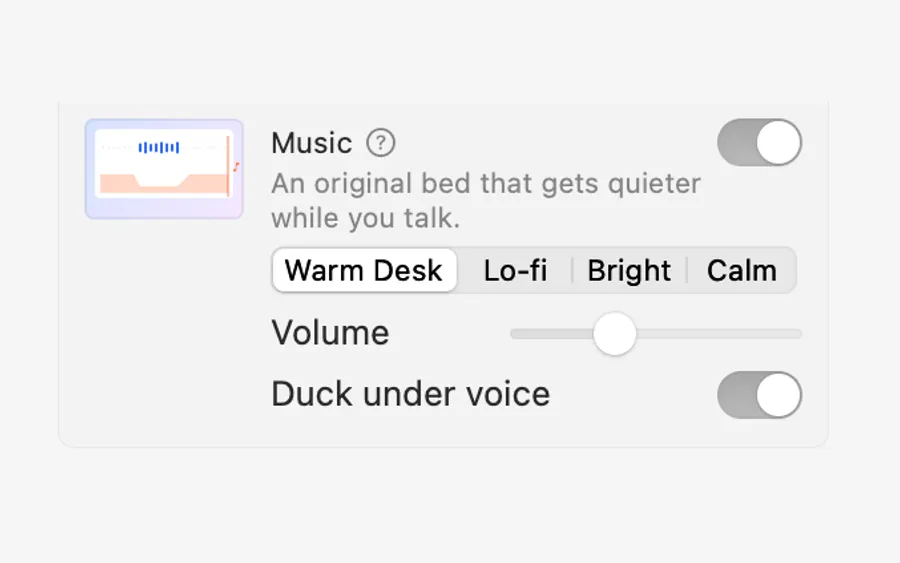
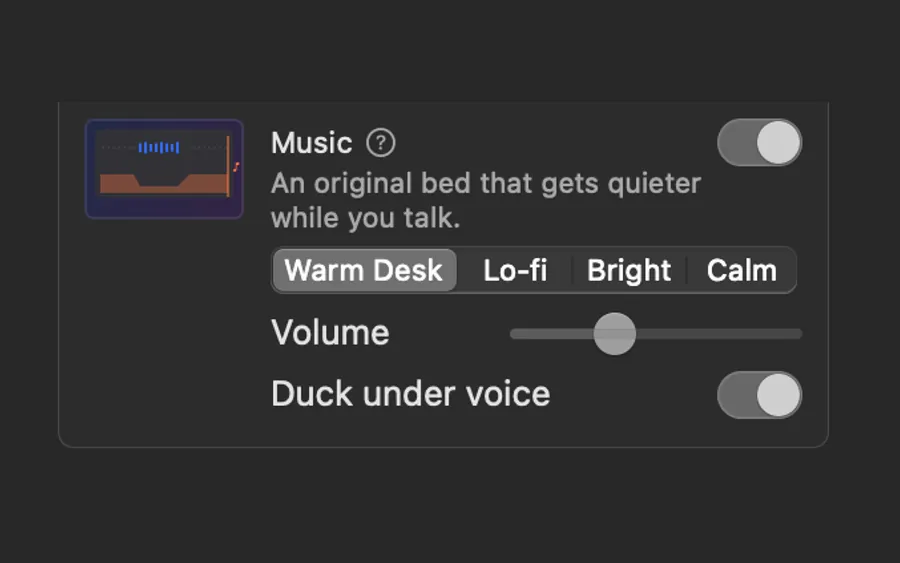
Studio can put a music bed under your video. There are four, made by Clacky: Warm Desk, Lo-fi, Bright and Calm.
They’re original, not licensed tracks, so you can use them anywhere you post your video.
While you talk the music drops 12 dB so every word is clear, and when you stop it comes back up smoothly.
How to use it
Open the recording in Studio
Click the Clacky icon in the menu bar, go to Studio and click Edit a Video.
Turn on Music
In the Edit tab, scroll to Audio and switch on Music.
Pick a bed
Choose Warm Desk, Lo-fi, Bright or Calm, and set the Volume.
Keep your voice clear
Leave Duck under voice on: the music gets quieter while you talk.
Questions
- Can I post a video with this music on YouTube or TikTok?
- Yes. The beds are made by Clacky and free to use anywhere.
- Can I use my own music?
- Studio offers its four beds. Turn Music off if you’d rather add your own track in another app.
Make something on your Mac today.
Seven days free, every feature, cancel anytime.