My KitLive
Color Picker
Pick any colour on screen, copied as HEX, RGB, HSL or SwiftUI.
What it is
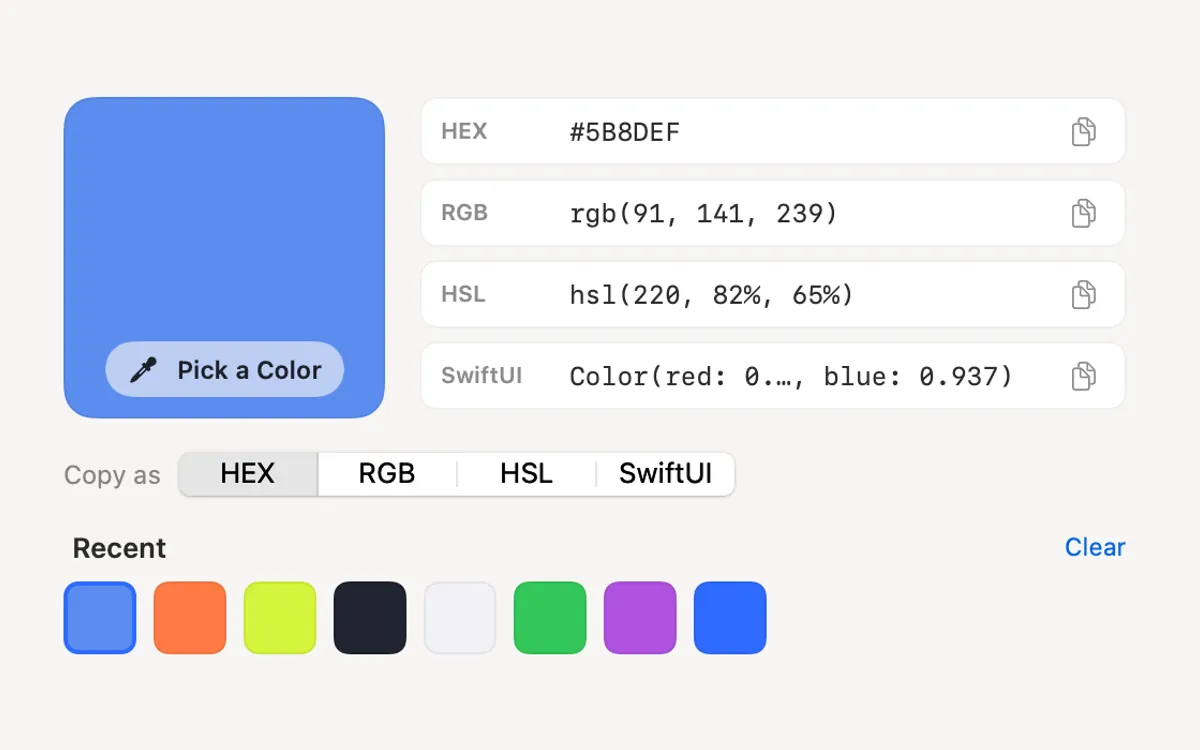
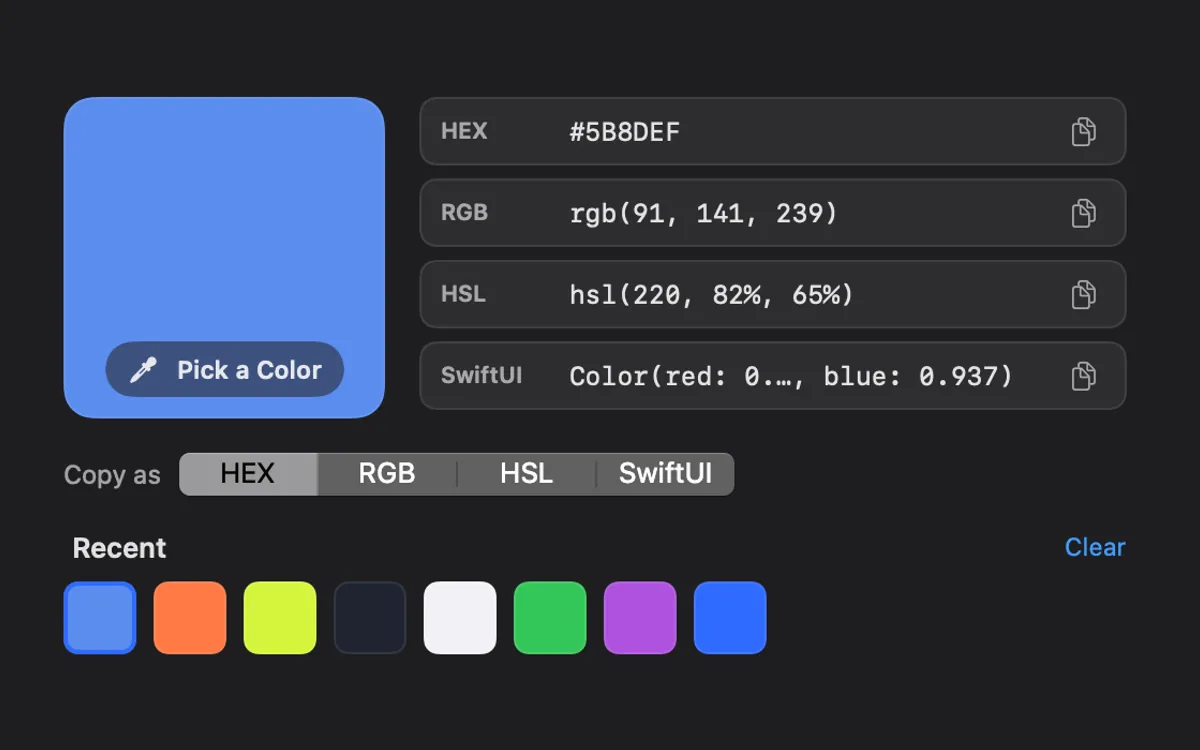
Color Picker picks any pixel on your screen with the macOS magnifier and copies it in the format you use: HEX, RGB, HSL or SwiftUI.
Your last 10 colours stay in Recent, each one ready to copy again. It needs no permission.
How to use it
Open Color Picker
Open Clacky from the menu bar and click the Color Picker card in My Kit (add it from Explore if it isn’t there).
Choose a format
Under Copy as, pick HEX, RGB, HSL or SwiftUI.
Pick a colour
Press Pick a Color and click any pixel on your screen. Esc cancels.
Paste it
The colour is copied and kept in Recent.
Tips
- Turn on the ⌃⌥⌘P shortcut in the Color Picker window to pick from anywhere.
- In ⌘K, type “pick color”.
Questions
- Does it need Screen Recording permission?
- No. It uses the macOS magnifier, which needs no permission.
- Can I clear the list?
- Yes. Press Clear above Recent.
Make something on your Mac today.
Seven days free, every feature, cancel anytime.