AI & MCPLive
Clacky skill
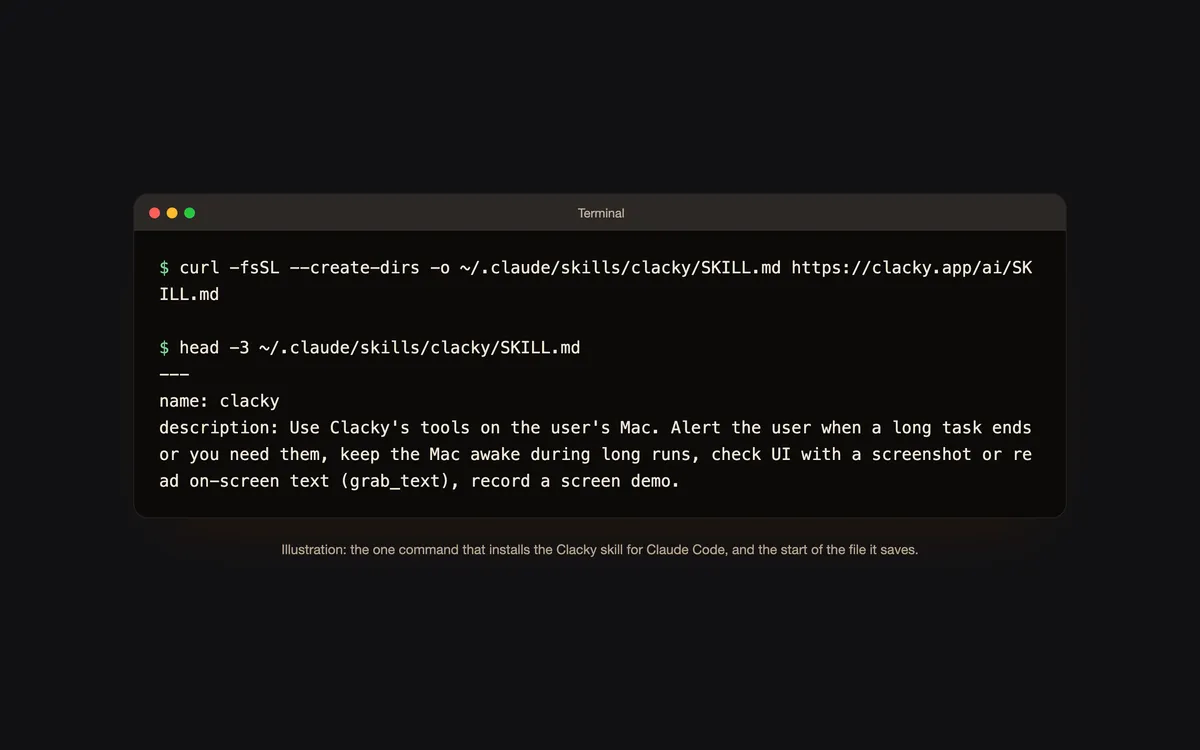
A SKILL.md that tells Claude Code when to use which Clacky tool. One command installs it:
curl -fsSL --create-dirs -o ~/.claude/skills/clacky/SKILL.md https://clacky.app/ai/SKILL.md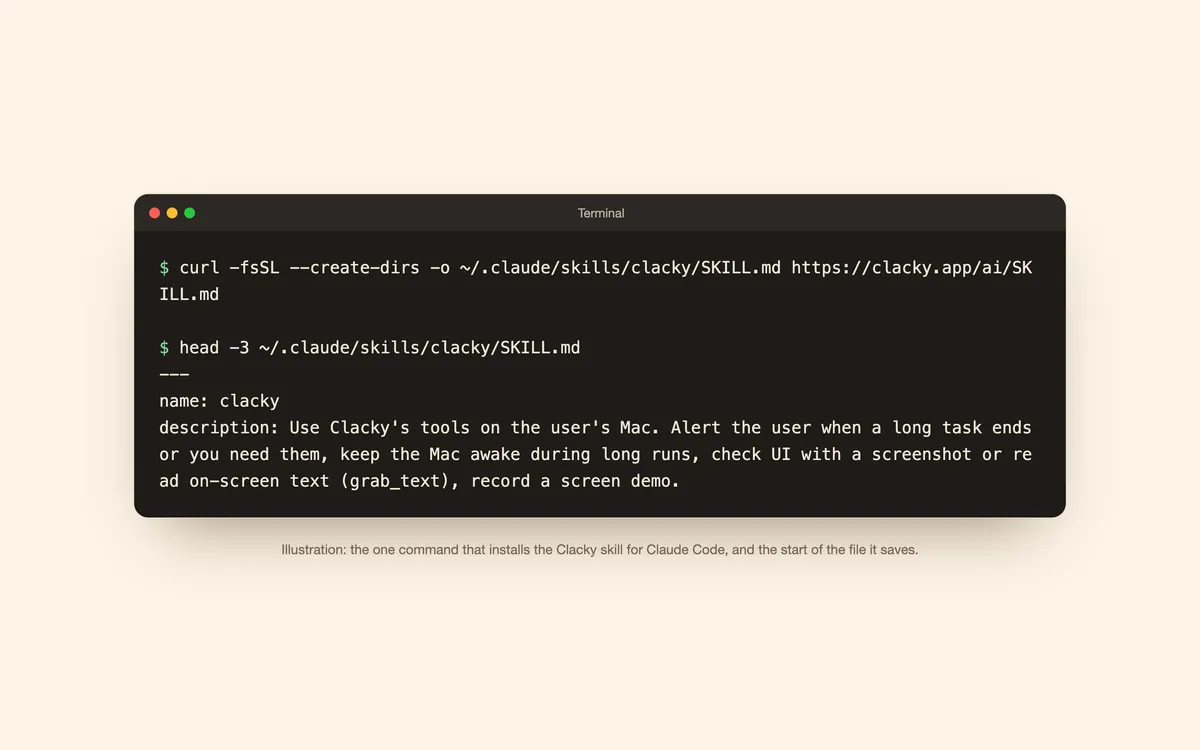
What it is
The Clacky skill is one short Markdown file that tells Claude Code when each Clacky tool is worth using: an alert when a long task ends or it needs you, Keep Awake during a long run, a screenshot to check a UI, Grab Text to read an error.
It also keeps things light: one alert at the end of a task, not after every step, and no screenshots in a loop.
How to use it
Connect Clacky first
Turn on Settings → Connect AI tools and add Clacky to Claude Code.
Read it
Open the SKILL.md linked on this page. It’s short.
Install it
Run the one command on this page in Terminal. It saves the file to ~/.claude/skills/clacky/SKILL.md.
Questions
- Do I need the skill?
- No. Clacky’s tools work without it. The skill just helps Claude Code pick the right one at the right time.
- What’s in it?
- Plain Markdown, no code: when to use each tool, how to call it, and what Clacky keeps private. Read it before you install it.
Make something on your Mac today.
Seven days free, every feature, cancel anytime.