Dev servers
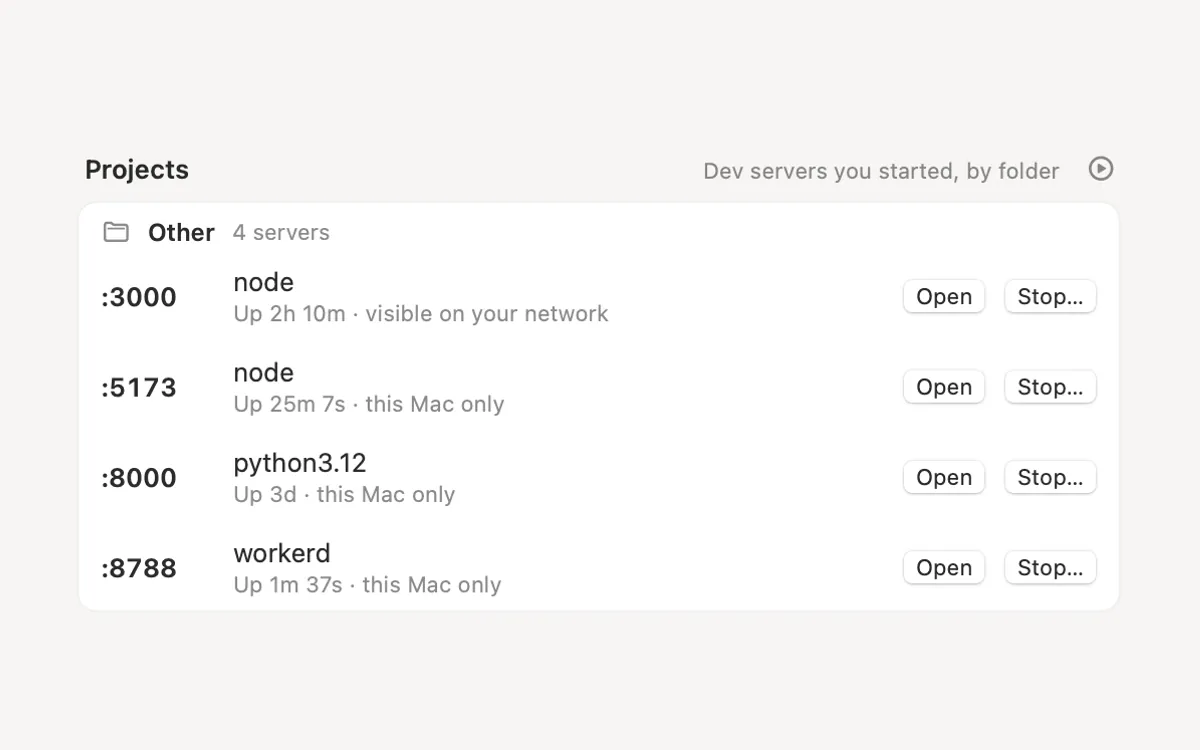
Running dev servers grouped by project, the forgotten quiet ones marked. Stop one or all; Clacky asks first.
What it is
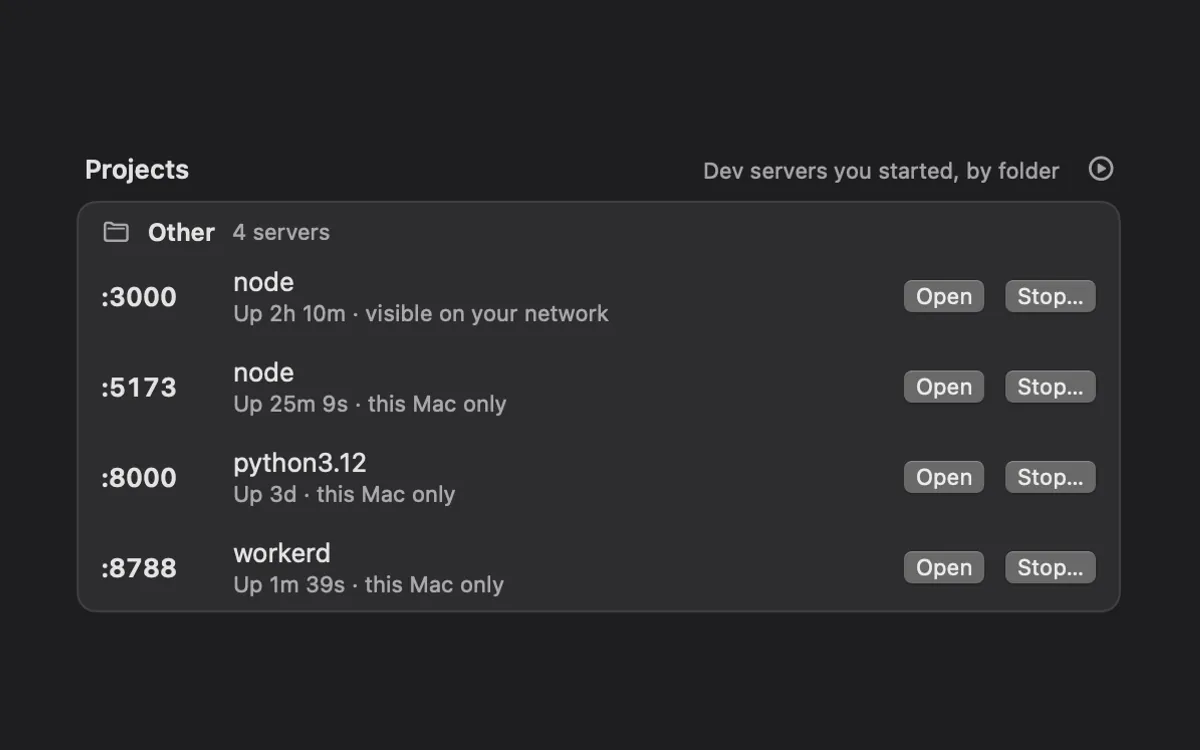
Dev servers left running eat memory and hold ports. Mac Health lists the ones you started, grouped by their project folder, with the port, how long each has been up and how much memory it uses.
A server with no requests and no work for a while is marked “Quiet for …”, so the forgotten ones stand out. Each row also says whether it’s reachable from this Mac only or visible on your network.
Stop one, or all in a project. Clacky always asks first.
How to use it
Open Mac Health
Open Clacky from the menu bar and click the Mac Health card in My Kit.
Find Projects
Scroll to Projects: dev servers you started, by folder. With none running, it says so.
Open or stop one
Press Open to see it in your browser, or Stop… to stop it. Clacky asks it to quit, like pressing Control-C.
Stop a whole project
With more than one server in a folder, press Stop all… beside the folder name and confirm.
Tips
- Unsaved work in a server you stop may be lost, so the confirm says which server and port first.
Questions
- How does Clacky know a project?
- It looks at the folder a server runs in and finds the project folder above it. Servers without one are listed under Other.
- Will it stop anything by itself?
- No. Nothing stops until you press Stop… or Stop all… and confirm.
Make something on your Mac today.
Seven days free, every feature, cancel anytime.