My KitLive
Network
Live up and down speed, and which apps are using it. It only watches while its page is open.
What it is
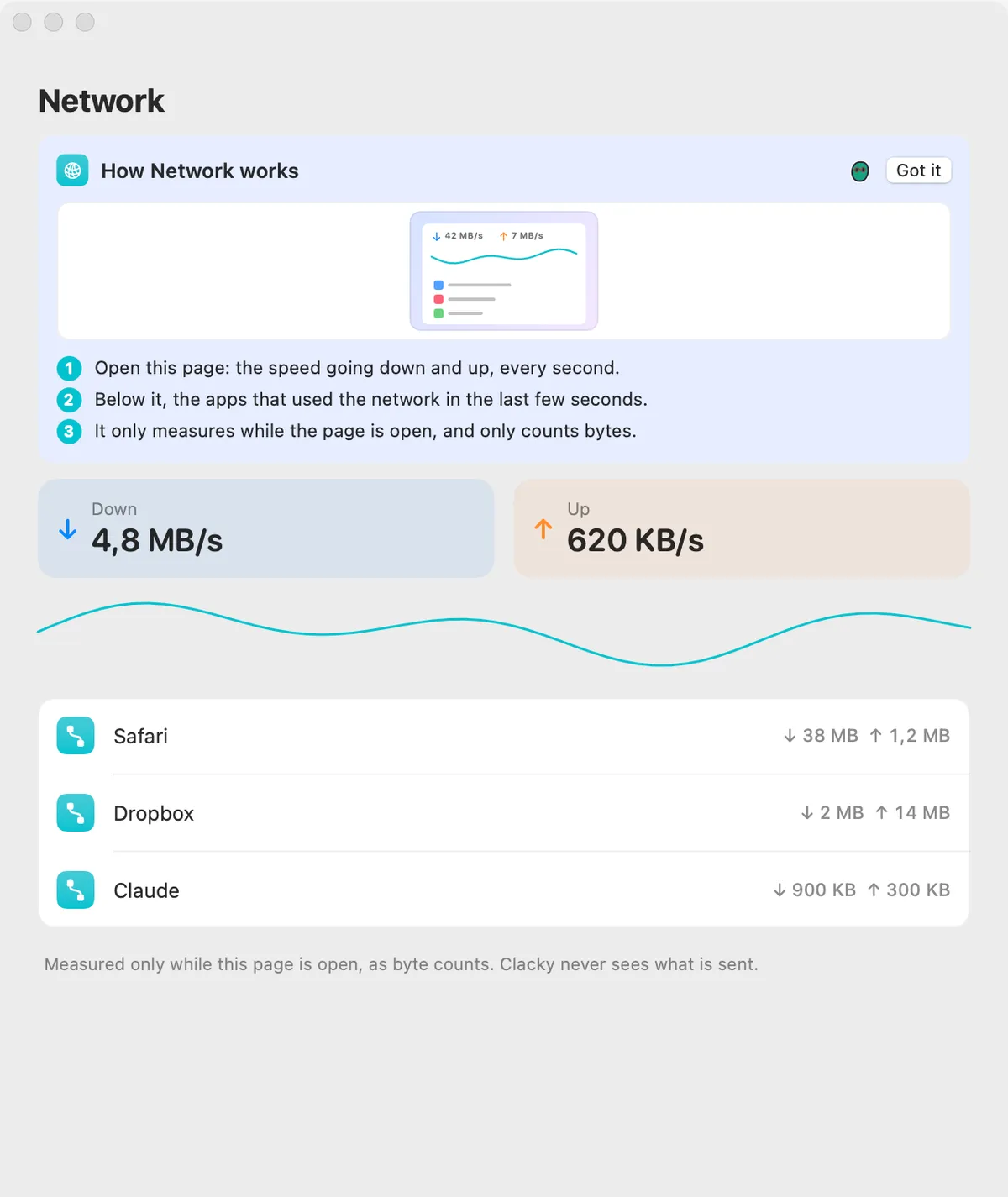
Network shows your Mac’s download and upload speed, every second, and below it the apps that used the network in the last few seconds.
It only measures while the page is open, and only counts bytes. Clacky never sees what is sent.
How to use it
Open Network
Open Clacky from the menu bar and click the Network card in My Kit (add it from Explore if it isn’t there). It opens Settings → Network.
Watch the speed
Down and Up show the speed right now.
See the apps
Apps that use the network show up below within a few seconds.
Questions
- Does it run in the background?
- No. Close the page and it stops measuring.
- Can it see what I download?
- No. It counts bytes in and out, nothing else.
Make something on your Mac today.
Seven days free, every feature, cancel anytime.