DashboardLive
Export and share
Export CSV, or copy a read-only link anyone can open to see a site’s stats, no sign-in.
What it is
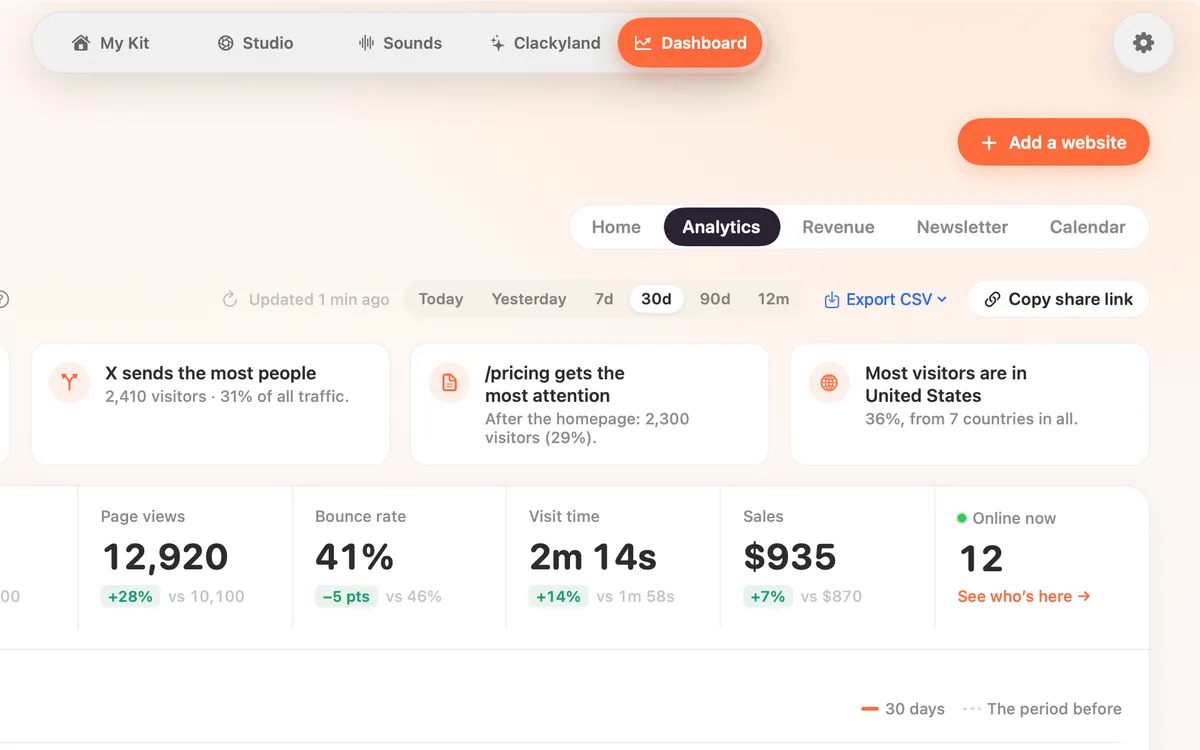
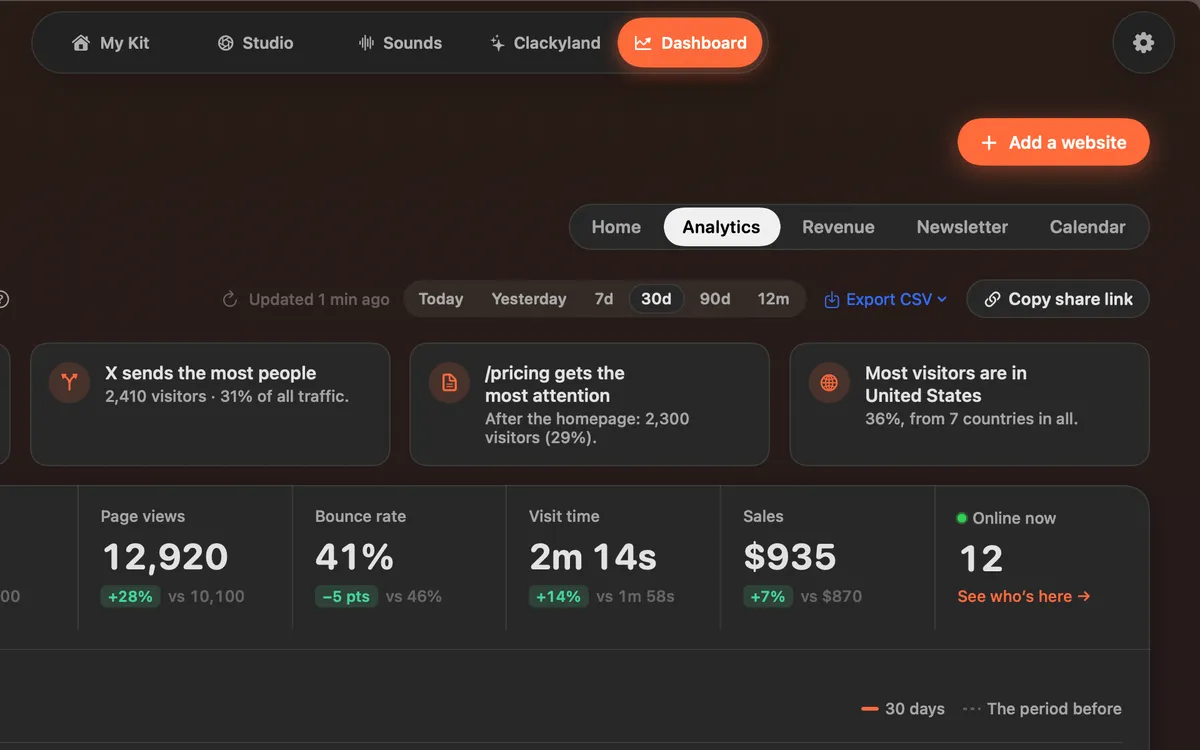
Export CSV saves a part of your report as a spreadsheet file: pages, sources, countries, devices, events or visitors by day, for the period and filters you have on screen.
Copy share link copies a read-only link to a site’s stats. Anyone with the link can open it, no sign-in, and nobody can change anything.
How to use it
Open Analytics
In the Clacky window, pick Dashboard, then Analytics.
Export
Click Export CSV and pick Pages, Sources, Countries, Devices, Events or Visitors by day. Choose where to save the file.
Share
Click Copy share link. It changes to Copied, and the link is on your clipboard, ready to paste.
Tips
- Set the period and any filters first: the export uses what’s on screen.
- Clacky makes the share link once and reuses it, so the same link keeps working.
Questions
- Can people with the link change my settings?
- No. The link is read-only. It shows the site’s stats and nothing else.
- Does the person opening the link need Clacky?
- No. It opens in any browser, with no sign-in.
Make something on your Mac today.
Seven days free, every feature, cancel anytime.