Revenue
Connect Polar or Stripe, read-only: revenue, MRR, churn and refunds, with each sale matched to the visit that clicked Buy.
What it is
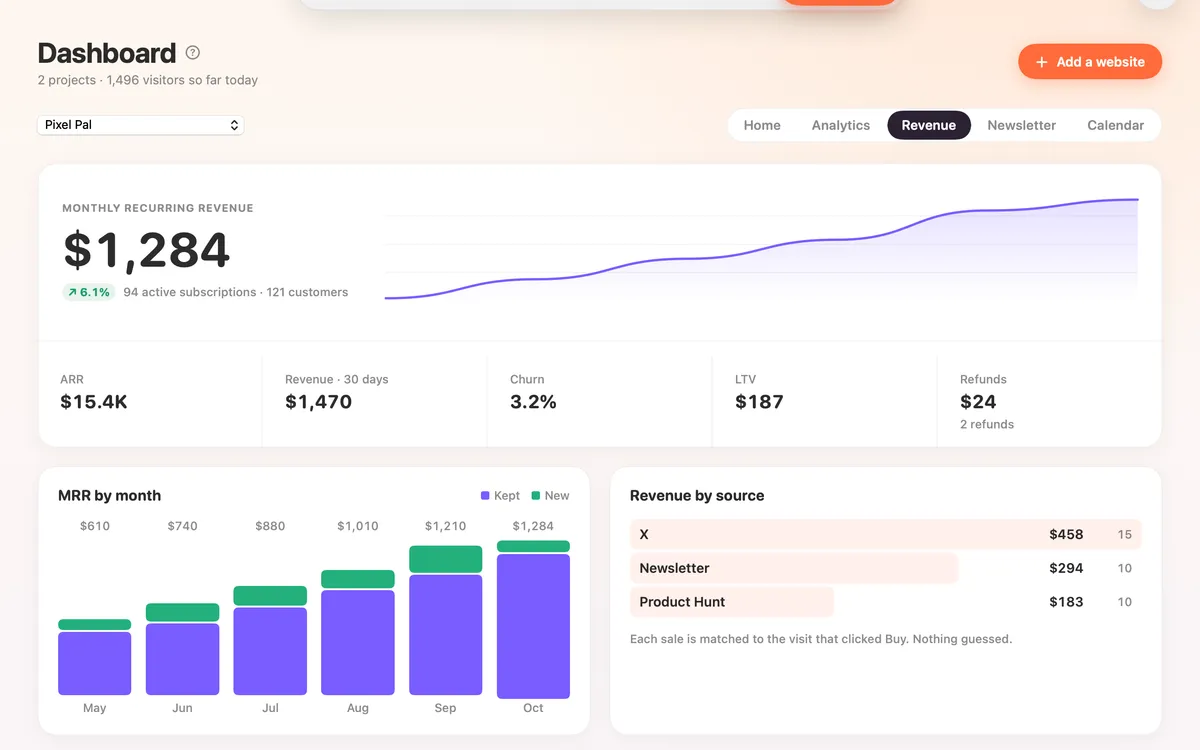
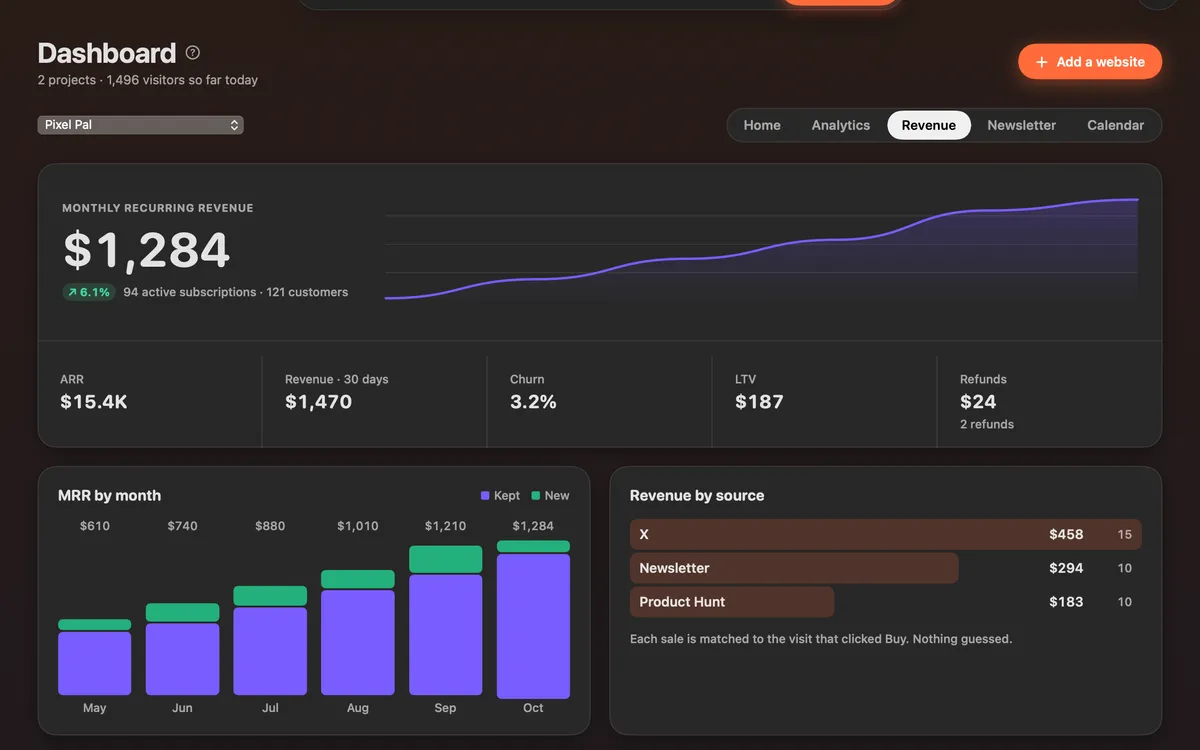
Revenue puts your money next to your visitors. Connect Polar or Stripe with a read-only key and see monthly recurring revenue, active subscriptions, customers, churn, refunds and your latest sales.
Each sale is matched to the visit that clicked Buy, so Revenue by source and Sales by source show which channel brought the money. Nothing is guessed.
Clacky sees sales and subscriptions, never cards or customers’ emails. The key goes once to clacky.app, is encrypted there and is never shown again. Nothing is kept on your Mac.
How to use it
Open Revenue
In the Clacky window, pick Dashboard, then Revenue, and click Connect Polar or Stripe.
Make a read-only key
In Polar: Settings → Developers → New token, with only orders:read and subscriptions:read. In Stripe: Developers → API keys → Create restricted key, with Charges and Subscriptions set to Read and everything else None.
Connect
Pick Polar or Stripe, paste the key and click Connect.
Read your numbers
Revenue shows MRR, MRR by month (kept and new), churn, refunds, revenue by source and the latest sales.
Tips
- In Analytics, Sales by source switches between First touch and Last touch.
- If a key stops working, a banner says so, with Reconnect.
- The Home tab shows revenue for the last 30 days and a note when a new sale comes in.
Questions
- Can Clacky charge or refund my customers?
- No. The key is read-only. Clacky can read sales and subscriptions and nothing else.
- Does Clacky see my customers’ cards or emails?
- No. It sees sales and subscriptions only.
- Which payment providers work?
- Polar and Stripe.
Make something on your Mac today.
Seven days free, every feature, cancel anytime.