Find private info
Clacky reads the screen in your recording, on your Mac, finds emails, phone numbers, card numbers, keys and IP addresses, and Hide all covers them.
What it is
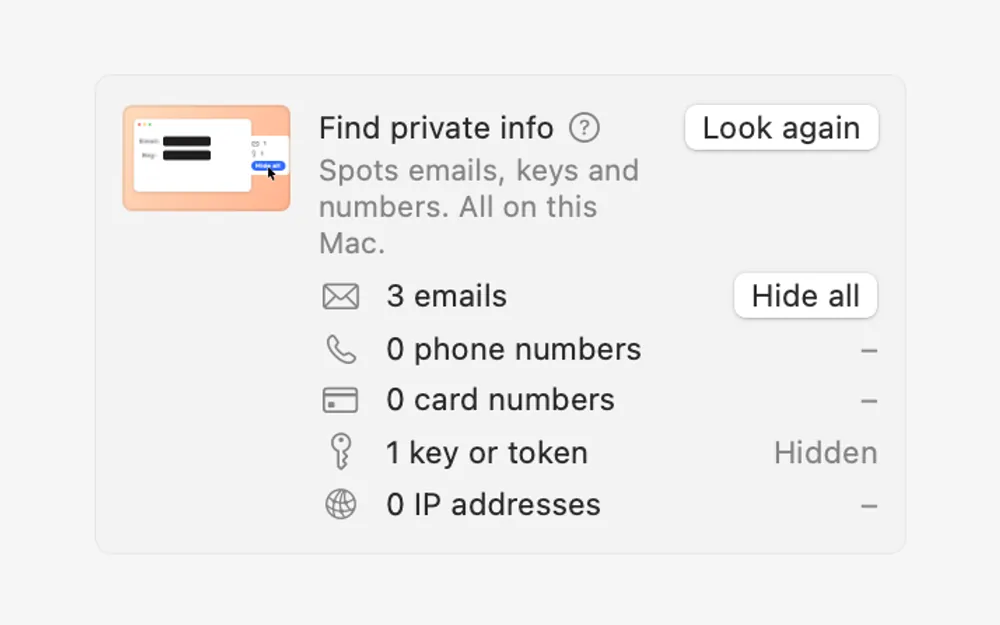
Before you post a recording, Find private info looks through it for things you didn’t mean to show: emails, phone numbers, card numbers, keys and tokens, and IP addresses.
Clacky reads the screen in the video on your Mac. Nothing is uploaded.
Hide all covers what it found for as long as it’s on screen: keys and card numbers are pixelated, the rest is blurred.
How to use it
Open the Redact tab
In Studio, open a recording and switch the inspector to Redact.
Click Find
Under Find private info, click Find. A bar shows how far it has read; Cancel stops it.
Hide what it found
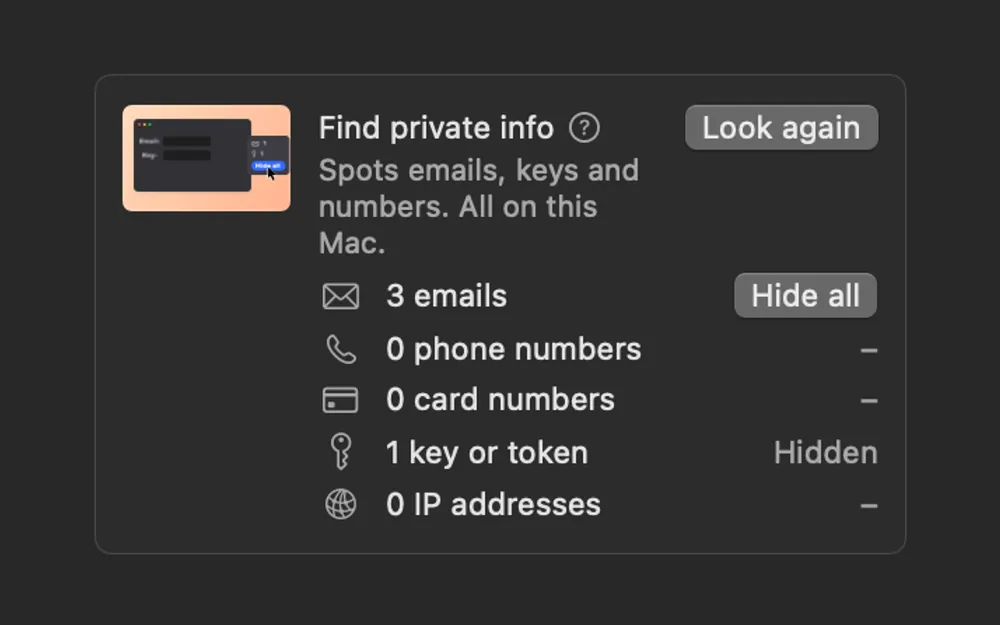
Each kind shows a count. Click Hide all next to it to cover them.
Check the rest
Play the video through. Drag a box over anything else you want to hide.
Tips
- Changed the edit? Click Look again to read it once more.
Questions
- Is my recording sent anywhere to be read?
- No. It’s read on your Mac and nothing leaves it.
- Will it find everything?
- It looks for emails, phone numbers, card numbers, keys and IP addresses. Watch the video before you post it and cover anything else by hand.
Make something on your Mac today.
Seven days free, every feature, cancel anytime.