Focus Timer
Pomodoro sessions of 25, 50 minutes or your own length, with soft ambient sound, live in the notch.
What it is
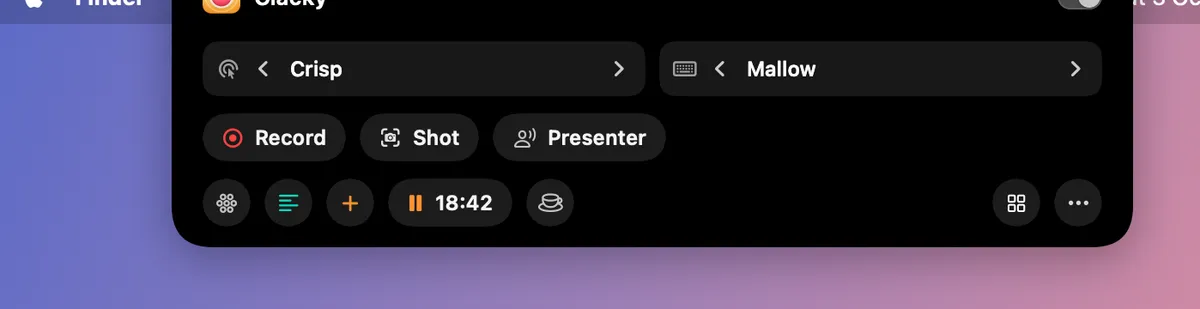
Focus Timer runs pomodoro sessions: 25 minutes of focus and a 5-minute break by default, or any length from 5 to 180 minutes. The time left shows in the notch and the menu bar.
Add soft ambient sound while you focus: Soft Rain, Distant Typing or Brown Noise. A gentle chime marks the end. Sounds stay quiet during calls, screen recordings and in your quiet apps.
Your Blip can nap beside the notch while you focus, and apps you pick can be hidden while a session runs. Your minutes per day stay on this Mac.
How to use it
Open it
Add Focus Timer to My Kit from Explore and click it, or use Focus in the Clacky menu.
Set the length
Pick the Focus and Break lengths, or use the stepper for your own.
Pick a sound
Under Ambient sound, choose Soft Rain, Distant Typing, Brown Noise or None, and set its volume.
Start Focus
Press Start Focus. Pause, Skip to Break or Stop any time.
Tips
- Hide distracting apps while I focus hides the apps you add during a session, or asks them to quit. Nothing is deleted.
- Start the break automatically and Soft chime when time is up are right under the lengths.
- Turn on Do Not Disturb too (with Shortcuts) to let macOS Do Not Disturb follow your sessions.
Questions
- Can I use my own length?
- Yes. Focus can be anything from 5 to 180 minutes.
- Will the ambient sound end up in my recordings?
- No. It stays quiet during screen recordings, calls and in your quiet apps.
Make something on your Mac today.
Seven days free, every feature, cancel anytime.