Notes & Today
Quick notes and today’s checklist. Stays on this Mac.
What it is
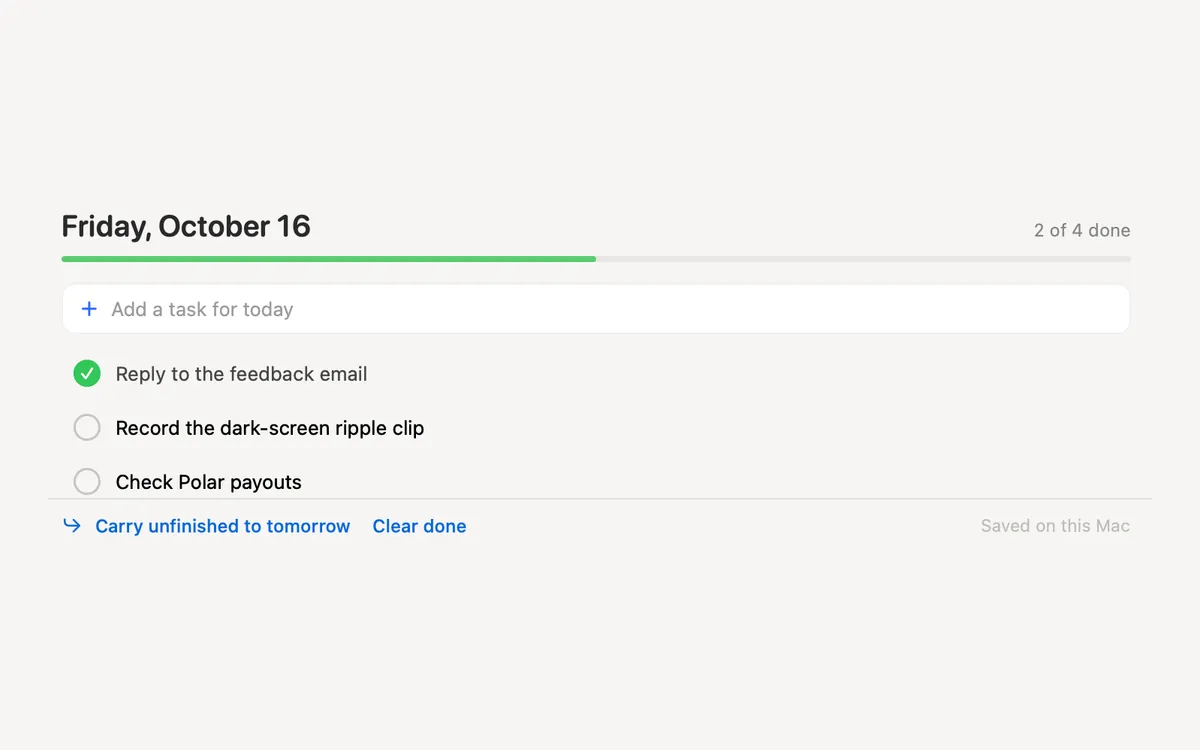
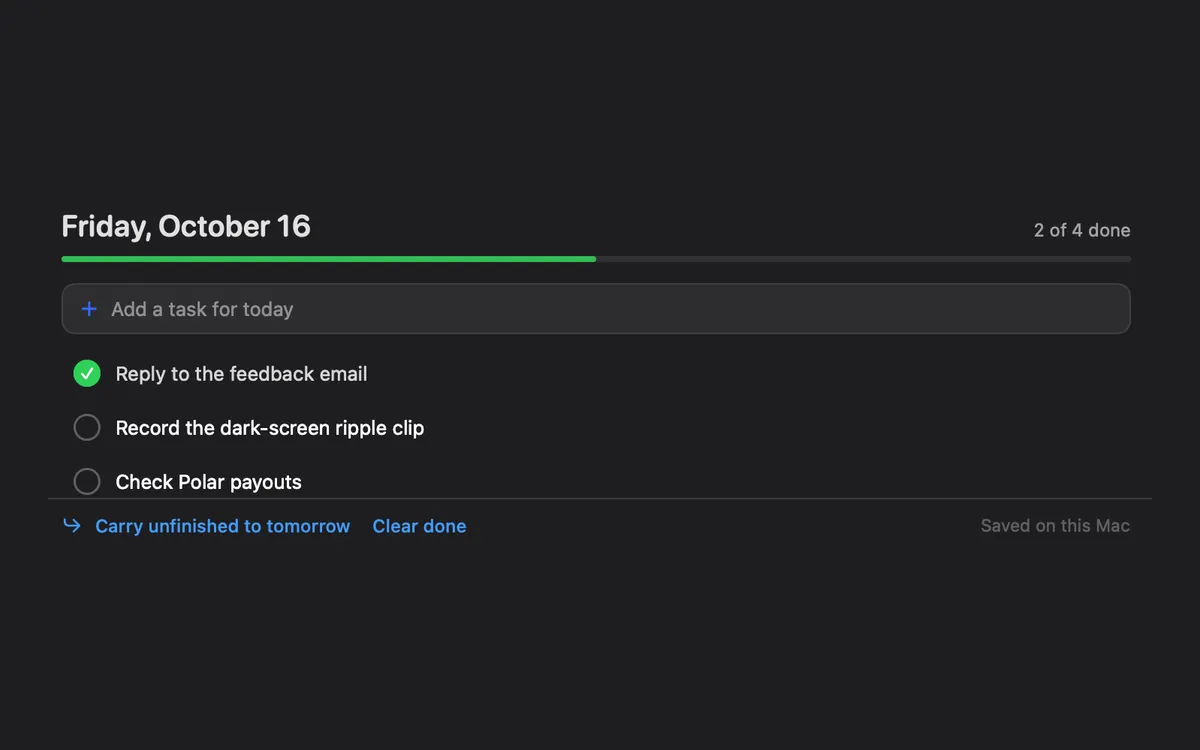
Notes & Today is a small place for the day: a Today checklist to tick off, and quick notes for anything longer.
Tasks you didn’t finish wait under From earlier until you bring them to today, and you can move any task to tomorrow.
Everything is saved in one small file on this Mac. Nothing leaves it.
How to use it
Open Notes & Today
Open Clacky from the menu bar and click the Notes & Today card in My Kit (add it from Explore if it isn’t there).
Plan today
In Today, type into Add a task for today and press Return. Tick tasks off as you go.
Write a note
In Notes, press New Note and jot it down.
Catch up
Unfinished tasks from earlier days show under From earlier: press Bring all to today, or move one at a time.
Tips
- The + in the open notch adds a task or a note without opening the window.
- In ⌘K, New Note and Add Task do the same.
Questions
- Is it synced to iCloud?
- No. Notes and tasks stay on this Mac.
- What happens to finished tasks?
- They stay as the day’s record, and are dropped after 30 days. Clear done removes today’s right away.
- Can my AI agent add tasks?
- Yes, if you connect it to Clacky: it can add tasks and notes and list today’s tasks.
Make something on your Mac today.
Seven days free, every feature, cancel anytime.