Goals and funnels
Name a goal like “Signed up”, then add steps to see where people drop off.
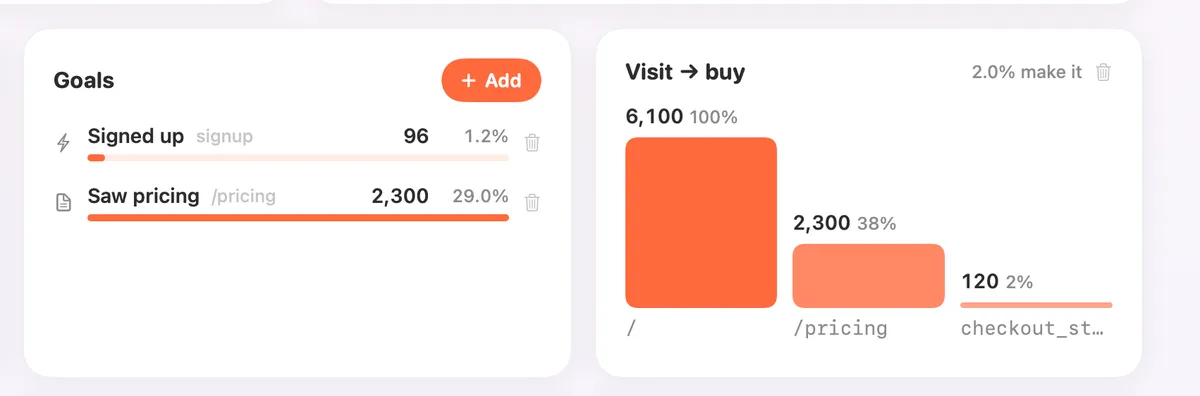
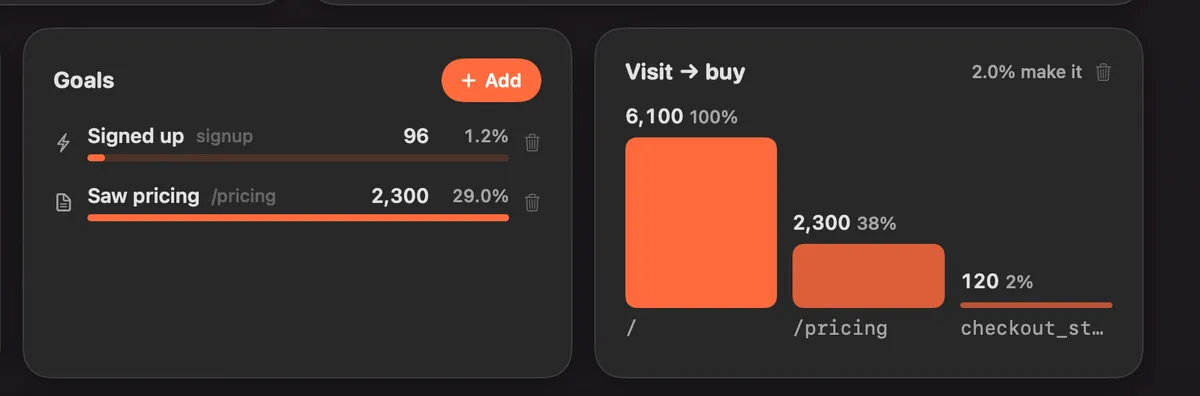
What it is
A goal counts what matters to you: a page like /thanks, or an event like signup. Give it a name, like “Signed up”, and Clacky counts it.
A funnel is a few steps in order, like /, then /pricing, then checkout. It shows how many people make it through each step and where they drop off.
How to use it
Open Analytics
In the Clacky window, pick Dashboard, then Analytics, and scroll to Goals.
Add a goal
Click Add, give it a name like “Signed up”, then type a page that starts with / (like /thanks) or an event name (like signup). Click Add.
Add a funnel
Click Add again and switch to Funnel. Type 2 to 5 steps in order. Use Add a step for more.
Read it
The Funnel card shows each step and the share of people who make it to the end.
Tips
- To count a button click as an event, call clackyA('signup') on your site, then use signup as the goal.
- Outbound links, file downloads and clicks on Buy are counted for you.
Questions
- What’s the difference between a page and an event?
- Anything that starts with / is a page. Anything else is an event name.
- Can I remove a goal?
- Yes. Click Remove on it, then confirm.
Make something on your Mac today.
Seven days free, every feature, cancel anytime.