Visitors
Each visit, step by step: where it came from, the pages it saw and what it did.
What it is
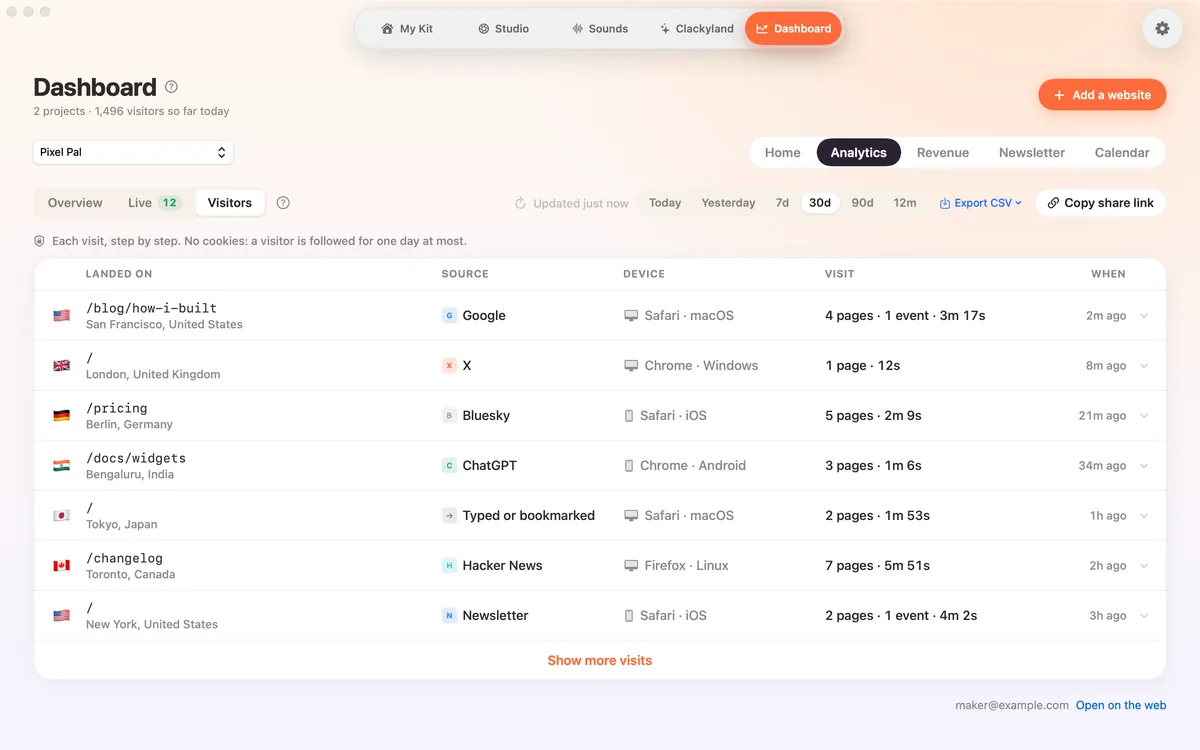
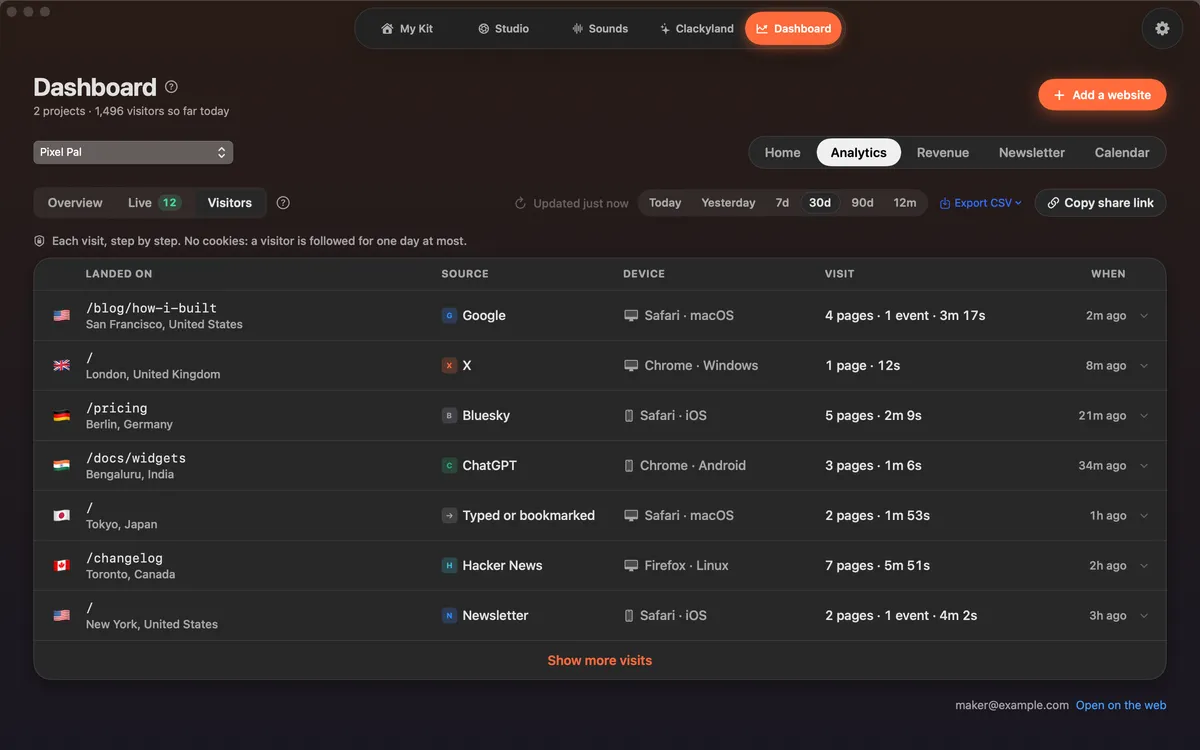
Visitors lists each visit to your site: the page it landed on, its source, its device, how long it lasted and when. Open one to see its steps in order.
Steps include the pages it saw and what it did, like clicking Buy, opening a link to another site, downloading a file or buying.
There are no cookies, so a visitor is followed for one day at most. You see visits, never names or IP addresses.
How to use it
Open Visitors
In the Clacky window, pick Dashboard, then Analytics, then Visitors.
Read a visit
Each row shows Landed on, Source, Device, Visit and When. Open a row to see every step.
Filter
Click a source to show only visitors from it. Filters you set in Overview apply here too.
See more
Click Show more visits to load older ones.
Questions
- Can I see who a visitor is?
- No. Clacky shows what a visit did, not who made it. No names, emails or IP addresses.
- Why does a visitor from yesterday look new today?
- Without cookies, a visitor is followed for one day at most. The next day they count as a new visitor.
Make something on your Mac today.
Seven days free, every feature, cancel anytime.