StudioLive
Grab Text
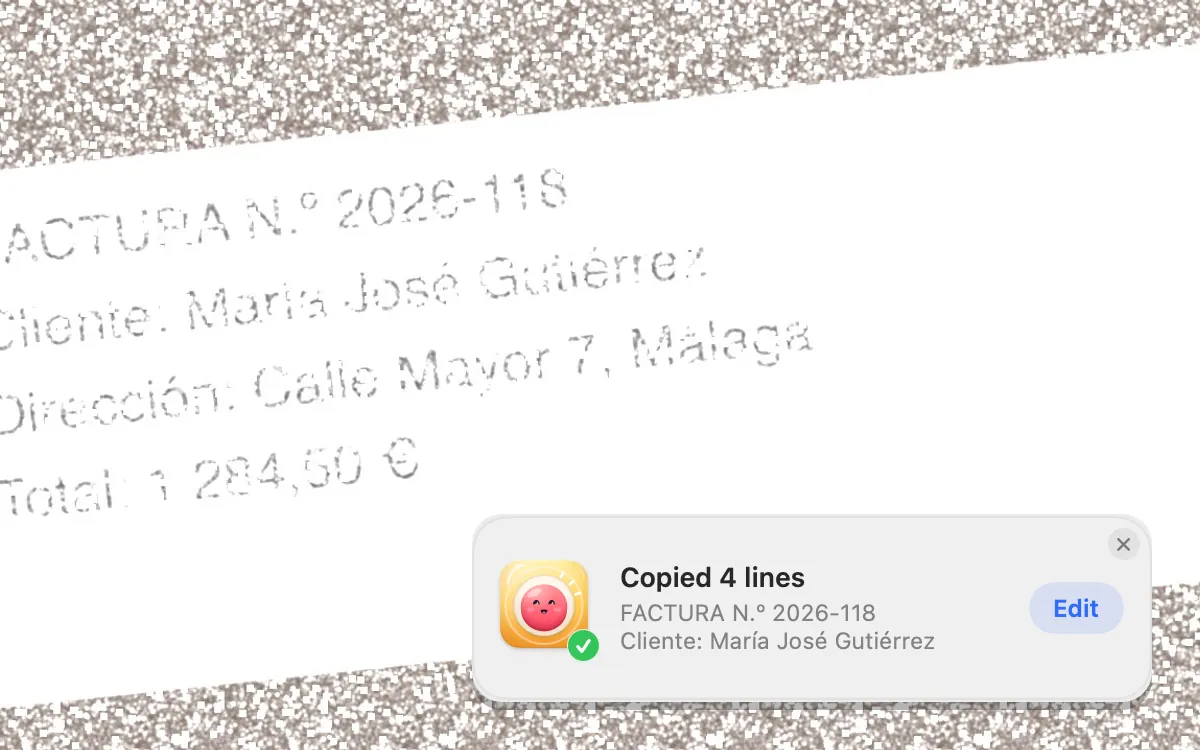
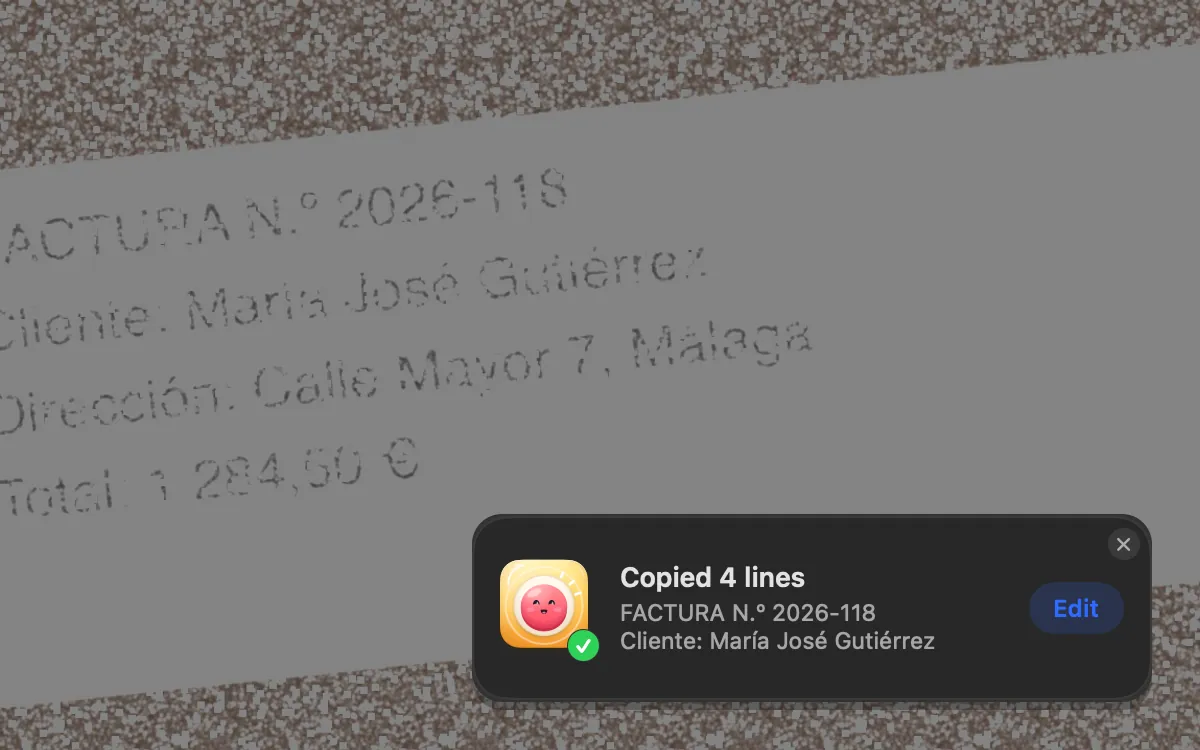
Press ⌥⇧⌘T and drag over any text: a video, a PDF, a photo. Your Mac reads it right there and it’s on your clipboard.
What it is
Grab Text copies text you can see but can’t select: in a video, a PDF, a photo of a document, a screenshot.
Your Mac reads it right there. Nothing is uploaded and nothing is saved. Line breaks and tables are kept, so a table pastes as cells.
How to use it
Press ⌥⇧⌘T
Drag over the text, or click a window.
It’s copied
A small card says how many lines were copied.
Edit if you like
Click Edit on the card to see and change the text, then copy it again.
Or read a picture
In Studio → All Screenshots, the Grab Text strip reads From Copied Image or From a File…, or an image you drop on it.
Tips
- In the screenshot editor, the Grab Text button copies the text in the shot you’re editing.
Questions
- Is the text sent anywhere?
- No. It’s read on your Mac and nothing is uploaded or saved.
- It said No text found here. What now?
- Try a bigger area, or zoom in on the text first.
Make something on your Mac today.
Seven days free, every feature, cancel anytime.