Shelf
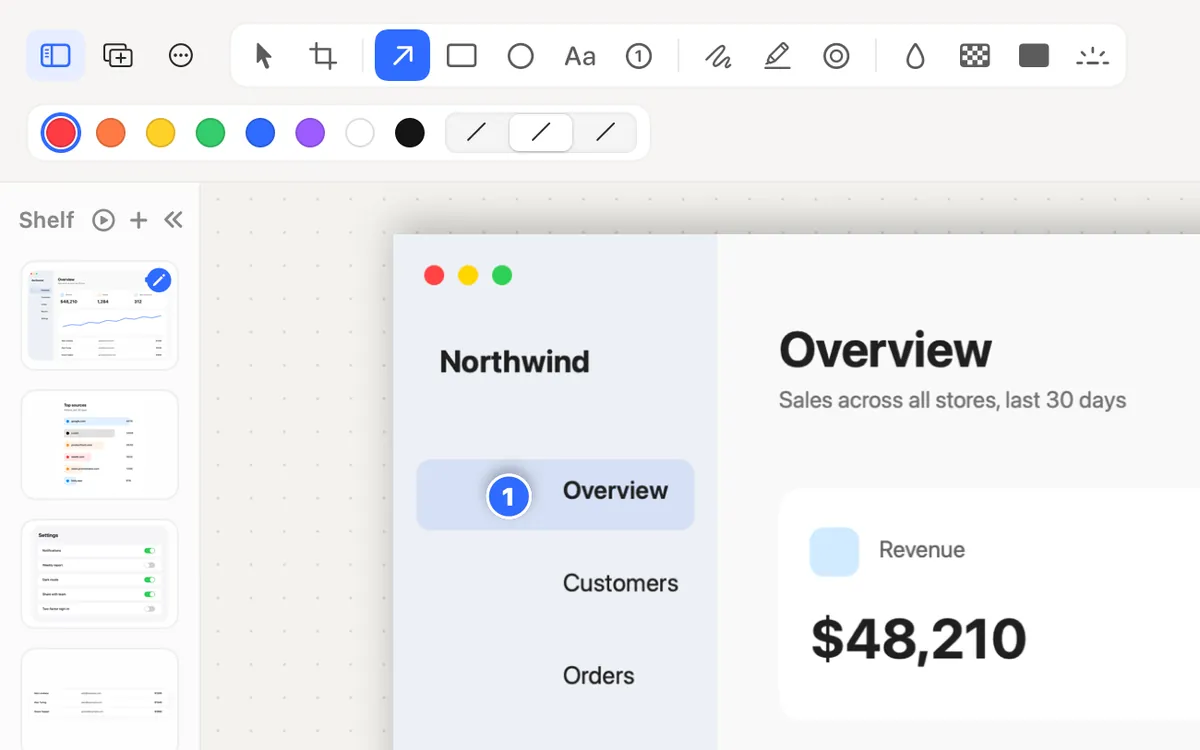
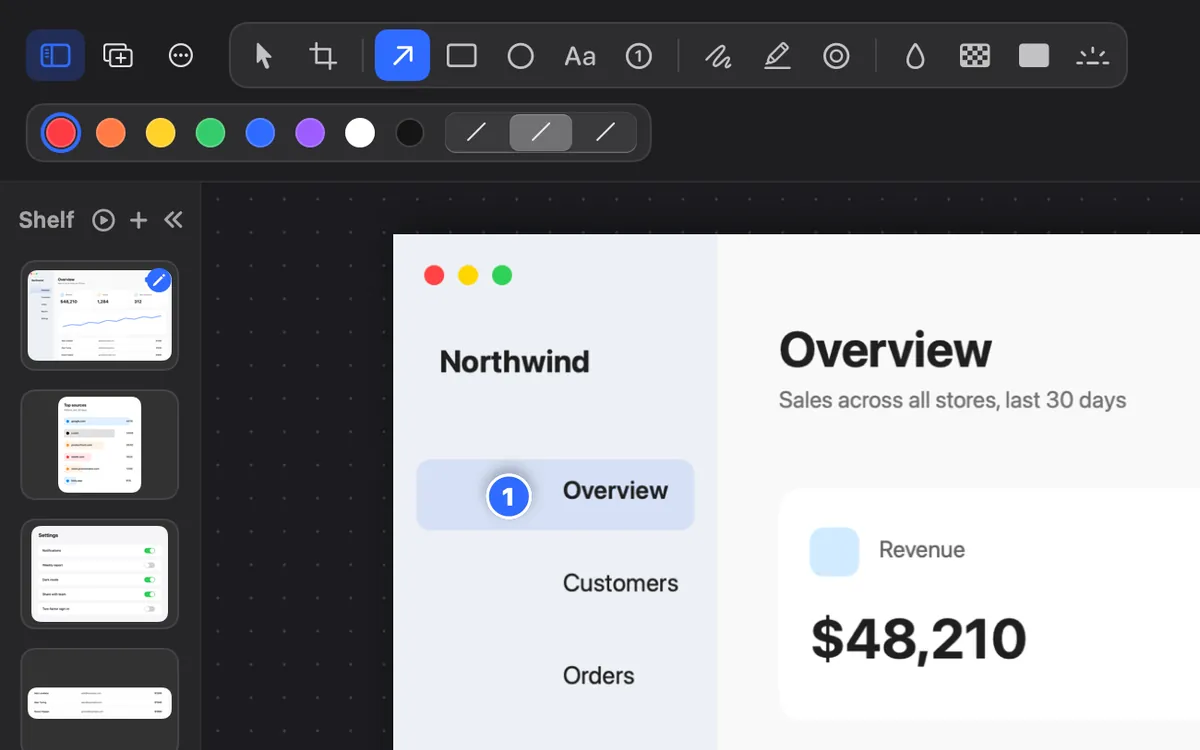
Every shot slides onto the Shelf beside the editor. Drop in any image, or drag one out to Finder or any app.
What it is
The Shelf is a strip beside the screenshot editor with your recent shots, so none get lost between captures.
Drop in any image (or press ⌘V) and it joins the Shelf, ready to edit. Drag one onto the canvas, or out to Finder or any app.
It keeps your last 20 shots for 1 hour, 24 hours or 7 days. Clearing it never touches your files.
How to use it
Take a shot
Its thumbnail slides onto the Shelf beside the editor.
Show or hide it
Press ⌃⌘S in the editor.
Use a shot
Click one, or press ⌘1 to ⌘9, to put it on the canvas. Double-click opens it in its own editor.
Choose how long
In Studio → All Screenshots, under Shelf and Collage, set Keep shots for, or click Clear Shelf.
Tips
- ⌘-click several shots on the Shelf and choose Make Collage.
Questions
- Does Clear Shelf delete my screenshots?
- No. It only empties the Shelf; your files stay where they are.
- How many shots does it keep?
- The last 20, for as long as you choose: 1 hour, 24 hours or 7 days.
Make something on your Mac today.
Seven days free, every feature, cancel anytime.