Scrolling Capture
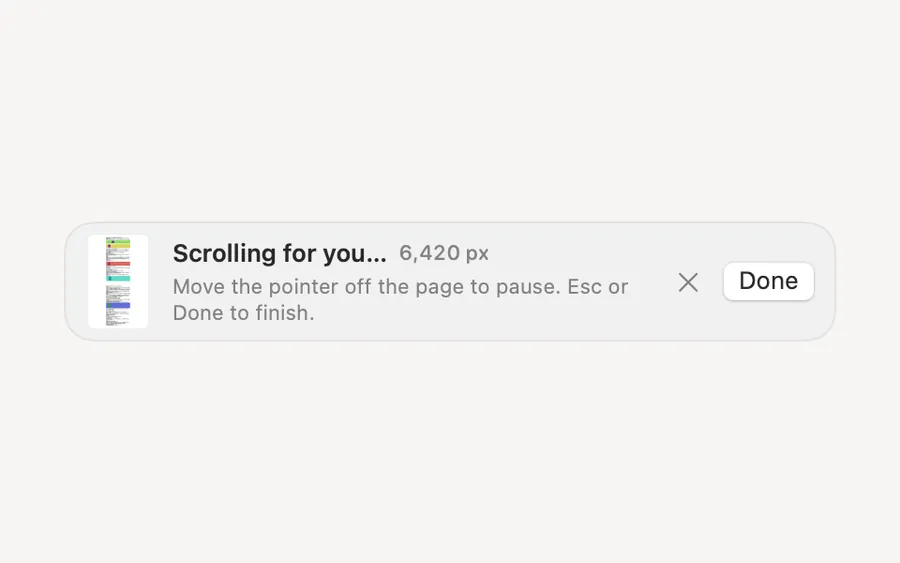
Pick a window and Clacky scrolls it for you, stitching one tall image of the whole page.
What it is
Scrolling Capture takes a web page or a chat that’s taller than your screen and makes it one tall image.
Clacky scrolls it for you, or you scroll yourself, and each new part is added below the last. It stops at the bottom, or at 20,000 pixels.
It’s in beta. The stills stay on your Mac, and the result is copied, saved and put on the Shelf like any screenshot.
How to use it
Start it
Click the Clacky icon in the menu bar, go to Studio and click Scrolling Capture.
Pick the page
Drag over the part that scrolls, or click its window.
Let it scroll
The first time, Clacky asks for Accessibility to send the scroll moves: click Allow Scrolling, or I’ll Scroll Myself and scroll down slowly.
Finish
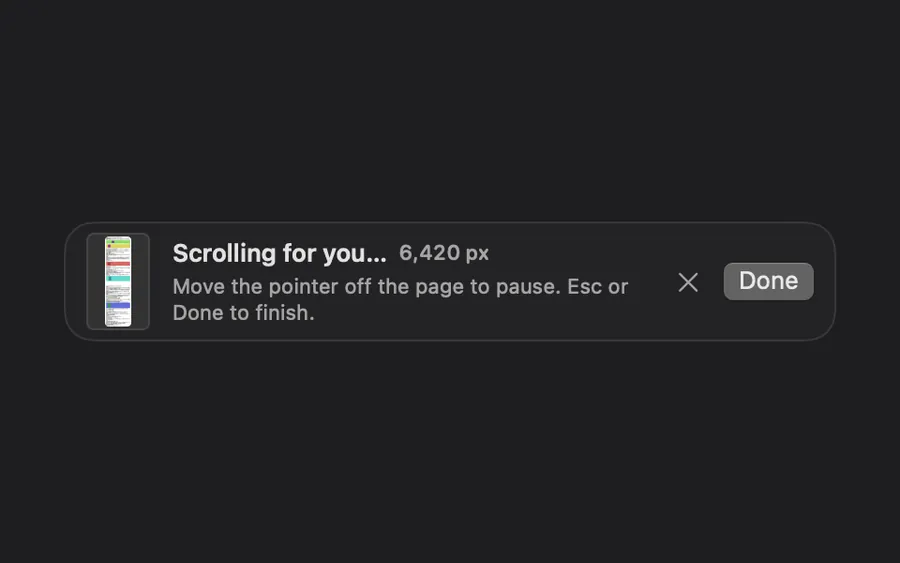
Press Done or Esc to stop early. Move the pointer off the page to pause.
Tips
- In Studio → All Screenshots, the Scrolling Capture strip lets you choose Clacky scrolls or I scroll.
Questions
- Why does it need Accessibility?
- To send scroll moves to the page. It only scrolls while you capture. Choose I’ll Scroll Myself and it isn’t needed.
- How tall can it go?
- Up to 20,000 pixels.
Make something on your Mac today.
Seven days free, every feature, cancel anytime.