Tasks, notes and focus
Leave yourself a task for today or tomorrow, a note, or start a focus session.
- add_task
- add_note
- list_today_tasks
- start_focus
- stop_focus
What it is
Your AI can tidy up your day without you leaving the chat. add_task puts a task on Clacky’s Today list, or tomorrow’s. add_note saves a note to Clacky’s Notes. list_today_tasks shows today’s tasks and which are done.
start_focus starts Clacky’s focus timer, for your usual length or for 1 to 180 minutes, and stop_focus ends it. Everything is saved on your Mac.
How to use it
Connect Clacky
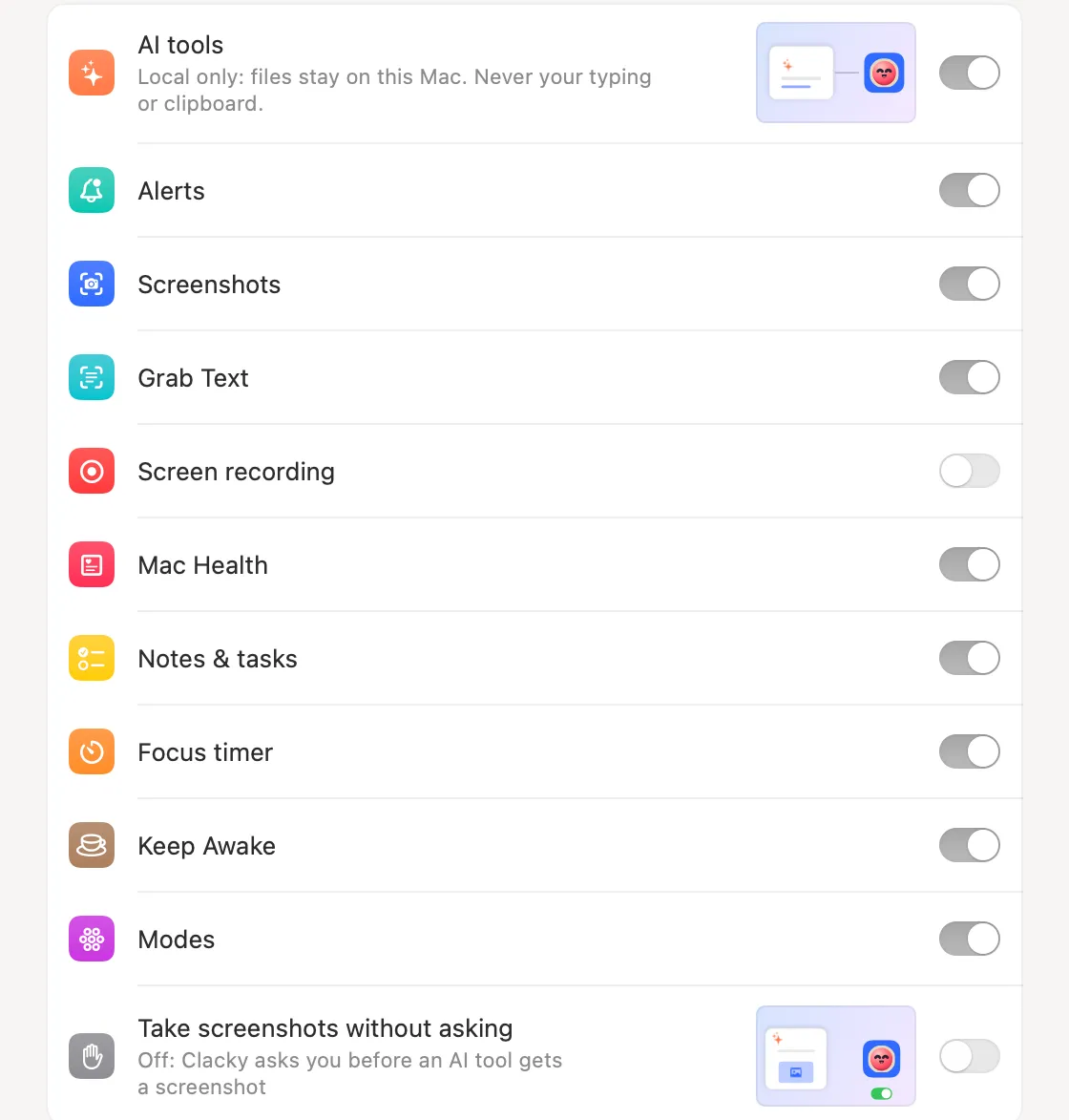
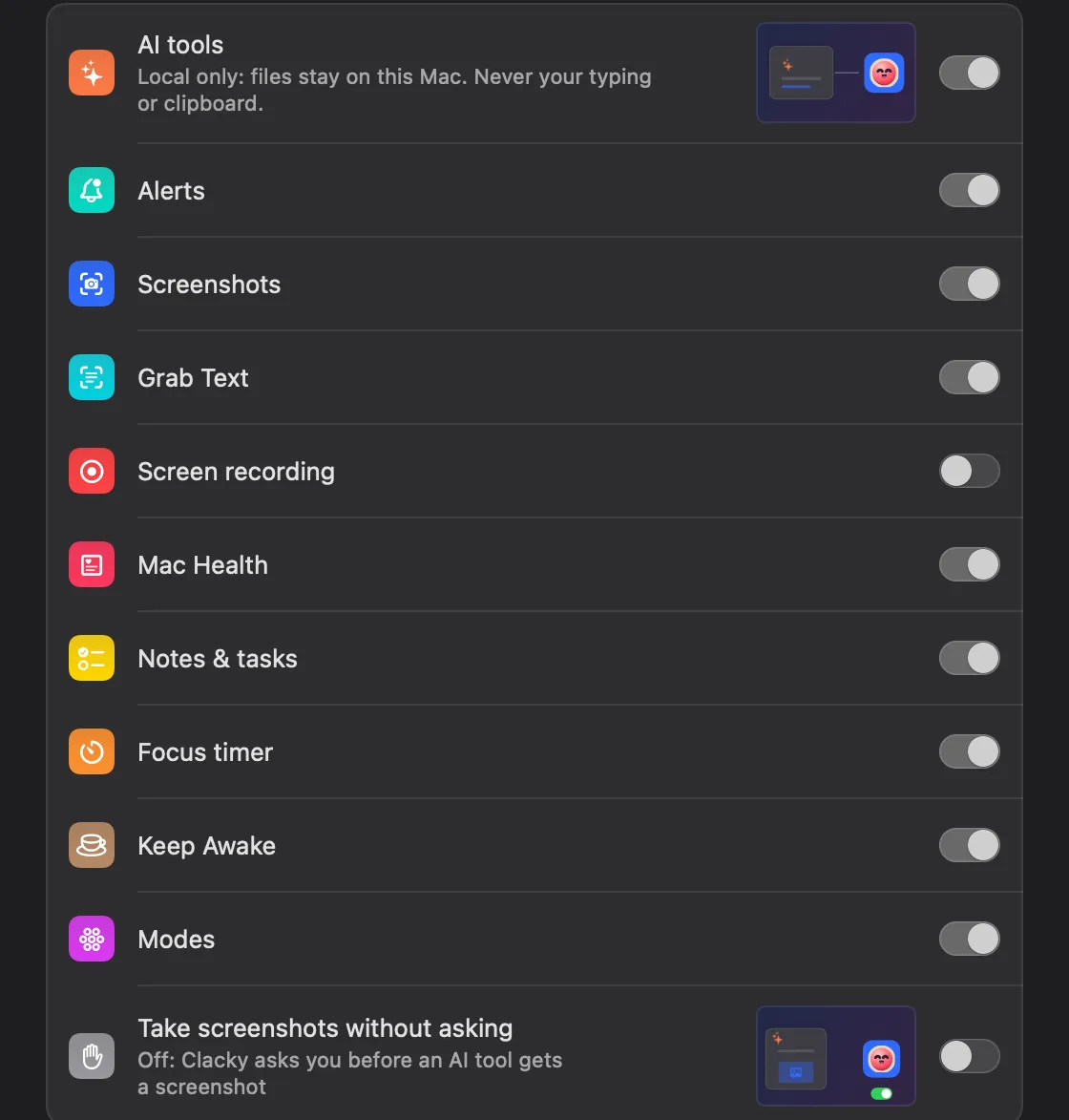
Turn on Settings → Connect AI tools, add Clacky to your AI app, and leave Notes & tasks and Focus timer on.
Ask
Say “Add ‘send the invoice’ to tomorrow, then start a 25-minute focus.”
See it in Clacky
The task shows up in tomorrow’s list and the focus timer starts running.
Questions
- Can my AI read my notes?
- No. It can add a note, and it can list today’s tasks, but there’s no tool that reads your notes back.
- Can it add a task for next week?
- Not yet: add_task takes today or tomorrow.
Make something on your Mac today.
Seven days free, every feature, cancel anytime.