Newsletter
A signup form in your colours, double opt-in and one-click unsubscribe. Write from a template with a live preview and save drafts. Sending to your list is coming soon.
What it is
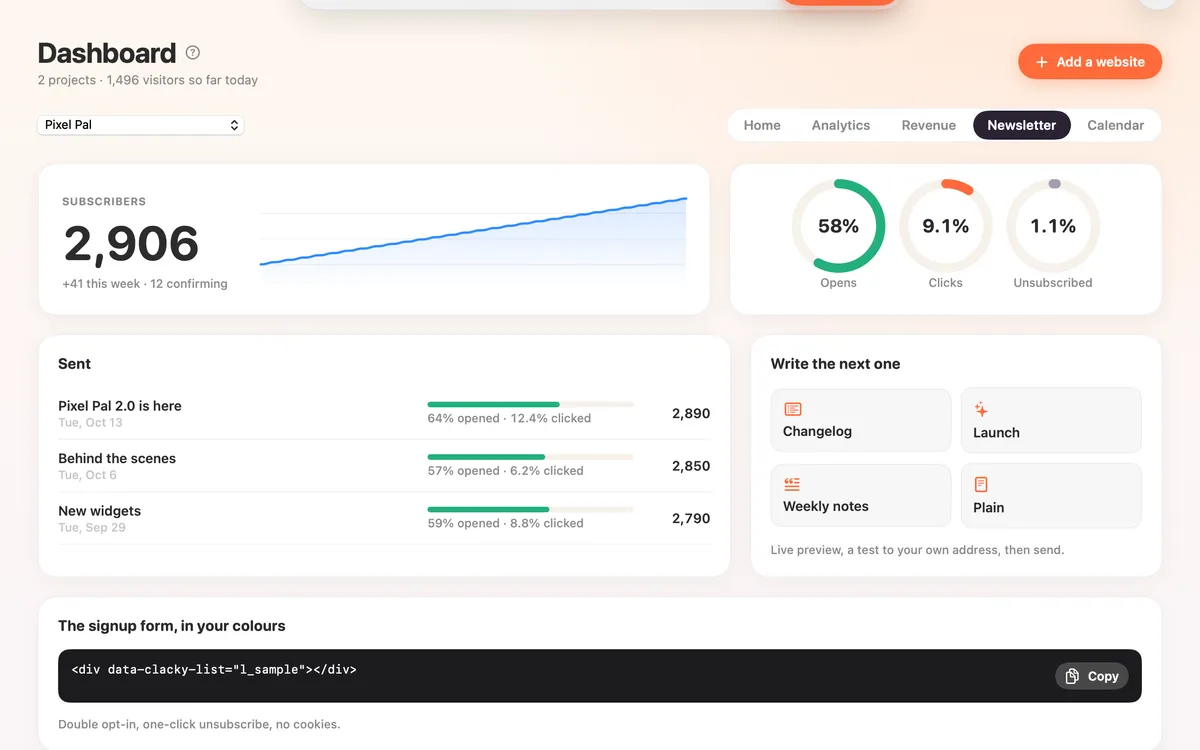
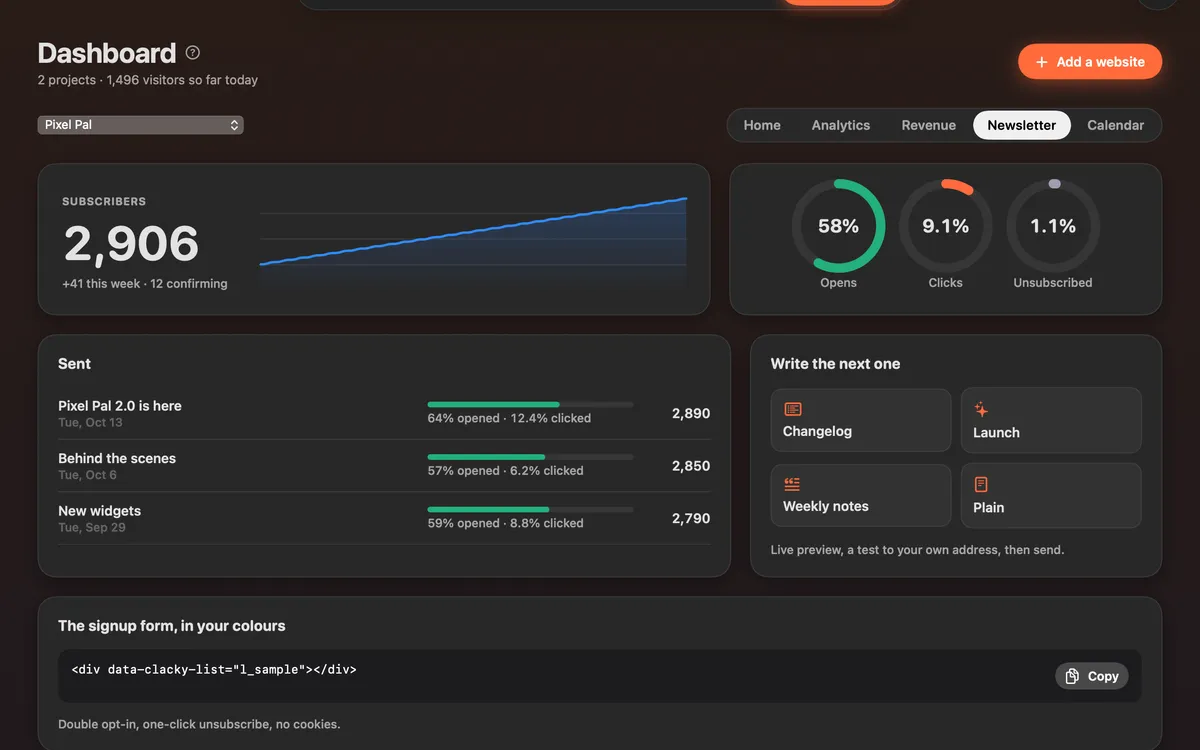
Newsletter gives your site a signup form in your brand colours, with double opt-in and one-click unsubscribe, and no cookies.
Write a newsletter from a template, Changelog, Launch, Weekly notes or Plain, and watch a live preview of the email as you type. Save it as a draft for later.
Sending to your list is coming soon. Once it’s on, the Newsletter tab shows each newsletter you’ve sent with its opens and clicks, next to your subscribers.
How to use it
Open Newsletter
In the Clacky window, pick Dashboard, then Newsletter.
Add the signup form
Copy the code under The signup form, in your colours, and paste it where the form should appear on your site.
Write one
Under Write the next one, pick a template. Write a subject and the text; the preview on the right updates as you type.
Save it
Click Save draft to keep it for when sending opens.
Tips
- In the text, a blank line starts a new paragraph. Use # for a heading, - for a list, **bold**, [link](https://…) and [[Button](https://…)] for a button.
Questions
- Do subscribers have to confirm?
- Yes. It’s double opt-in: people confirm by email before they’re on the list.
- Can people unsubscribe easily?
- Yes, with one click from any newsletter.
- Can I send to my list yet?
- Not yet: sending is coming soon. Today you can add the signup form, and write and save drafts.
Make something on your Mac today.
Seven days free, every feature, cancel anytime.