Record one window
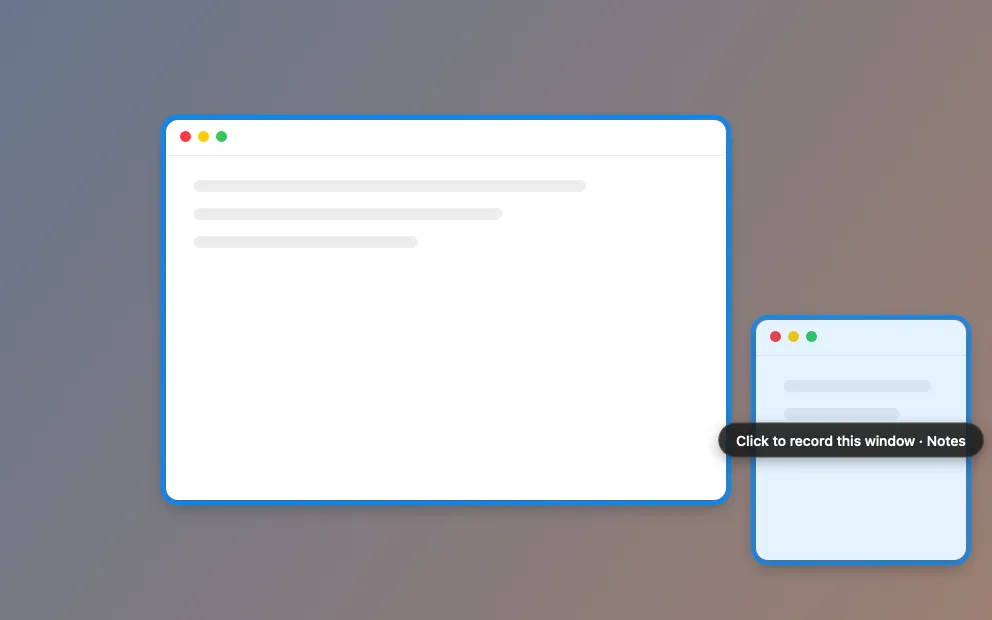
Hover a window to light it up, click to pick it. Only that window is recorded, with your clicks, ripples and camera.
What it is
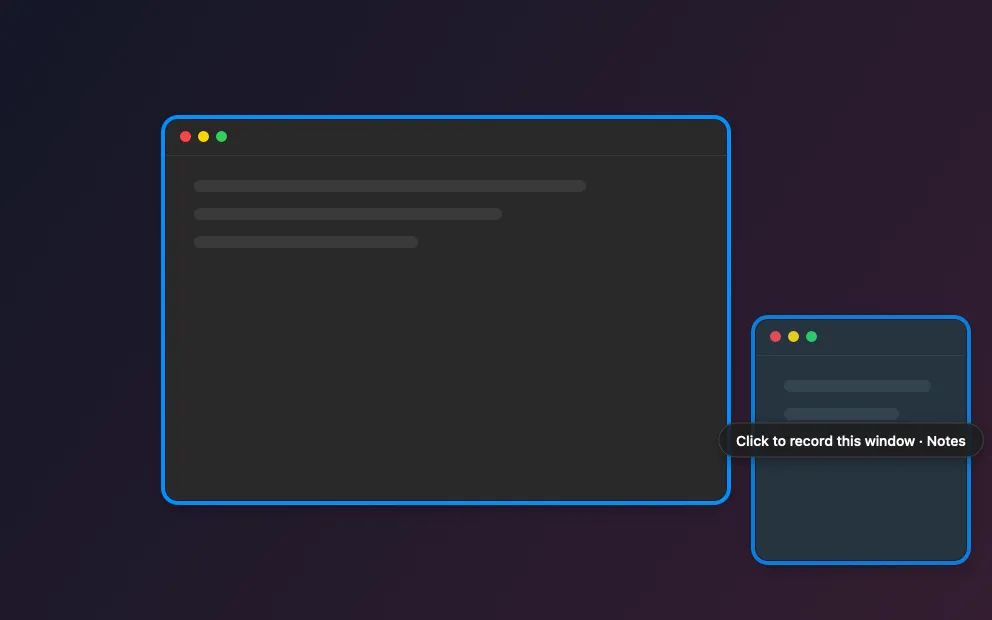
Pick Window in the recorder bar and the screen dims. Hover a window and it lights up with a blue outline; click it, and only that window is recorded.
Your clicks, ripples and camera bubble are still in the video. Other apps’ windows that pass over it are left out. If you close the window or quit its app, the recording stops and is saved.
How to use it
Open the recorder
In Studio, click Record.
Choose Window
In the recorder bar, click Window. Every screen dims.
Pick the window
Hover the window you want so it lights up, then click it. Click another window to switch.
Record
Click Record. Only that window is in the video.
Tips
- Clacky remembers the last window you picked while it’s still open.
- Press Esc to close the picker.
Questions
- Can I move the window while recording?
- The recording keeps the window’s position from when you pressed Record, so it’s best to leave it in place.
- Whose sound is recorded?
- The window’s app and Clacky’s clicks, plus your microphone if you turned one on.
Make something on your Mac today.
Seven days free, every feature, cancel anytime.