Crop
Hide the menu bar and the Dock in one click, crop to where you clicked, or drag the corners. Zooms and captions work inside the crop.
What it is
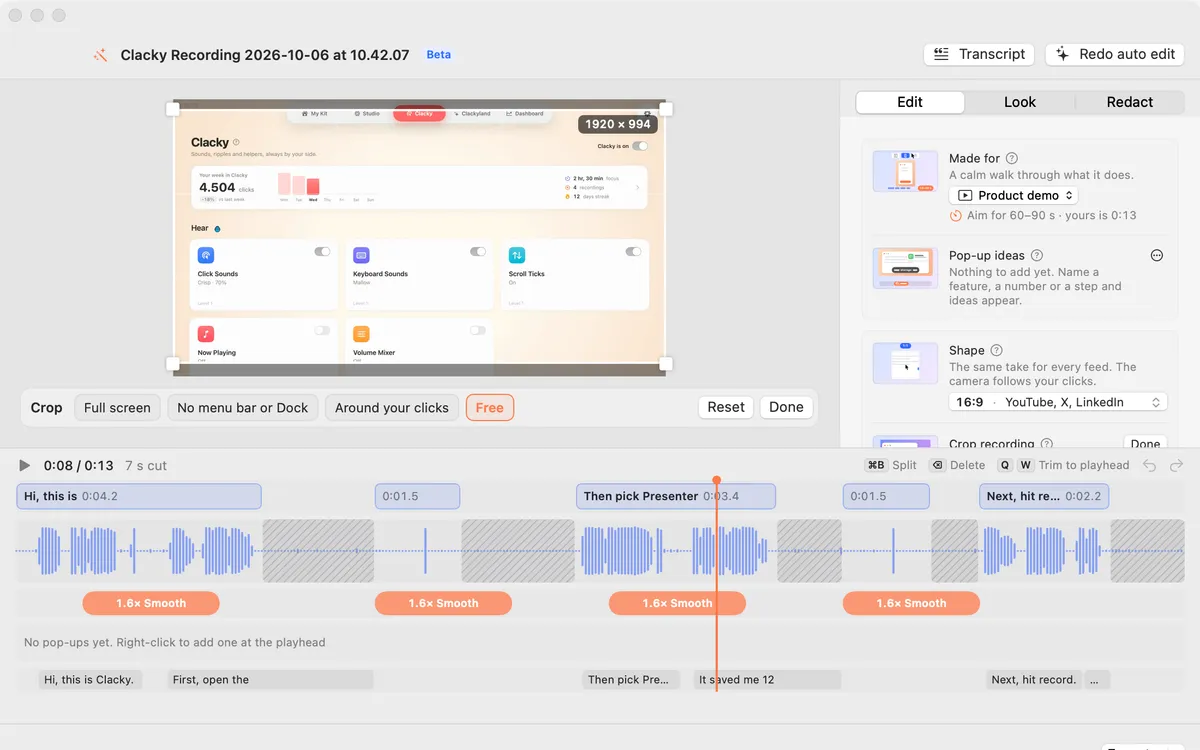
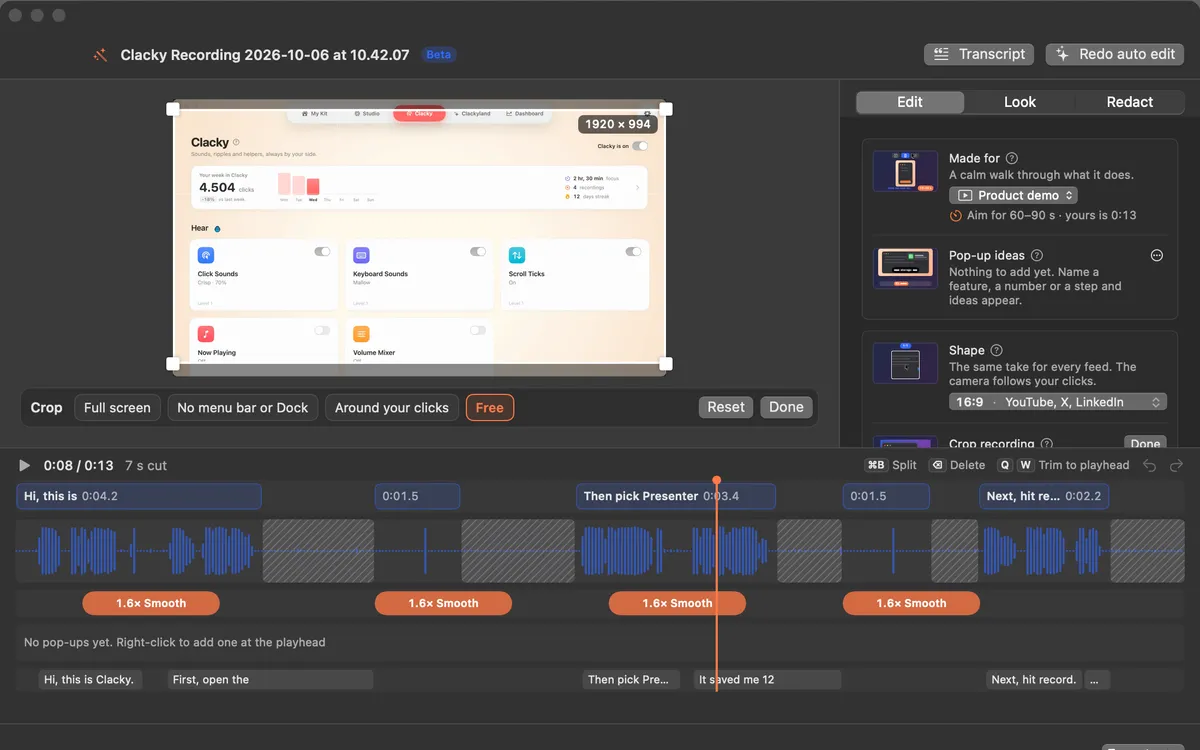
Crop… in Studio shows the whole recording with a crop box. One click hides the menu bar and the Dock, another crops to the part of the screen where you clicked, or you can drag the corners yourself.
The crop happens before everything else, so zooms on clicks, the 9:16 camera and the captions all work inside it.
How to use it
Open Crop
In Studio’s editor, click Crop… in the Edit tab.
Pick a crop
Choose Full screen, No menu bar or Dock, or Around your clicks.
Or drag it
Drag the box’s corners to crop exactly what you want.
Done
Click Done. The preview shows the cropped recording right away.
Questions
- Can I undo a crop?
- Yes. Open Crop… again and pick Full screen, or press ⌘Z.
- Does the crop lower the quality?
- The crop shows less of the screen, so it is scaled up to the export size. Cropping a little keeps text sharpest.
Make something on your Mac today.
Seven days free, every feature, cancel anytime.