 MacPip
Answer
What are Clacky's keyboard shortcuts?
Clacky's main shortcuts are for screenshots: ⌥⇧⌘4 for an area, ⌥⇧⌘5 for a window, ⌥⇧⌘3 for the full screen, ⌥⇧⌘6 for a polished shot copied to the clipboard and ⌥⇧⌘T for Grab Text.
Turning Clacky on or off has no shortcut until you pick one. You can change any shortcut in Settings → Shortcuts, and inside Clacky, ⌘/ shows the whole list.
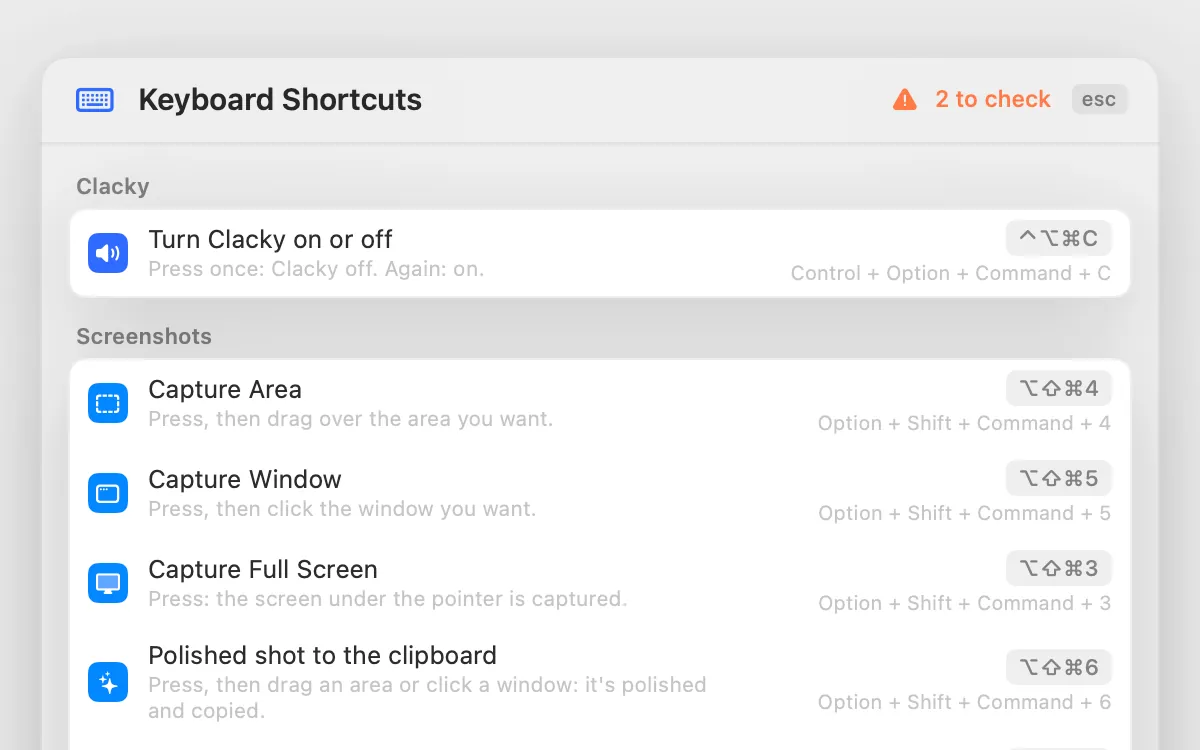
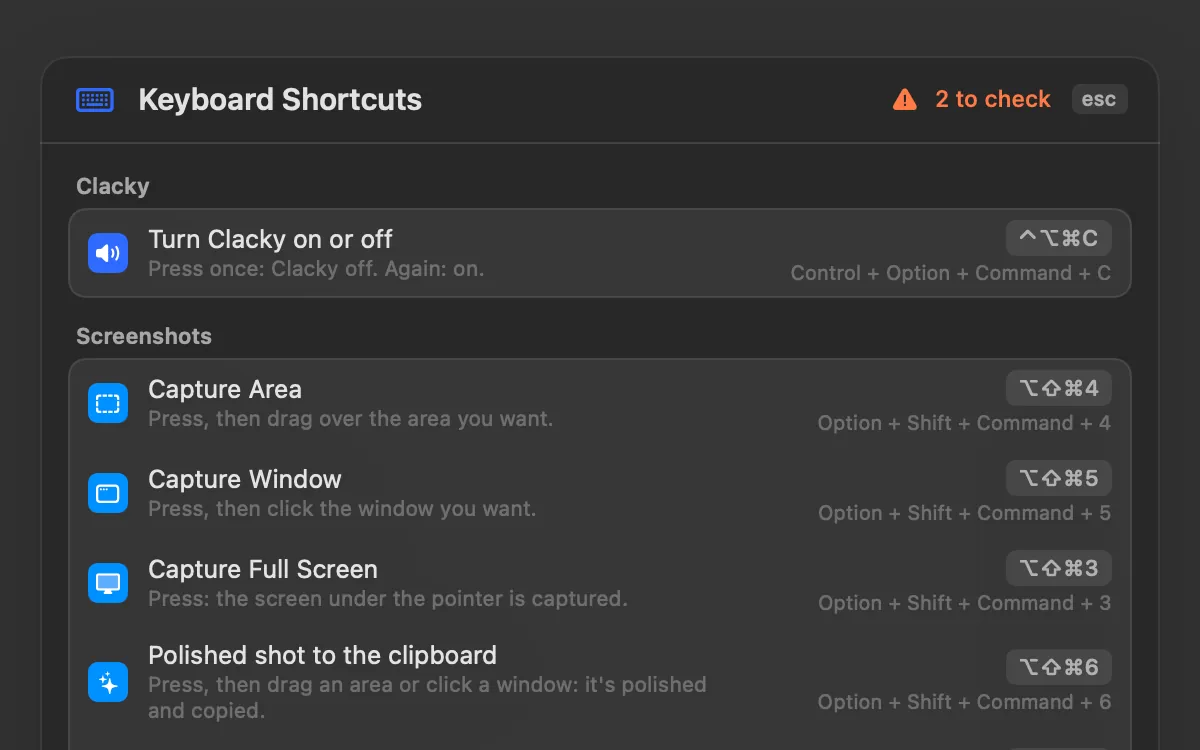
Shortcuts that work in any app
The screenshot shortcuts add ⌥ (Option) to the ones macOS uses, so the Mac's own ⇧⌘3, ⇧⌘4 and ⇧⌘5 keep working. Screenshots need macOS 14 or later. ⌃ is Control, ⌥ is Option, ⇧ is Shift and ⌘ is Command.
| Shortcut | What it does |
|---|---|
| ⌥⇧⌘4 | Capture an area: press, then drag |
| ⌥⇧⌘5 | Capture a window: press, then click the window |
| ⌥⇧⌘3 | Capture the full screen under the pointer |
| ⌥⇧⌘6 | Polished shot: drag an area or click a window, it is polished and copied |
| ⌥⇧⌘T | Grab Text: drag over any text on screen and it is copied |
| None until you pick one | Turn Clacky on or off |
Shortcuts inside Clacky
| Shortcut | Where | What it does |
|---|---|---|
| ⌘1 to ⌘4 | The Clacky window | Go to My Kit, Sounds, Studio or Clackyland |
| ⌘K | The Clacky window | Find any tool, setting or action by name, or ask Boop |
| ⌘/ | The Clacky window | Show every shortcut |
| ⌘, | Clacky's menu | Open Settings |
| ⌘C | Screenshot editor | Copy the shot (Copy only saves nothing) |
| ⌘B | Studio's Clips lane | Split the clip at the playhead |
| Q and W | Studio's Clips lane | Trim to the playhead |
| ⌫ | Studio's Clips lane | Delete the selected clip |
| ⌘Q | Clacky's menu | Quit Clacky |
How to change a shortcut
A shortcut needs ⌘, ⌃ or ⌥ (or an F-key), so it can never take a letter away from your typing.
- Open Clacky's Settings and go to Shortcuts.
- Click the shortcut you want to change, then press the new keys. Esc cancels, Delete clears it, and ↺ puts the original back.
- If the keys are already taken, Clacky says by whom: another Clacky shortcut, another app or a macOS shortcut.
- Made a mess? Reset All… puts every shortcut back to the keys Clacky came with.
Mouse shortcuts, for when your hands are on the mouse
Settings → Shortcuts also has Click shortcuts: a rhythm of mouse clicks that starts or stops a recording, discards one, turns Clacky on or off, or steps to the next sound. They are off until you set one. A pattern has to be unusual, like a middle or side button, or at least three clicks, so normal clicking never sets one off.
Privacy
Clacky's shortcuts are registered with macOS, so Clacky hears only those exact key combinations, never your other keys. Keyboard sounds listen for key down/up only. Clacky never records, stores or sends which keys you type, and respects Secure Input.
Questions
Is there a shortcut to stop a Clacky screen recording?
Can I turn off Clacky's screenshot shortcuts?
Do Clacky's shortcuts replace the macOS screenshot shortcuts?
Facts checked on 5 November 2026.
Related
- ShortcutsEvery Clacky shortcut in one list. Change any of them; if the keys are taken, Clacky says by whom.
- Find anythingPress ⌘K to find any tool, setting or action by name, or ask Boop in plain words.
- How do I pause or turn off Clacky quickly?Click Clacky in the menu bar and flip the switch at the top. Or set an on/off shortcut, mute one sound type, or let Quiet during calls do it for you.
- Take a screenshot without saving a fileAdd Control to the shortcut: Control-Shift-Command-4 copies the shot to the clipboard and saves nothing. Then paste it with Command-V.
- Grab TextPress ⌥⇧⌘T and drag over any text: a video, a PDF, a photo. Your Mac reads it right there and it’s on your clipboard.
Make something on your Mac today.
3 days free, every feature. Then $4.99 once.