 MacPip
Answer
How do I take a screenshot without saving a file on a Mac?
Hold Control with the usual shortcut: Control-Shift-Command-4 copies a part of the screen to the clipboard, and Control-Shift-Command-3 the whole screen, with no file saved. Paste it with Command-V.
To make that the default, press Shift-Command-5, click Options and choose Clipboard under Save to. Then every shot is copied instead of saved.

Copy one screenshot
- Press Control-Shift-Command-4 and drag over the area. For a window, press Space and click it.
- The shot goes to the clipboard and no file is saved.
- Click where you want it (a chat, an email, a document) and press Command-V.
| What | Copy only | Save a file |
|---|---|---|
| Whole screen | Control-Shift-Command-3 | Shift-Command-3 |
| Part of the screen | Control-Shift-Command-4 | Shift-Command-4 |
| A window | Control-Shift-Command-4, then Space | Shift-Command-4, then Space |
Copy every screenshot by default
- Press Shift-Command-5, click Options, choose Clipboard under Save to.
- From then on the toolbar and the shortcuts copy instead of saving.
- Change it back to Desktop or a folder in the same menu. See how to change where screenshots are saved.
- The clipboard holds one thing, so the next copy replaces the shot. Paste it before you copy anything else.
With Clacky: mark it up, then copy (macOS 14 or later)
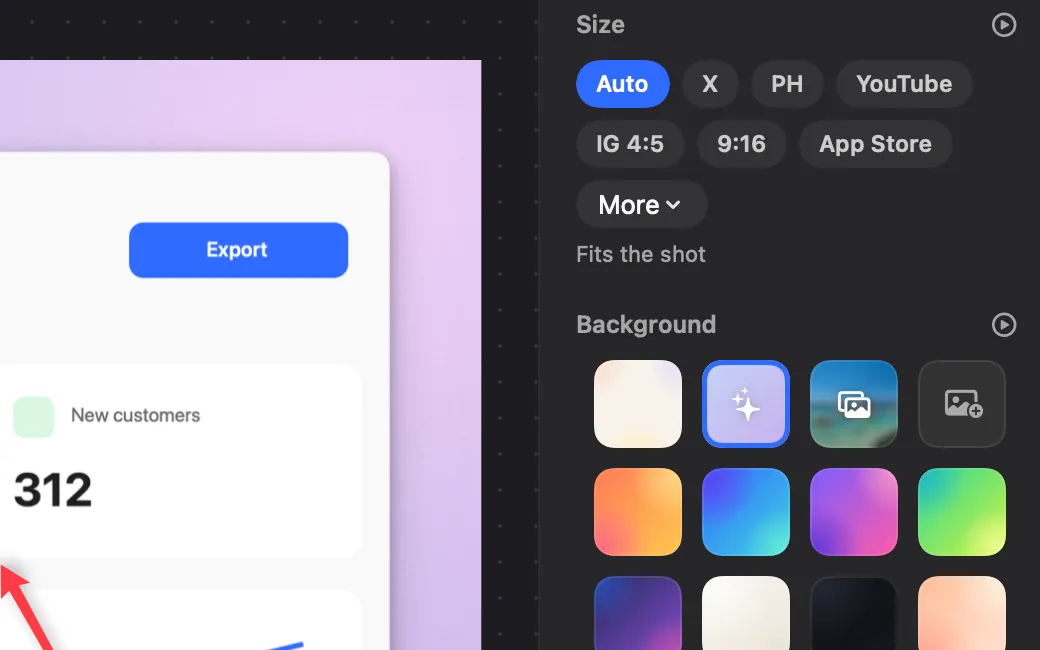
In Clacky’s Screenshots window, open More, then set After capture to Copy only, save when I click Save. Every shot opens in the editor and nothing goes into your folder. Add arrows, steps or a blur, press ⌘C, and it is copied and the editor closes. Click Save for the ones you want to keep.
Two more ways: ⌥⇧⌘6 takes a polished shot (background, padding and a soft shadow) and copies it straight away, and the Copy checkbox at the bottom of the Screenshots window copies every new shot as well as saving it.
Where these facts come from
Checked on 5 November 2026.
- Apple: How to take a screenshot on your Mac (hold Control to copy instead of saving)
- Apple: Take screenshots or screen recordings on Mac (Options, Save to)
Questions
Where does a copied screenshot go?
Can I paste a copied screenshot into Finder as a file?
Does a copied screenshot keep its full quality?
Facts checked on 5 November 2026.
Related
- Change where screenshots are saved on a MacPress Shift-Command-5, click Options and pick a place under Save to: Desktop, Documents, Clipboard, Mail, Messages, Preview or Other Location.
- Add arrows and numbered steps to a screenshotPreview’s Markup has arrows, shapes and text, but no numbered steps. Clacky’s editor drops 1, 2, 3 in order with one tool, after an arrow with A.
- Copy onlyMark up a shot, press ⌘C and it’s copied, with nothing left in your folder. Click Save when you want to keep it.
- Copy text from an image or video on a MacUse Live Text: open the image in Preview or Photos, drag across the text, Control-click and choose Copy Text. For any screen, Clacky’s Grab Text is ⌥⇧⌘T.
- Is the built-in Mac screenshot tool enough?For everyday shots, yes. It has no blur or redact bar, numbered steps, backgrounds or scrolling capture. Here is what it does and when you need more.
Make something on your Mac today.
3 days free, every feature. Then $4.99 once.