 MacPip
Answer
Clacky vs Keyslam: which keyboard sound app should you pick?
Pick Keyslam if you only want keyboard sounds, recorded from real keyboards and typewriters, for $3.99 once, from an app that says it makes no network connections at all. Pick Clacky if you want your mouse, trackpad and scroll wheel to sound good too, with a ripple on every click and a screen recorder in the same app.
Both are Mac menu-bar apps paid once, with no subscription and no card for the trial. Keyslam gives you 7 days free, then $3.99. Clacky gives you 3 days free, then $4.99 for 1 Mac.
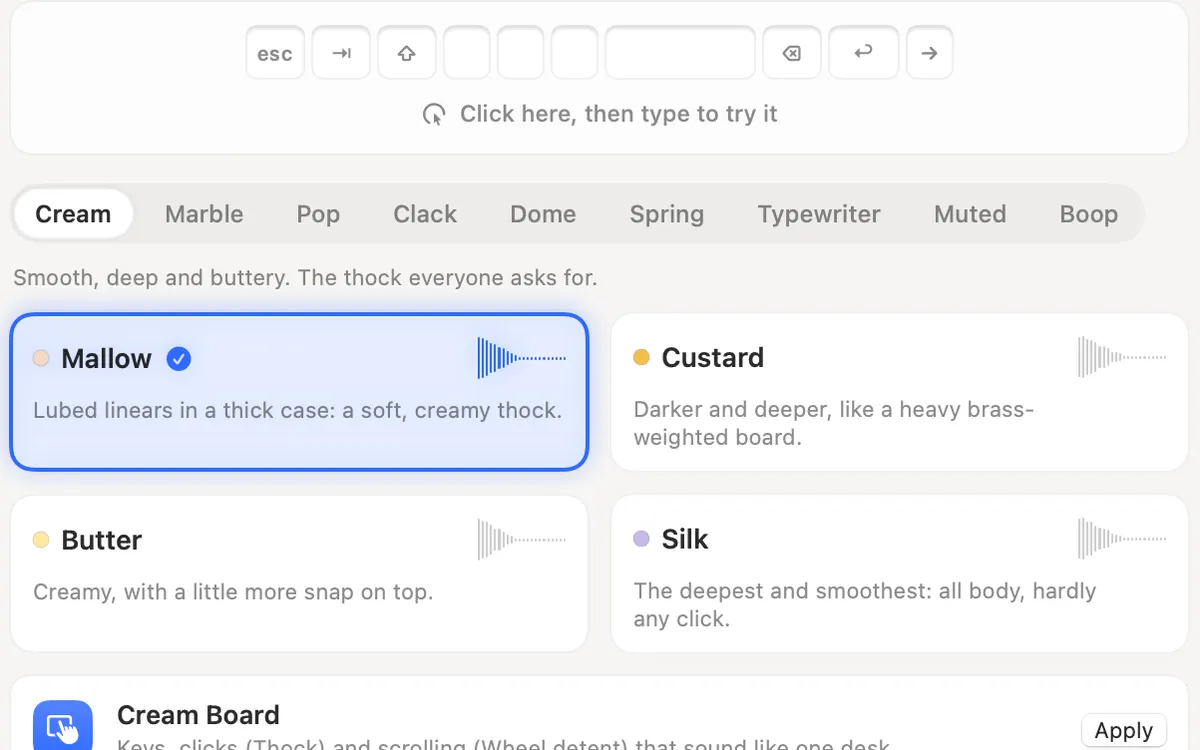
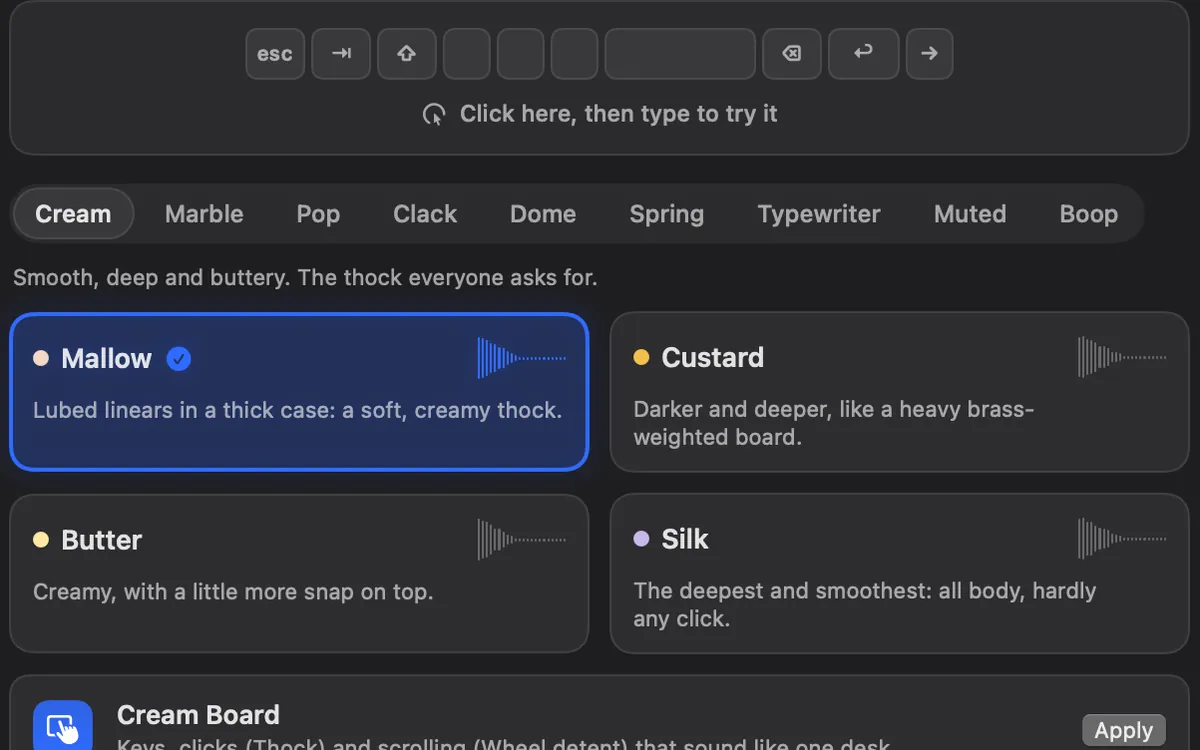
Clacky and Keyslam side by side
From each app’s own page, read on 5 November 2026. The last column says which one is ahead on that row.
| Clacky | Keyslam | Ahead | |
|---|---|---|---|
| Price | $4.99 once, 1 Mac at a time | $3.99 once, every Mac you own | Keyslam |
| Free trial | 3 days, no card | 7 days, no card | Keyslam |
| Keyboard sounds | 29 in 9 families, synthesized on your Mac | 15 recorded packs: 13 keyboards, 2 typewriters | Keyslam for real recordings |
| Your own packs | Clicks and scroll only, no keyboard packs | Yes: WAV, AIFF or FLAC with a pack.json | Keyslam |
| Reacts to how hard you type | No | Yes, on newer MacBooks with a motion sensor | Keyslam |
| Mouse and trackpad clicks | 37 sounds in 8 families | Not on its page | Clacky |
| Scroll sounds | 8 tick styles | Not on its page | Clacky |
| Click ripple, recorder, screenshots | Yes (recorder macOS 15+, screenshots macOS 14+) | Not on its page | Clacky |
| Goes online | Updates, licence, an anonymous daily check-in | Says it makes no network connections | Keyslam |
| macOS | 13 or later, Apple silicon and Intel | 13 or later, Apple silicon and Intel | Same |
| Refund | Within 7 days | Within 14 days | Keyslam |
Pick Keyslam if…
Keyslam is the better keyboard-only app for a lot of people, and it costs less. Its packs are recordings of real hardware (MX Blue, MX Brown, Topre, Model F, Unicomp and more, plus an IBM Selectric and an Olivetti), each key with its own recording and pitch. On a MacBook Pro with M1 Pro or M1 Max and later, or a MacBook Air or Pro with M2 and later, it reads the motion sensor and picks soft, medium, hard or slam to match your typing. On other Macs you pick the strength from its menu.
- You want recordings of real switches and typewriters, with key-up sounds on the keyboard packs.
- You want to add your own recordings as a pack.
- You want an app that never goes online: Keyslam checks its licence on the Mac and keeps the trial date in the Keychain.
- You have several Macs: one Keyslam licence covers all the Macs you own.
Pick Clacky if…
Clacky plays more than the keyboard. Every press and release of the mouse or trackpad gets a sound (tap to click included), every scroll notch gets a soft tick, and a ripple shows under the pointer on every click, so anyone watching a screen recording or share sees where you clicked.
Keyboard sounds listen for key down/up only. Clacky never records, stores or sends which keys you type, and respects Secure Input.
- You click and scroll all day and want those to sound good too.
- You record your screen: the recorder keeps the click sounds and ripples in the video.
- You want Only with headphones, Quiet during calls (on by default) and Quiet in these apps in one place.
- You like the idea of Clackyland, a little harbour town that grows as you use your Mac. It has its own switch if you don’t.
Try both before you pay
You can run both. Turn off the Keyboard Sounds tile in Clacky’s My Kit, and Clacky keeps playing your clicks and scroll ticks while the other app plays your keys.
- Download Keyslam’s DMG from keyslam.com (it is not on the Mac App Store) and drag it to Applications.
- Download Clacky from clacky.app and open it. The trial starts by itself.
- Allow both in System Settings → Privacy & Security → Input Monitoring, then reopen them.
- Turn off the keyboard sound in one of them so the two don’t play on top of each other, and compare for a day each.
Where these facts come from
Checked on 5 November 2026. Prices are in US dollars, before tax. Apps change, so check each page before you buy.
- Keyslam: keyslam.com
- Clacky: clacky.app, privacy and the 17-app guide
Questions
Does Keyslam work on a Mac mini or iMac?
Does Keyslam play mouse clicks?
Which one is more private?
Is either one a subscription?
Facts checked on 5 November 2026.
Related
- The best keyboard sound apps for Mac (2026)The best keyboard sound apps for Mac, side by side: price, trial, sounds, privacy and network, macOS version. Free and paid, every fact sourced.
- Clacky vs KachunkKachunk is free with 2 recorded packs and $4.99 for all 26, fully offline. Clacky is $4.99 too and adds click, scroll and trackpad sounds.
- Free alternatives to ClackyYes: Mechvibes, Thock, Keyboard Sounds Pro, KeyEcho and Clank Keys are free, and macOS can circle your clicks in a recording. Here is what each does.
- Keyboard SoundsTyping sounds as you type: 29 sounds in 9 families. Clacky listens for key down and up only and never records, stores or sends which keys you type. Password fields (Secure Input) stay quiet.
- Mechanical keyboard and click sounds on your MacHow keyboard and click sound apps work on a Mac, what the permission allows, how to check one is safe, the best apps, and fixes when there’s no sound.
- Does Clacky work offline?Yes. Sounds, the ripple, the recorder, captions and screenshots work offline, and a paid licence never locks offline. Activation needs a connection.
Make something on your Mac today.
3 days free, every feature. Then $4.99 once.