 MacPip
Answer
Clacky vs TypeLouder: which one should you pick?
Pick TypeLouder if you’re on macOS 15.5 or later, only want keyboard sounds, and want the lowest price from the Mac App Store, with Family Sharing. Pick Clacky if your Mac runs macOS 13 or 14, or you want sounds for your mouse, trackpad and scroll wheel too, with a click ripple and a screen recorder.
TypeLouder costs $2.99 on the Mac App Store, and its listing doesn’t mention a trial. Clacky is $4.99 once for 1 Mac, sold on clacky.app, after 3 days free with no card.
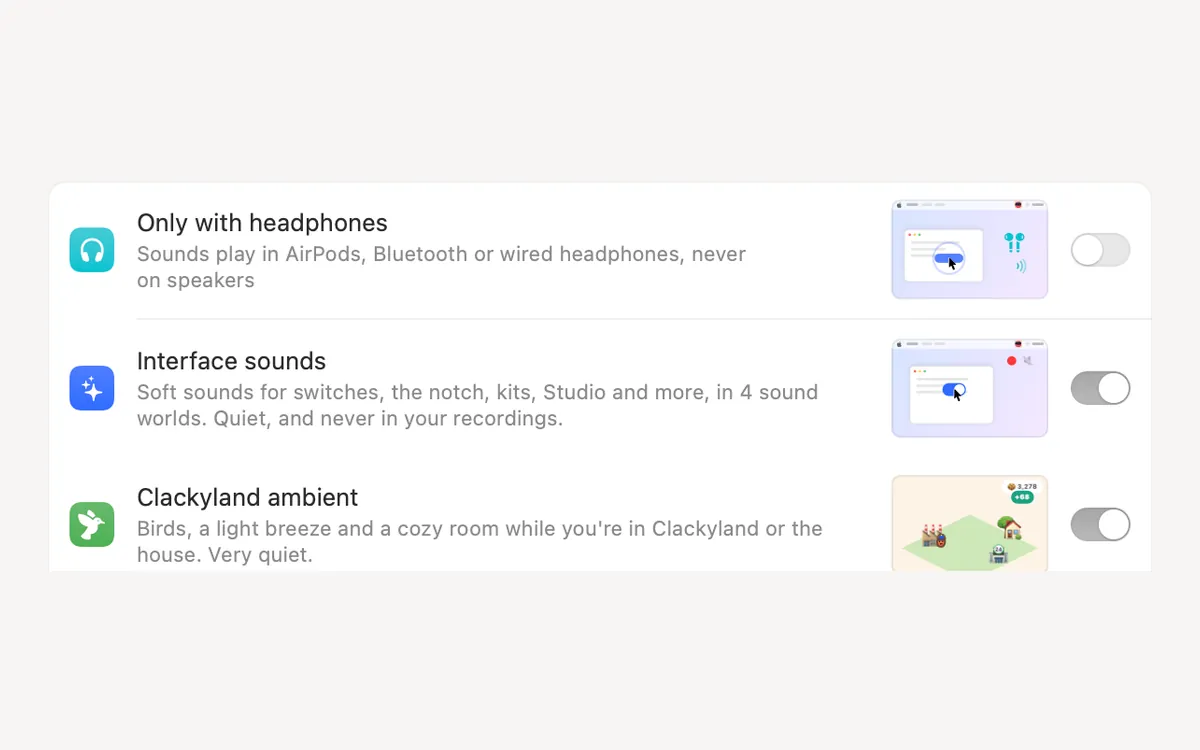
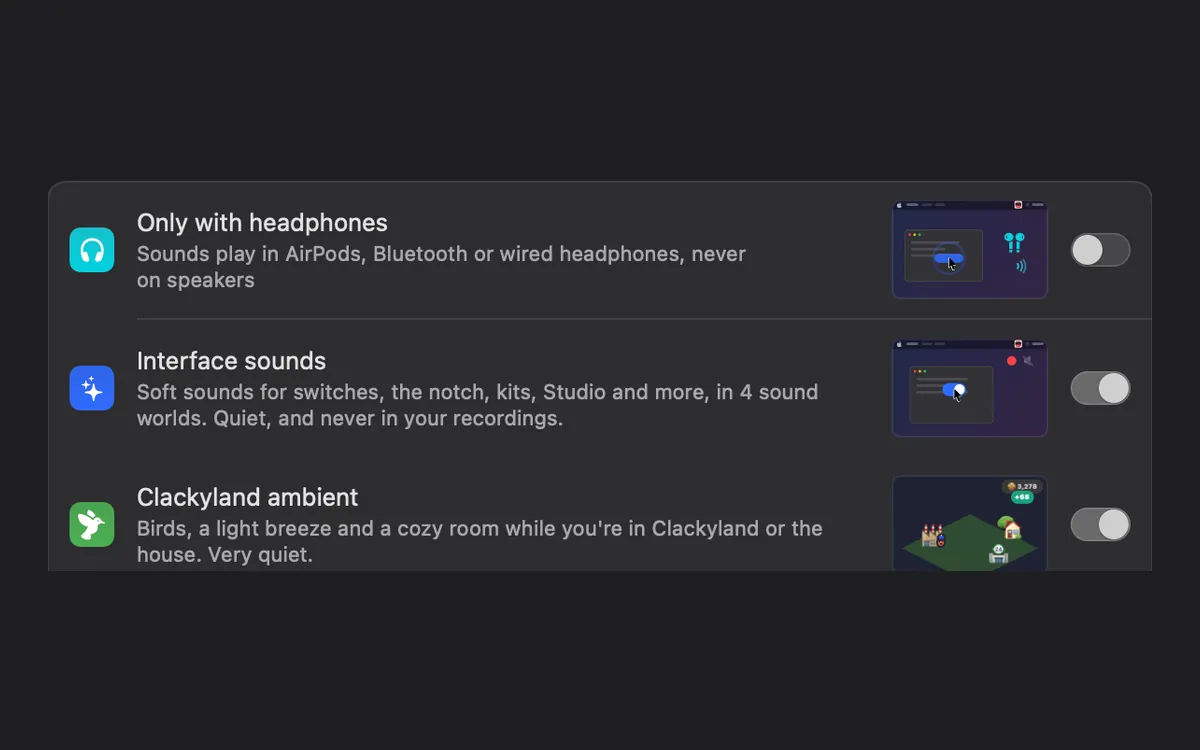
Clacky and TypeLouder side by side
From TypeLouder’s Mac App Store listing (US store) and Clacky’s own pages, read on 5 November 2026.
| Clacky | TypeLouder | Ahead | |
|---|---|---|---|
| Price | $4.99 once | $2.99, Mac App Store | TypeLouder |
| Free trial | 3 days, no card | Not on its listing | Clacky |
| macOS | 13 or later | 15.5 or later | Clacky |
| Keyboard sounds | 29 in 9 families | 8 packs (developer’s reply), key-up sounds, per-key pitch | Clacky for choice |
| Mouse, trackpad and scroll | Yes | Not on its listing | Clacky |
| Pick the output | Any output, or Only with headphones | Any connected output, speakers or headphones | Same |
| Goes online | Updates, licence, anonymous daily check-in | Says it works fully offline, App Store label Data Not Collected | TypeLouder |
| Family | 1 Mac per licence | Family Sharing, up to six people | TypeLouder |
| Languages | 14 | English | Clacky |
Pick TypeLouder if…
TypeLouder is a small keyboard sound app (4.3 MB) by Sarun Wongpatcharapakorn. Its version notes list key-up sounds you can turn off, per-key samples with pitch variation, a switch for Space and Return sounds, pack switching from the menu bar with shortcuts for the next and previous pack, and routing the clicks to any connected audio output. The listing says it doesn’t read your keystrokes and works offline with no network permission.
- Your Mac already runs macOS 15.5 or later.
- You want the cheapest paid app, bought and updated through the App Store.
- You want to share it with your family through Family Sharing.
Pick Clacky if…
Clacky runs on macOS 13 Ventura and later, so it works on Macs that can’t run TypeLouder. It plays every press and release of the mouse and trackpad, a soft tick for each scroll notch, and 29 keyboard sounds, and it draws a ripple under the pointer on every click. Quiet during calls keeps it silent while Zoom, Meet, FaceTime or your browser uses the microphone.
Keyboard sounds listen for key down/up only. Clacky never records, stores or sends which keys you type, and respects Secure Input.
- Your Mac runs macOS 13 or 14.
- You want your clicks and scrolling to sound good too.
- You want to try it for free before paying.
Check your macOS version first
You can run both. Turn off the Keyboard Sounds tile in Clacky’s My Kit, and Clacky keeps playing your clicks and scroll ticks while the other app plays your keys.
- Click the Apple menu, then About This Mac.
- Read the version under the Mac’s name. TypeLouder needs 15.5 or later. Clacky needs 13 or later (its recorder 15, its screenshots 14).
- If you’re on 15.5 or later and still can’t choose, try Clacky free first, then compare.
Where these facts come from
Checked on 5 November 2026. Prices are in US dollars, before tax. Apps change, so check each page before you buy.
- TypeLouder: Mac App Store listing
- Clacky: clacky.app, privacy and the 17-app guide
Questions
Does TypeLouder work on macOS Sonoma?
Does TypeLouder play mouse clicks?
Is TypeLouder a subscription?
Facts checked on 5 November 2026.
Related
- The best keyboard sound apps for Mac (2026)The best keyboard sound apps for Mac, side by side: price, trial, sounds, privacy and network, macOS version. Free and paid, every fact sourced.
- Does Clacky work on macOS 13 Ventura?Yes. Clacky runs on macOS 13 Ventura with every sound, the click ripple and Clackyland. Screenshots need macOS 14 and the recorder macOS 15.
- Does Clacky work on macOS 14 Sonoma?Yes. On macOS 14 Sonoma Clacky plays every sound and has the full screenshot studio. Only the screen recorder needs macOS 15 Sequoia.
- Clacky vs KeyslamKeyslam suits you for recorded keyboards at $3.99 and no network at all. Clacky adds click, trackpad and scroll sounds, a ripple and a recorder.
- Keyboard SoundsTyping sounds as you type: 29 sounds in 9 families. Clacky listens for key down and up only and never records, stores or sends which keys you type. Password fields (Secure Input) stay quiet.
- Clacky vs KlackClacky vs Klack for Mac: keyboard, click and scroll sounds, a click ripple, a screen recorder, screenshots and more. A fair, sourced comparison.
Make something on your Mac today.
3 days free, every feature. Then $4.99 once.