 MacPip
Answer
Does Clacky work on macOS 13 Ventura?
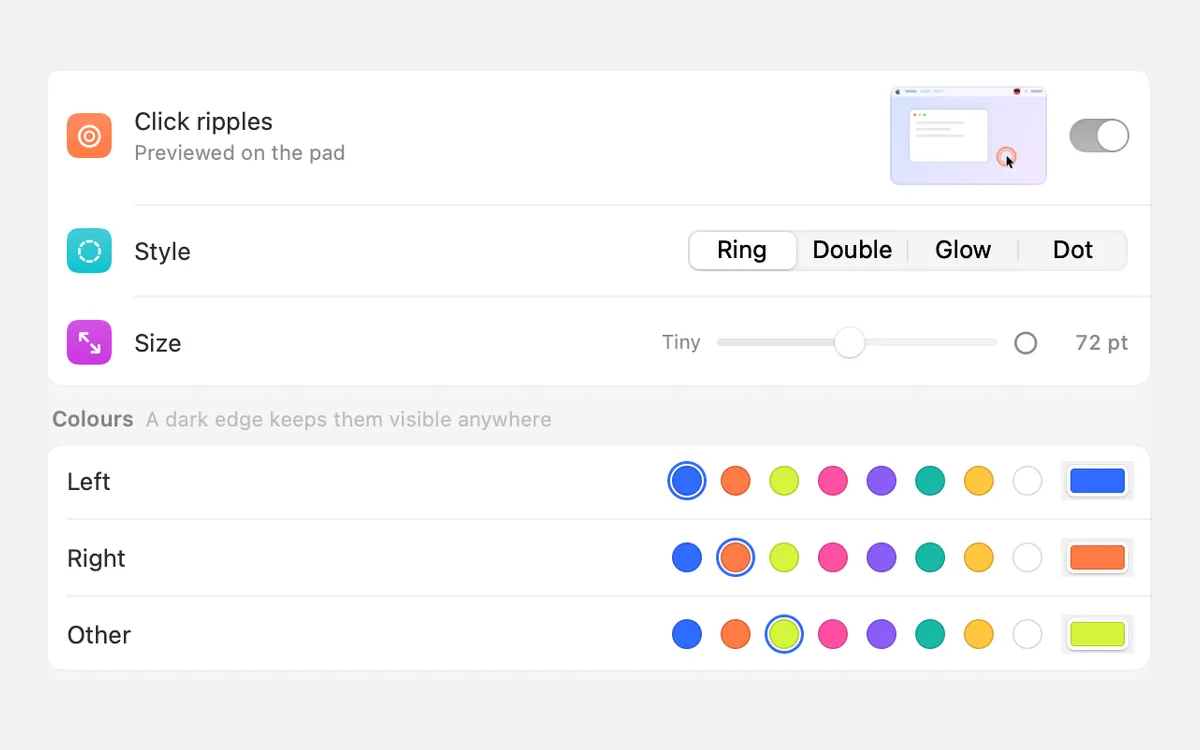
Yes. Clacky runs on macOS 13 Ventura, the oldest macOS it supports, with every click, keyboard and scroll sound, the click ripple, the notch and Clackyland.
Two parts need a newer macOS: the screenshot studio needs macOS 14 Sonoma and the screen recorder needs macOS 15 Sequoia. On Ventura, macOS’s own Screenshot toolbar (⇧⌘5) covers both, and Clacky’s ripple still shows up in what it records.
What works on macOS 13
Everything to do with sound works on Ventura exactly as it does on the newest macOS. Only the two Studio tools wait for a newer version.
| Part of Clacky | On macOS 13 | Needs |
|---|---|---|
| 37 click sounds, tap to click included | Yes | Input Monitoring |
| 29 keyboard sounds | Yes | Input Monitoring |
| 8 scroll tick styles | Yes | Input Monitoring |
| Click ripple | Yes | Nothing extra |
| Notch, Clackyland, Only with headphones | Yes | Nothing extra |
| Screenshot studio (markup, Polish, Showcase, Grab Text) | No | macOS 14 or later |
| Screen recorder and the Studio editor | No | macOS 15 or later |
What to use instead on macOS 13
On Ventura, Clacky’s menu-bar menu leaves out the recording items, so you never meet a Record button that can’t work. For screenshots and recordings, use what macOS already has:
- Screenshots: ⇧⌘3 takes the whole screen, ⇧⌘4 lets you drag an area, and ⇧⌘4 then Space picks one window. Click the thumbnail in the corner to mark it up.
- Screen recording: press ⇧⌘5 and pick Record Entire Screen or Record Selected Portion, or use QuickTime Player → File → New Screen Recording. In ⇧⌘5, Options → Show Mouse Clicks adds Apple’s own click circle.
- Clicks in the video: Clacky’s ripple is drawn on the real screen, so Apple’s recorder films it. If you use the ripple, leave Show Mouse Clicks off so you don’t get two circles.
- Sound in the video: on macOS 13 the built-in recorder records the microphone only, not the Mac’s own sound, so Clacky’s click sounds won’t be in the file. The ways around it are in how to record your Mac screen with internal audio.
Notes that only apply to Ventura
- Quiet during calls goes quiet more often. macOS only started telling apps which app is using the microphone in macOS 14.4. On Ventura, Clacky can only see that something is using the mic, so it treats any mic use as a call, a voice memo or dictation included. If that bothers you, switch Quiet during calls off and add your call apps to Quiet in these apps instead.
- USB headsets. When one USB headset is both your microphone and your speakers, Ventura can’t tell Clacky whether a call started, so Clacky keeps playing rather than going quiet for good. Add your call app to Quiet in these apps to be sure.
- Ripple frame rate. From macOS 14, Clacky asks a ProMotion screen to draw the ripple at up to 120 Hz. Ventura has no way for an app to ask, so macOS picks the rate.
- Same settings paths. Ventura was the first macOS with System Settings, so the paths on this site work as written: permissions live in System Settings → Privacy & Security → Input Monitoring.
Should you update from Ventura?
Only if you want the screenshot studio or the recorder. Open the Apple menu → System Settings → General → Software Update to see the newest macOS your Mac can run. If it offers macOS 14, the screenshot studio appears after the update. With macOS 15 or later, the recorder and the Studio editor appear too.
You can try Clacky on Ventura first: the 3-day free trial needs no card, and if you buy it ($4.99 once), the same licence keeps working after you update macOS.
Questions
Does the click ripple show in macOS’s own screen recordings?
Do keyboard sounds work on macOS 13?
Will my settings stay when I update from Ventura to a newer macOS?
Facts checked on 5 November 2026.
Related
- Does Clacky work on macOS 14 Sonoma?Yes. On macOS 14 Sonoma Clacky plays every sound and has the full screenshot studio. Only the screen recorder needs macOS 15 Sequoia.
- Does Clacky work on macOS 15 Sequoia, 26 Tahoe and 27 Golden Gate?Yes. On macOS 15 Sequoia, 26 Tahoe and 27 Golden Gate every part of Clacky works: sounds, the ripple, screenshots and the recorder.
- Does Clacky work on macOS 12 Monterey or older?No. Clacky needs macOS 13 Ventura or later and won’t open on Monterey or older. Here is how to check if your Mac can update, and what works instead.
- How do I show mouse clicks in a screen recording on Mac?Show mouse clicks in a Mac screen recording: Apple’s Show Mouse Clicks option, editors that add click effects later, and a live click ripple with a sound.
- How to record your Mac screen with internal audioWhy Mac screen recordings come out silent, and four ways to record the Mac’s own sound with the picture: the Screenshot toolbar, OBS, BlackHole and Clacky.
- Click RipplesA ripple under the pointer on every click, so anyone watching sees where you clicked.
Make something on your Mac today.
3 days free, every feature. Then $4.99 once.