 MacPip
Answer
Clacky vs Typemac: which keyboard sound app is right for you?
Pick Typemac if you want a few real keyboards recorded key by key, so Space sounds different from Enter, in a simple app that says it makes no network calls after setup. Pick Clacky if you want a free trial, a lower price, more sounds, and sounds for your mouse, trackpad and scroll wheel too.
Typemac is $7 once with no trial (it offers a fix, a workaround or a refund if it doesn’t work for you). Clacky is $4.99 once for 1 Mac, after 3 days free with no card.
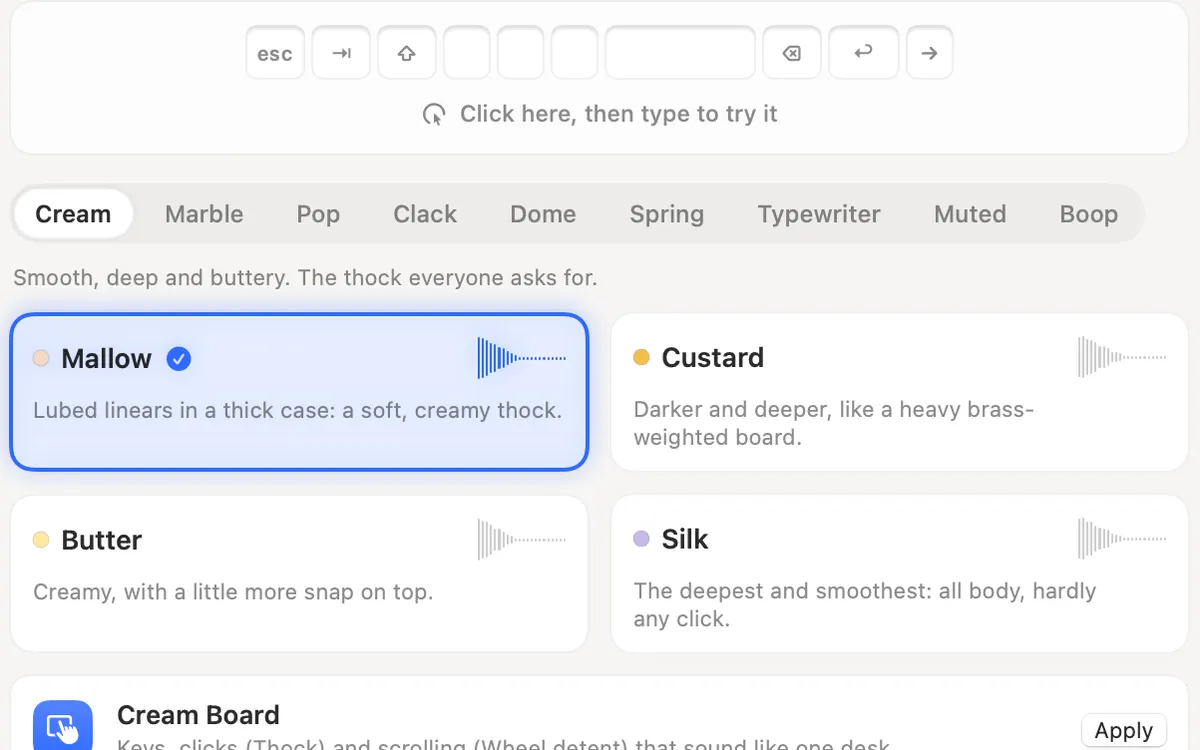
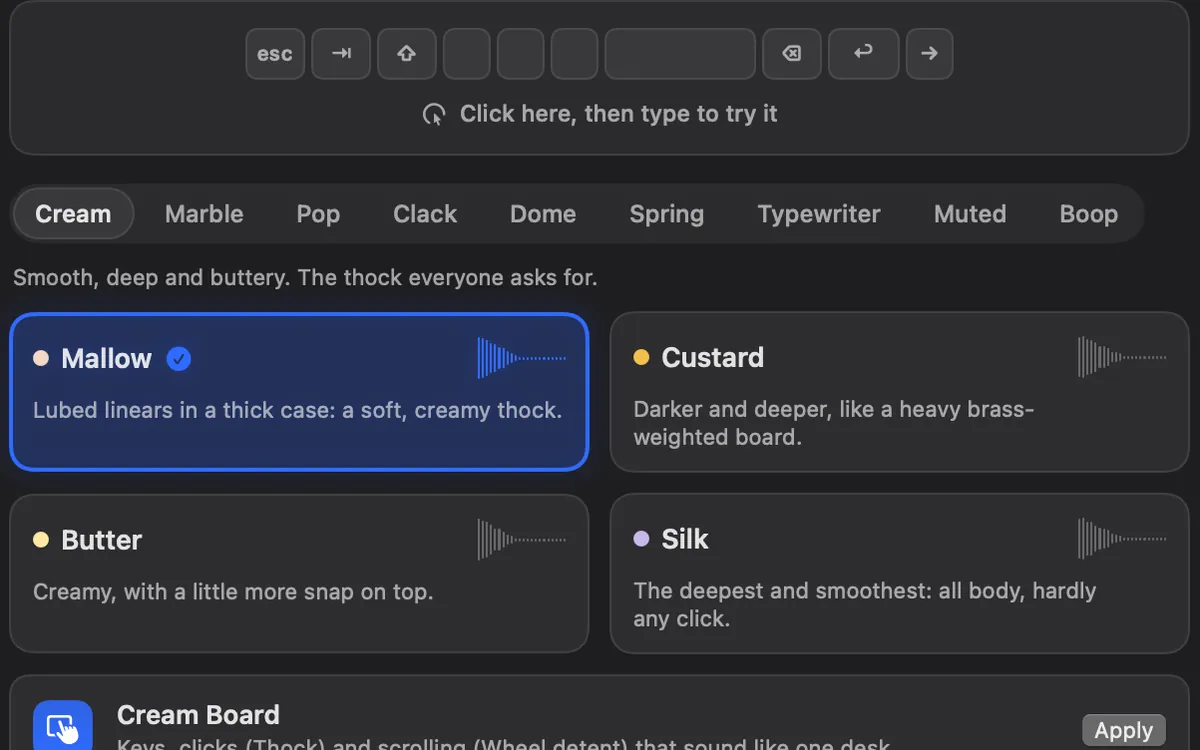
Clacky and Typemac side by side
From each app’s own page, read on 5 November 2026.
| Clacky | Typemac | Ahead | |
|---|---|---|---|
| Price | $4.99 once | $7 once | Clacky |
| Free trial | 3 days, no card | None, refund if it doesn’t work | Clacky |
| Keyboard sounds | 29 in 9 families, synthesized | 3 recorded switch profiles, mapped per key | Typemac for recordings |
| Mouse, trackpad and scroll | Yes | Not on its page | Clacky |
| Ripple, recorder, screenshots | Yes | Not on its page | Clacky |
| Goes online | Updates, licence, anonymous daily check-in | Downloads a sound pack on first use, then says zero network calls | Typemac |
| macOS | 13 or later, Apple silicon and Intel | 13 or later, Apple silicon and Intel | Same |
| Your own sounds | Clicks and scroll only, no keyboard packs | Not yet (its roadmap lists recording your own switch) | Neither, for keys |
Pick Typemac if…
Typemac has three switch profiles: Butter Fingers (linear, a soft thud), The Villain (heavy linear, a deep thock) and Unreasonably Satisfying (tactile, a crisp clack). Each is a recording of real hardware, mapped per key, and holding a key plays one click. It runs from the menu bar and starts at login, and its page says it uses Input Monitoring only to react to key presses and never logs, stores or sends keystrokes.
- You care most about how a real board sounds, key by key.
- You want an app that stays offline once its pack has downloaded.
- Three profiles are enough for you.
Pick Clacky if…
Clacky costs less, lets you try everything for 3 days first, and plays the whole desk: 37 click sounds, 8 scroll tick styles and 29 keyboard sounds in families like Cream, Marble, Clack, Typewriter and Muted. You can hear every one in the typing test before installing anything.
Keyboard sounds listen for key down/up only. Clacky never records, stores or sends which keys you type, and respects Secure Input.
- You want to hear it working on your own Mac before paying.
- You want a wide choice: creamy, poppy, clacky, a typewriter with a bell, or quiet library keys.
- You record tutorials, demos or Shorts and want your clicks in the video.
How each one installs
Typemac: drag the app to Applications, allow Input Monitoring once in System Settings → Privacy & Security, then pick a switch profile and its pack downloads. Its page says it is signed by Apple and that a Mac App Store version is something the team is exploring.
Clacky: download it from clacky.app, open it, and allow Input Monitoring when it asks. It is signed and notarized by Apple, and sold only on clacky.app. You can run both. Turn off the Keyboard Sounds tile in Clacky’s My Kit, and Clacky keeps playing your clicks and scroll ticks while the other app plays your keys.
Where these facts come from
Checked on 5 November 2026. Prices are in US dollars, before tax. Apps change, so check each page before you buy.
- Typemac: typemac.app
- Clacky: clacky.app, privacy and the 17-app guide
Questions
Does Typemac have a free trial?
Can I add my own sounds to Typemac or Clacky?
Is Typemac on Windows?
Facts checked on 5 November 2026.
Related
- The best keyboard sound apps for Mac (2026)The best keyboard sound apps for Mac, side by side: price, trial, sounds, privacy and network, macOS version. Free and paid, every fact sourced.
- Clacky vs KeyslamKeyslam suits you for recorded keyboards at $3.99 and no network at all. Clacky adds click, trackpad and scroll sounds, a ripple and a recorder.
- Clacky vs KachunkKachunk is free with 2 recorded packs and $4.99 for all 26, fully offline. Clacky is $4.99 too and adds click, scroll and trackpad sounds.
- Thock, clack, creamy, poppy: keyboard sounds explainedWhat thock, clack, creamy, poppy, marbly and clicky mean for keyboard sounds, with a player: hear each one in your browser with Clacky’s own sounds.
- Keyboard SoundsTyping sounds as you type: 29 sounds in 9 families. Clacky listens for key down and up only and never records, stores or sends which keys you type. Password fields (Secure Input) stay quiet.
- Can I add my own sounds to Clacky?Yes, for clicks and scroll ticks: drop in your own WAV, AIFF, MP3 or M4A file. Keyboard sounds are Clacky's own 29 sounds, with no custom packs.
Make something on your Mac today.
3 days free, every feature. Then $4.99 once.