 MacPip
Answer
How does Clacky update, and do updates cost extra?
Clacky updates itself: it checks clacky.app for a new version, downloads it in the background and installs it while you are away from your Mac. Updates never cost extra, because every update is included in the one-time $4.99 price.
An update never interrupts a recording, a screen share or a call. If it can't install yet, a dot on Clacky's icon waits until you are ready.
What happens when there is a new version
- Clacky checks clacky.app about every hour, soon after you open it and soon after your Mac wakes up. Nothing about you is sent, only a plain request with Clacky's version.
- When there is a new version, Clacky downloads it in the background.
- After 2 minutes away from your Mac, with nothing recording, shared or in a call, Clacky restarts into the new version.
- Otherwise the menu shows Update ready · Restart to update. Click it whenever you like.
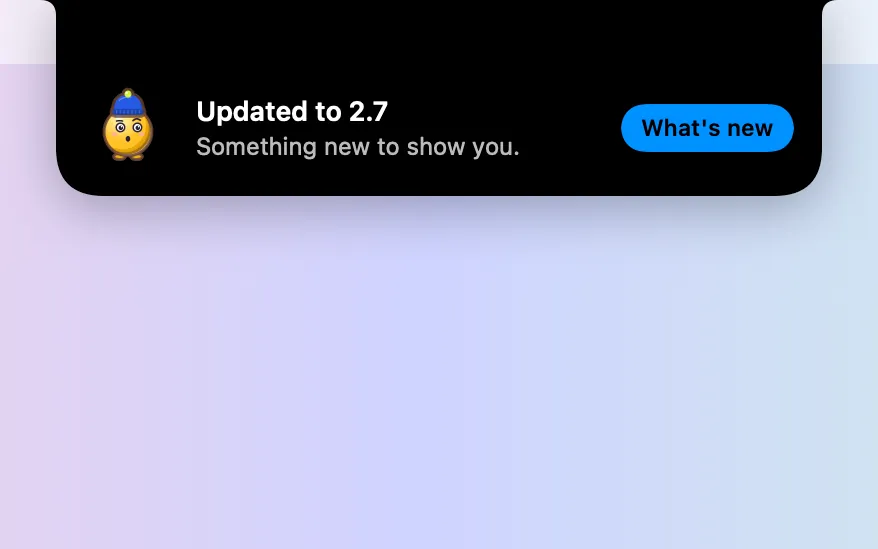
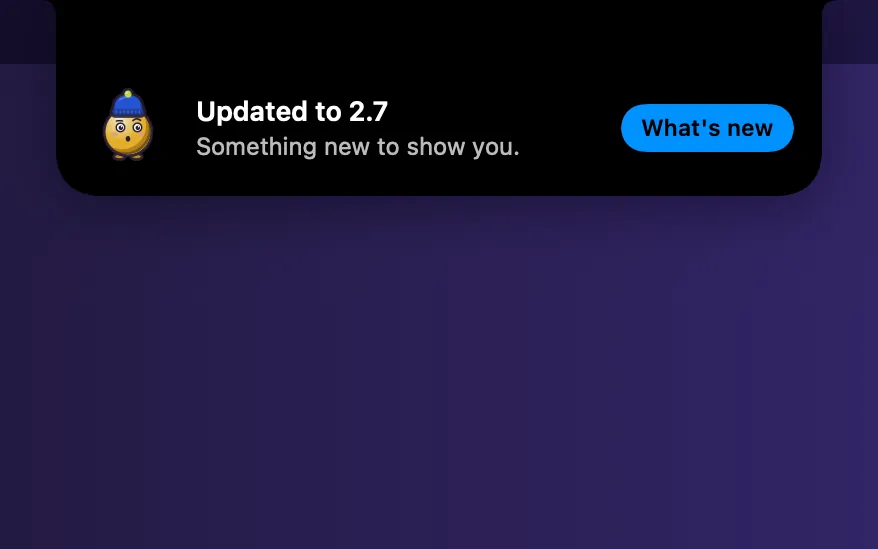
- After the update, the notch says so, with a What's new button.
Update settings
Turn off the idle install if you would rather always click Restart to update yourself. Your settings, sounds, Blip and licence stay as they are through every update.
| Setting | Where | Starts |
|---|---|---|
| Automatic updates | Settings → About | On. Checks every hour, with Check Now beside it |
| Install updates automatically when my Mac is idle | Settings → About | On |
| Check for Updates… | Menu-bar menu → More | Checks right away |
| What's New… | Settings → About, or the menu | Every change in each version |
Are updates safe?
Clacky uses Sparkle, the update system many Mac apps use outside the App Store. Every update has to be signed with Clacky's own private key, or Sparkle refuses to install it. Clacky itself is signed and notarized by Apple.
What updates cost
Nothing. Clacky is $4.99 once, for 1 Mac, and every update is included. There is no subscription and no paid upgrade to a new version. If you bought Clacky before, your licence keeps working with every update.
Seeing what changed
Every version is listed on the updates page, the same notes you see in the app under What's New. Some pages around the web still describe old versions of Clacky. The changelog is always the current one.
Questions
Do I need to download Clacky again for a new version?
Will an update stop my screen recording?
Can I turn off automatic updates?
Is Clacky in the Mac App Store?
Facts checked on 5 November 2026.
Related
- Quiet updatesUpdates download in the background and install when you’ve been away and nothing is recording, shared or in a call.
- UpdatesWhat is new in each version of Clacky.
- Is Clacky a subscription?No. Clacky is $4.99 once for 1 Mac, with every update included and no subscription. Try it free for 3 days first, no card.
- I bought Clacky before. Do I pay again?No. If you bought Clacky before, your licence keeps working with every update, and older keys keep the Macs they came with.
- Why isn’t Clacky on the Mac App Store?Clacky is sold directly at clacky.app through Polar. It is still signed and notarized by Apple, and it updates itself inside the app.
- What does Clacky send over the internet?A daily anonymous check-in, update and licence checks, a one-time trial ID and, only if you agree, anonymous usage stats. Never your keys or screen.
Make something on your Mac today.
3 days free, every feature. Then $4.99 once.