 MacPip
Answer
I bought Clacky before. Do I have to pay again?
No. If you bought Clacky before, you don’t pay again: your licence keeps working with every update, Clacky 2.7 and later included.
Older keys keep the Macs they came with, so a key bought before 28 October 2026 keeps its 2 Macs, as it did before. Since that date, new buyers get one licence for 1 Mac.
What happens to your purchase
Whatever you bought, nothing is taken away.
| What you bought | What happens now |
|---|---|
| A one-time licence, at the early price or as Lifetime | Keeps working, with every update, on the Macs it came with |
| An older monthly or yearly plan | Carries on as it was. Manage or cancel it in Polar's customer portal |
| A licence bought since 28 October 2026 | $4.99 once, for 1 Mac, with every update |
Get your old licence onto the latest Clacky
Your key stays activated through updates, so most people have nothing to do.
- Update Clacky: choose Check for Updates… in the menu-bar menu, or download the latest version from clacky.app.
- Open Settings → Licence. It should say “Clacky is activated”.
- On a new Mac, paste your key in Settings → Licence and click Activate.
- Lost your key? Sign in to Polar’s customer portal with the email you bought with.
What updates bring
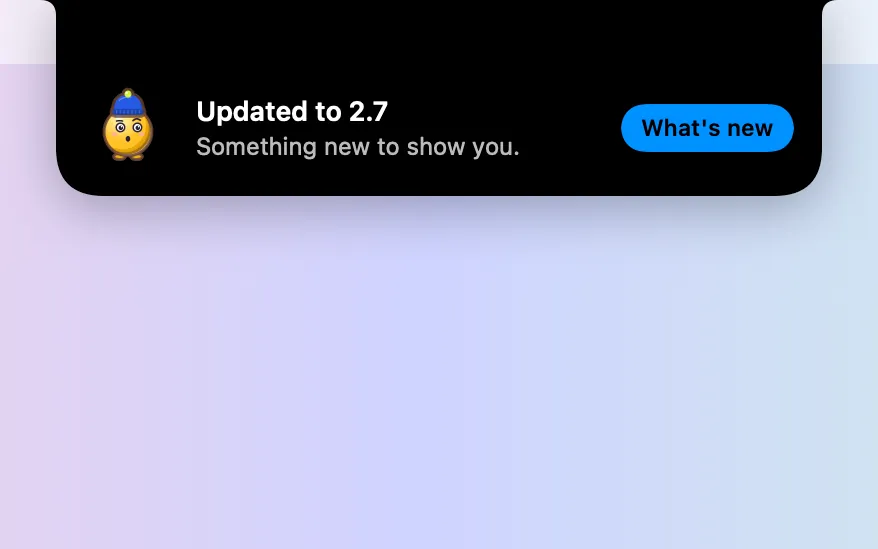
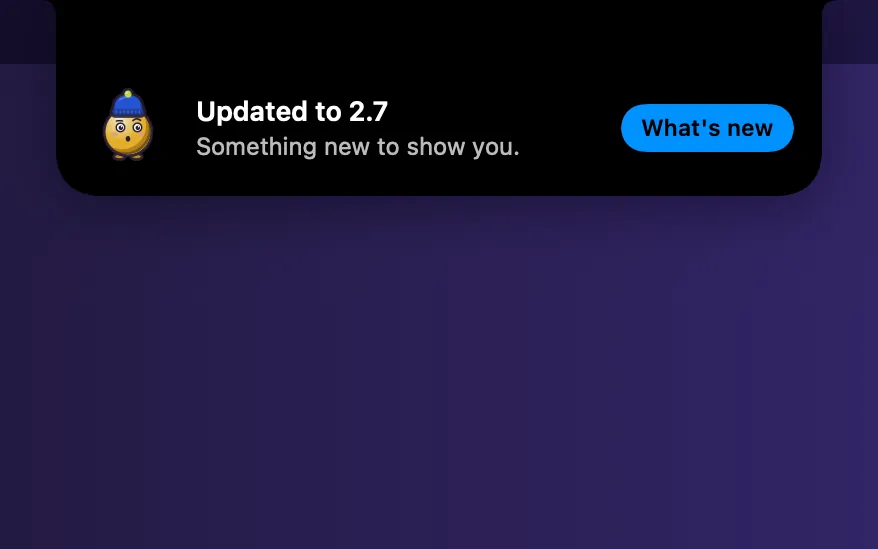
Every update is included in what you already paid. Updates download in the background and install when you’ve been away and nothing is recording, shared or in a call. After an update, a small note under the notch says Clacky was updated, with a What’s new button.
See how Clacky updates and the changelog for what each version added.
If you are on an older monthly or yearly plan
Your plan carries on as it was. You manage or cancel it in Polar’s customer portal. If you cancel, Clacky keeps working until the end of what you paid for. Questions about your plan? Email hello@clacky.app.
If Clacky asks you to buy again
If Clacky asks you to buy even though you bought it, it has probably lost the key on this Mac, for example after a reinstall or on a new Mac. Click I have a key, paste your key and click Activate. If that doesn’t work, write to Boop Support inside Clacky or email hello@clacky.app, and Justinas will sort it out.
Questions
Do I get the new features without paying again?
Does my older key still work on two Macs?
I’m on a monthly plan. Do I have to switch?
I lost my old licence key. Where is it?
Facts checked on 5 November 2026.
Related
- Is Clacky a subscription?No. Clacky is $4.99 once for 1 Mac, with every update included and no subscription. Try it free for 3 days first, no card.
- How many Macs can I use Clacky on?One Clacky licence is for 1 Mac at a time. Move it to a new Mac whenever you like, or buy a second licence for two Macs at once.
- How do I move my Clacky licence to a new Mac?On the old Mac, open Settings → Licence and click Deactivate… under Move to another Mac. Then paste your key on the new Mac and click Activate.
- Where is my Clacky licence key?Your Clacky key is in your receipt email from Polar and on the thanks page, and starts with CLACKY-. Paste it in Settings → Licence and click Activate.
- How does Clacky update, and do updates cost extra?Clacky updates itself: it downloads new versions in the background and installs them when you are away. Every update is included in the $4.99 price.
- Quiet updatesUpdates download in the background and install when you’ve been away and nothing is recording, shared or in a call.
Make something on your Mac today.
3 days free, every feature. Then $4.99 once.