 MacPip
Answer
Is the built-in Mac screenshot tool enough?
For most everyday screenshots, yes: Shift-Command-3, 4 and 5 capture the screen, an area or a window, and clicking the thumbnail lets you crop and mark up the shot. It isn’t enough when you need to blur or cover private info, add numbered steps, give a shot a background and shadow for sharing, or capture a long page in one image.
For those, add an app. Clacky’s screenshots (macOS 14 or later) do all four, and Shottr and CleanShot X are popular choices too.
Every built-in shortcut
From Apple’s own guide. These work on every recent macOS.
| Shortcut | What it does |
|---|---|
| Shift-Command-3 | The whole screen |
| Shift-Command-4 | Drag an area (hold Space while dragging to move it) |
| Shift-Command-4, then Space | One window or menu. Hold Option as you click to leave out the shadow |
| Shift-Command-5 | The Screenshot toolbar, with Options for a timer, where to save, the thumbnail and the mouse pointer |
| Add Control to any of them | Copy to the clipboard instead of saving a file |
What it does well
The built-in tool covers more than most people use.
- It’s instant, free and on every Mac.
- Clicking the floating thumbnail opens the shot for quick edits before it saves. Drag the thumbnail straight into a mail or a chat.
- Options → Save to sends screenshots to any folder instead of the desktop.
- On macOS 26 Tahoe and later, on supported Macs, you can pick SDR (PNG) or HDR (HEIF).
What it doesn’t do
These are the usual reasons people add a screenshot app.
- Blur, pixelate or a solid bar over an email, a key or a password.
- Numbered steps for a how-to.
- A background, padding and shadow so a shot looks good in a post.
- One tall image of a long page or chat (scrolling capture).
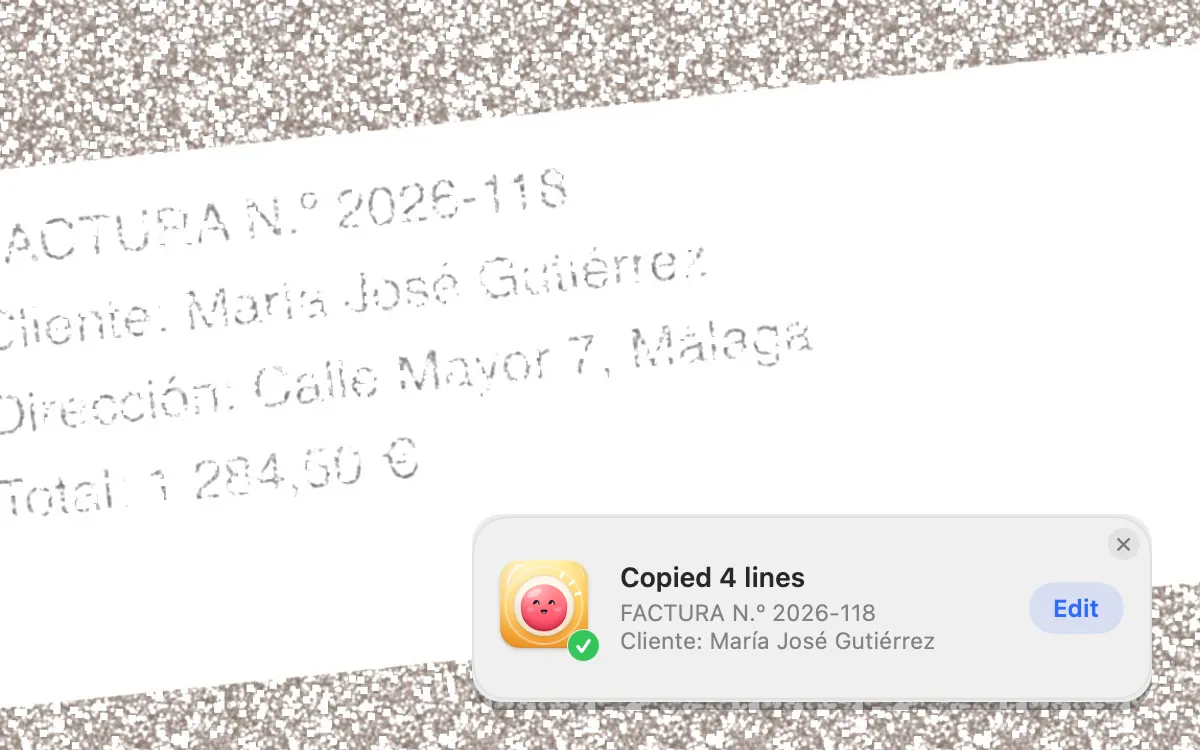
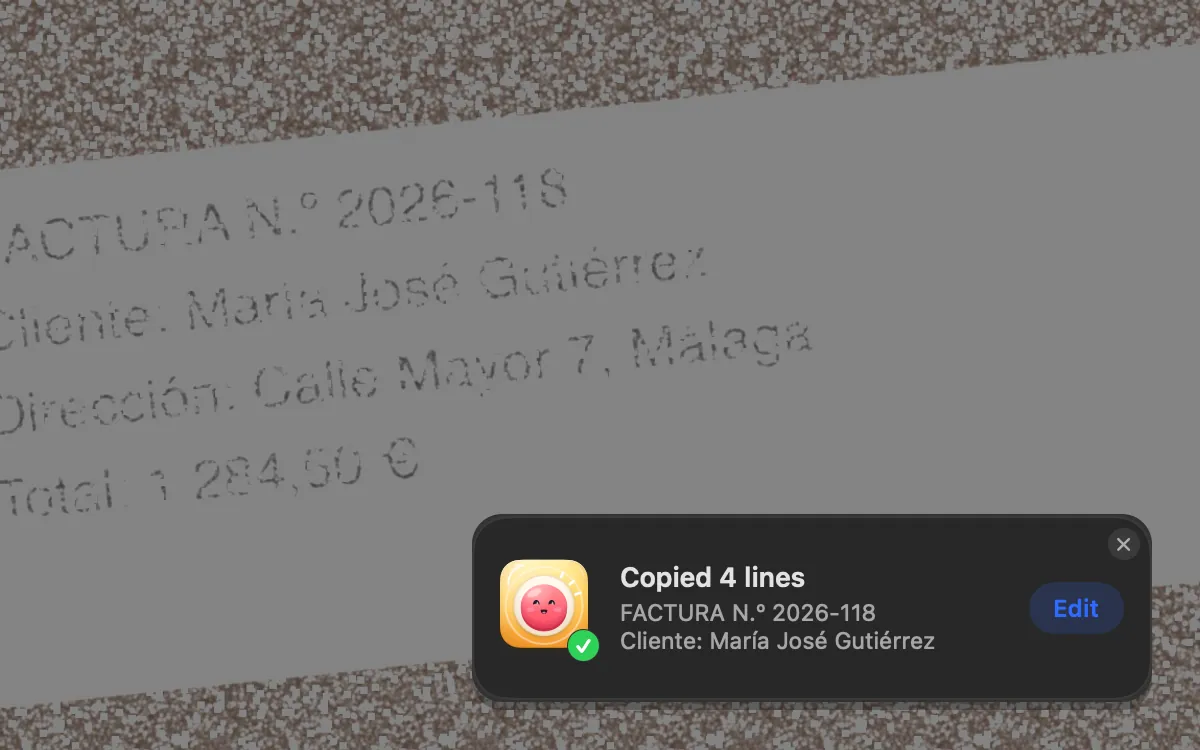
- Copy text from anywhere on screen with one shortcut.
Where Clacky fits
Clacky’s screenshots use their own shortcuts, so the macOS ones keep working: Option-Shift-Command-4 for an area, Option-Shift-Command-5 for a window, Option-Shift-Command-3 for the whole screen, Option-Shift-Command-6 for a polished shot copied straight away, and Option-Shift-Command-T for Grab Text, which copies the text in any area of the screen.
The editor adds arrows, numbered steps, text, blur and a solid redact bar. Polish gives the shot a background, padding and a shadow, Showcase puts it in a window, iPhone, MacBook, iPad or browser frame, and Scrolling Capture stitches up to 20,000 pixels. Press ⌘C to copy a shot without saving a file. Everything stays on your Mac.
Comparing paid tools? Read Shottr vs CleanShot X and Clacky vs CleanShot X.
Where these facts come from
Checked on 5 November 2026.
- Apple: Take a screenshot on your Mac
- Apple: Record the screen on your Mac
- Clacky: screenshot editor and Grab Text
Questions
How do I take a screenshot without the shadow on a Mac?
How do I copy a screenshot instead of saving it?
Can the Mac take a scrolling screenshot?
Do Clacky’s shortcuts replace the macOS ones?
Facts checked on 5 November 2026.
Related
- Shottr vs CleanShot XShottr is free to use, $12 for a licence, with scrolling capture and OCR. CleanShot X is $35 and adds screen recording and cloud links.
- Screenshot a window without the shadowPress Shift-Command-4, then Space, then hold Option as you click the window. The shot has no shadow. A Terminal setting makes it the default.
- Blur part of a screenshot on a MacPreview has no blur tool, so cover it with a filled shape in Markup. Or use an editor with blur, like Clacky’s, which can find emails and keys for you.
- Screenshot editorGrab an area, a window or the whole screen. Mark it up with arrows, steps, text and blur, then copy or save.
- Grab TextPress ⌥⇧⌘T and drag over any text: a video, a PDF, a photo. Your Mac reads it right there and it’s on your clipboard.
- Take a screenshot without saving a fileAdd Control to the shortcut: Control-Shift-Command-4 copies the shot to the clipboard and saves nothing. Then paste it with Command-V.
- Clacky vs CleanShot XClacky vs CleanShot X for Mac: screen recording, captions, quick edits, screenshots, Grab Text, click sounds and price. A fair, sourced comparison.
Make something on your Mac today.
3 days free, every feature. Then $4.99 once.