 MacPip
Answer
How do I blur part of a screenshot on a Mac?
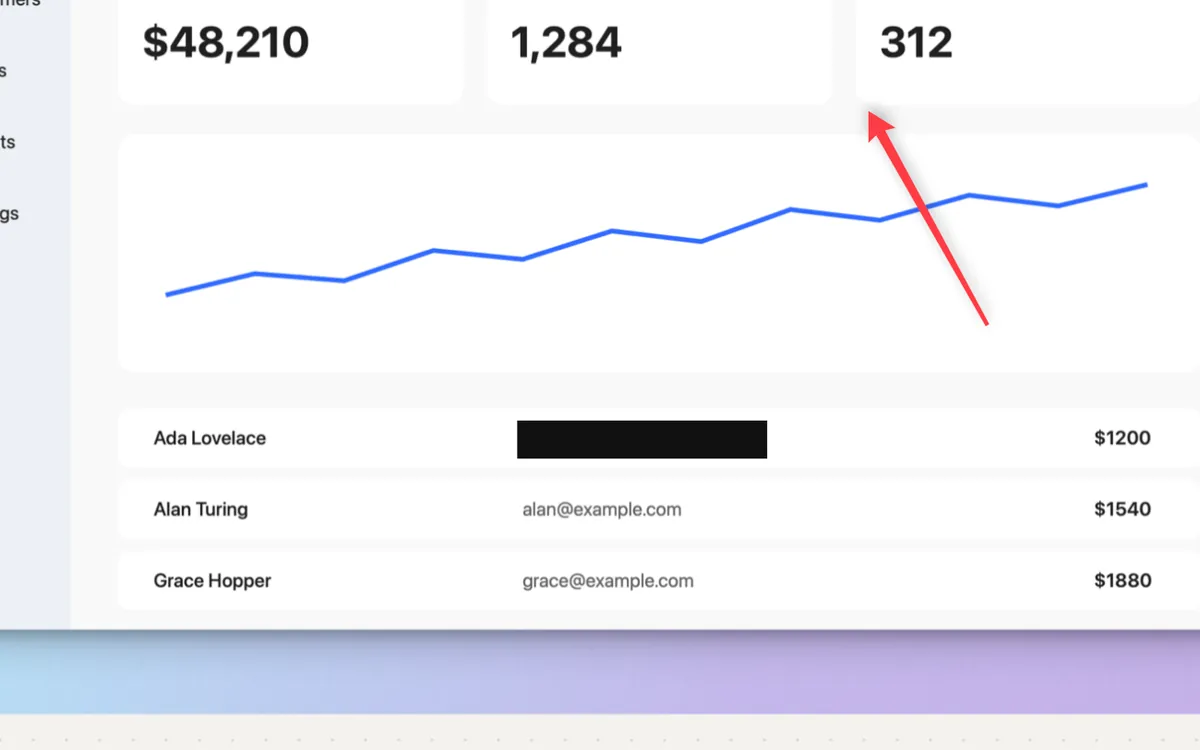
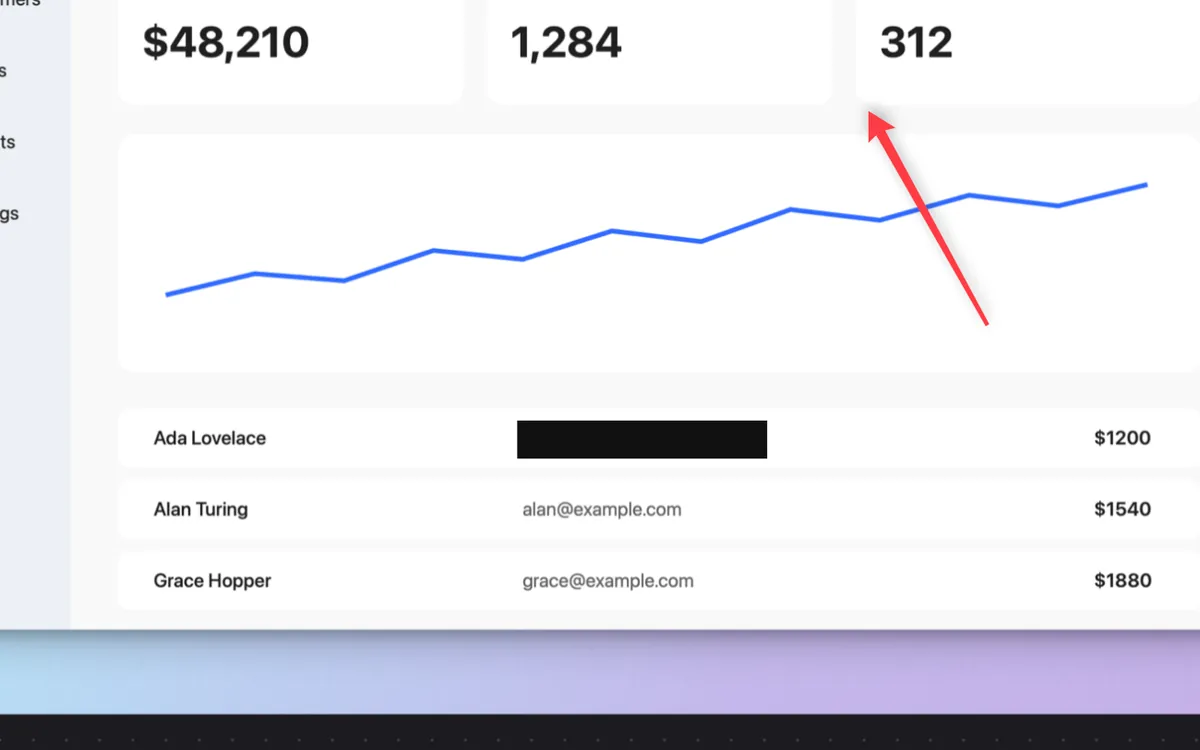
macOS has no blur tool: Preview’s Markup can’t blur, so the built-in way is to draw a rectangle over the private part and give it a solid Fill Color, which hides it completely once you save the image.
For a real blur or pixelate, use a screenshot editor that has one. Clacky’s editor (macOS 14 or later) has Blur, Pixelate and a solid Redact bar, and a button that finds emails, card numbers and keys for you.
Cover it in Preview
- Open the screenshot in Preview (or click the floating thumbnail right after you take it).
- Click the Show Markup Toolbar button.
- Click Shapes and choose a rectangle. Drag it over the private part.
- With the shape selected, set Fill Color to black or another solid colour, and the Border Color to match.
- Choose File → Save. Saved annotations on an image can’t be moved or removed later, so keep a copy if you might need the original.
Blur, pixelate or a solid bar?
A light blur over a short code or number can sometimes be guessed. For secrets, use a solid bar. And send the saved image (PNG or JPEG), not a PDF with a shape on top, where the text underneath can still be there.
| Cover | Hides | Best for |
|---|---|---|
| Blur | Most of it, and long text well | Names, faces, a busy background |
| Pixelate | Most of it, with a clear “hidden” look | The same as blur |
| Solid bar | Everything under it | Passwords, API keys, card and account numbers |
With Clacky’s screenshot editor
Take a shot with ⌥⇧⌘4 (area) or ⌥⇧⌘5 (window), or open any image in the editor. Then:
- Blur (B): drag over something to blur it.
- Pixelate (X): drag to turn it into blocks.
- Redact (D): a solid bar, nothing under it survives. Best for passwords and keys.
- Blur private info: one click puts an editable blur box over every email, phone number, card number, key, order ID and IP address it finds. Your Mac reads the shot, nothing is uploaded.
- Auto-blur private info on every screenshot: an option in the Screenshots window, with Blur faces too. The unblurred shot is never kept.
Where these facts come from
Checked on 5 November 2026.
- Apple: Annotate an image in Preview on Mac (Markup tools, Fill Color, annotations fixed after saving, no blur tool listed)
- Apple: How to take a screenshot on your Mac (the floating thumbnail)
Questions
Can the Photos app blur part of a picture?
Can someone un-blur my screenshot?
How do I blur something in a screen recording?
Facts checked on 5 November 2026.
Related
- Blur an email or password in a screen recordingQuickTime and iMovie have no blur box. Hide it before you record, or use an editor with redaction. Clacky finds emails and keys and blurs them on your Mac.
- Add arrows and numbered steps to a screenshotPreview’s Markup has arrows, shapes and text, but no numbered steps. Clacky’s editor drops 1, 2, 3 in order with one tool, after an arrow with A.
- Redact screenshotsDrag a solid bar over a password, key or email. Nothing under the bar survives.
- Screenshot editorGrab an area, a window or the whole screen. Mark it up with arrows, steps, text and blur, then copy or save.
- Take a screenshot without saving a fileAdd Control to the shortcut: Control-Shift-Command-4 copies the shot to the clipboard and saves nothing. Then paste it with Command-V.
Make something on your Mac today.
3 days free, every feature. Then $4.99 once.