 MacPip
Answer
Why does my Mac screen recording have no sound?
Because Apple’s recorder (Shift-Command-5 and QuickTime Player) only records a microphone, and only if you picked one: it doesn’t record the sound your Mac plays, its system audio, before macOS 27, where Options gained Include System Audio.
So a silent video usually means Microphone was set to None, or you wanted the Mac’s own sound (a video, an app, click sounds), which needs macOS 27, another app or a different recorder.
Find your case
| What’s missing | Why | Fix |
|---|---|---|
| Everything, even your voice | Options → Microphone is None | Pick a microphone in Options before you record |
| Your voice is faint or crackly | The wrong mic, or a Bluetooth headset mic | Pick the Mac’s built-in mic or a wired one |
| The Mac’s own sound (videos, apps, clicks) | Apple’s recorder doesn’t record it before macOS 27 | Include System Audio on macOS 27, or a recorder that records Mac audio |
| Sound in other apps works, the recorder hears nothing | Microphone access is off for that app | System Settings → Privacy & Security → Microphone |
Fix a missing voice
- Press Shift-Command-5, pick a recording mode and click Options.
- Under Microphone, choose your Mac’s microphone or the one you use. None means a silent video.
- Check the level in System Settings → Sound → Input: speak and watch the meter move.
- If you use a third-party recorder, turn it on in System Settings → Privacy & Security → Microphone, then quit and reopen it.
- Record a five-second test and play it back before the real take.
Record the Mac’s own sound
On macOS 27 or later, choose Include System Audio in the same Options menu. On macOS 13 to 26, Apple’s tools can’t, so you have three choices: OBS Studio (free), a virtual audio driver like BlackHole, or a recorder that records Mac audio. Every step for each is in how to record your Mac screen with internal audio.
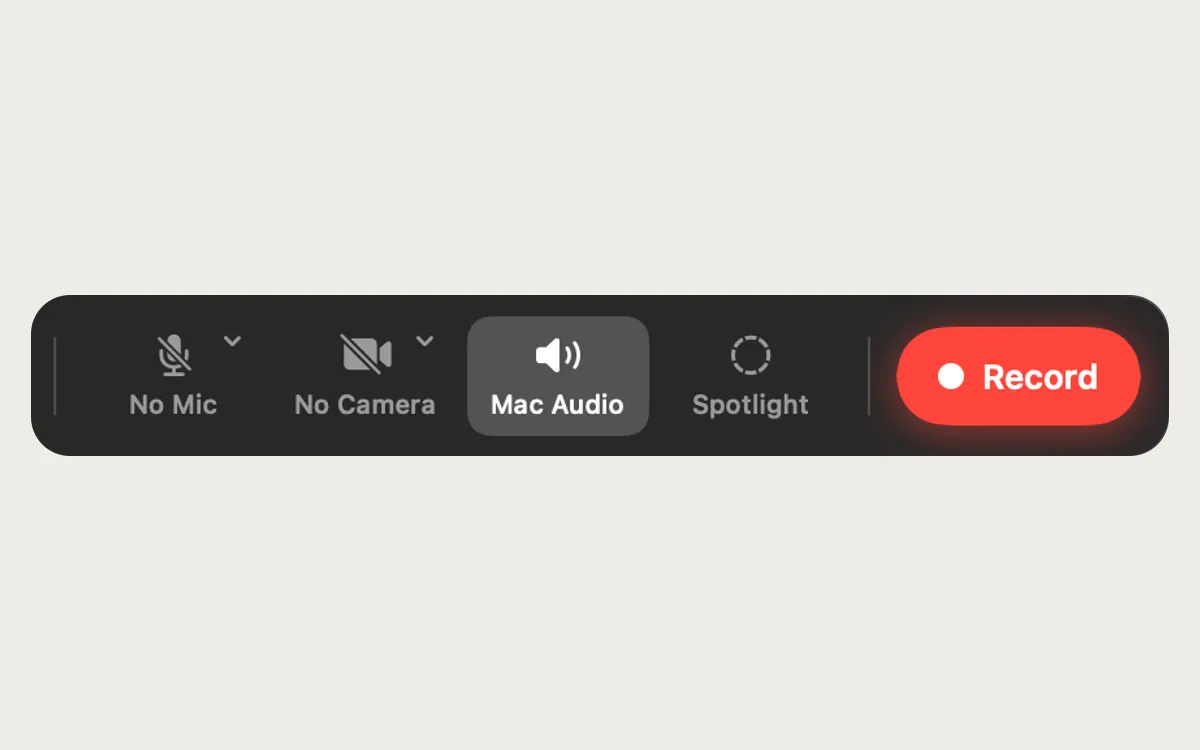
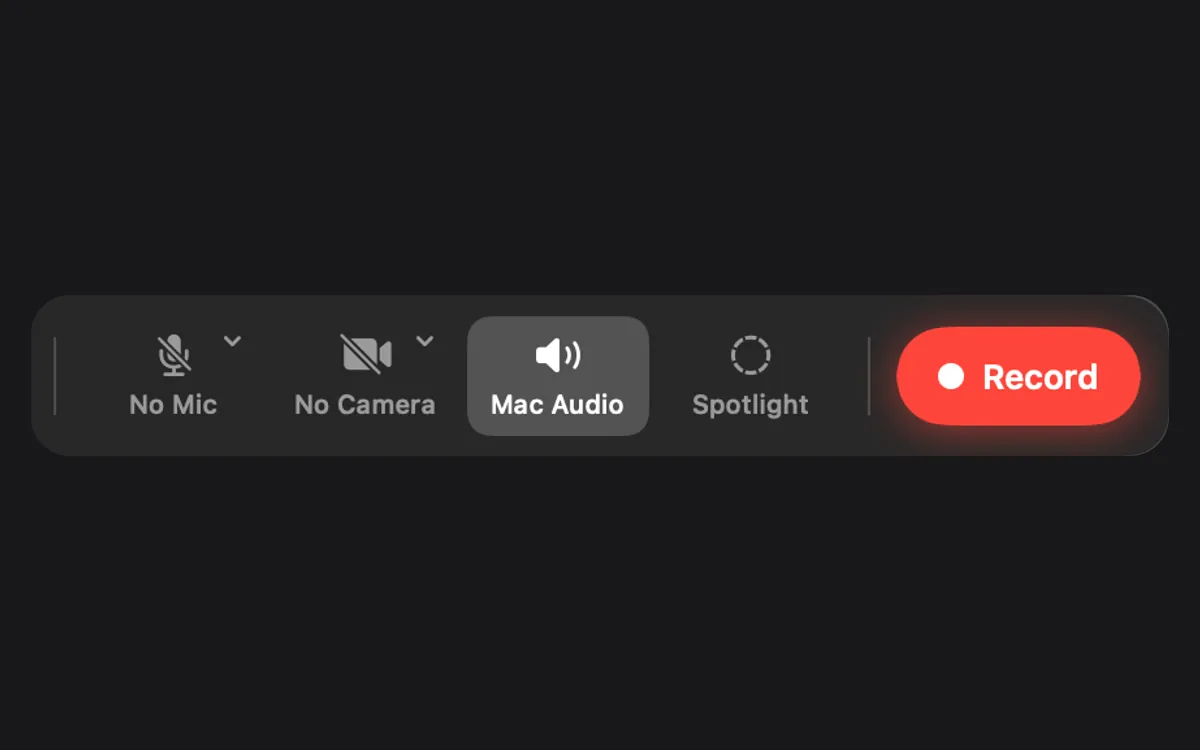
Clacky’s Screen Recorder (macOS 15 or later) has Mac Audio on by default, so everything the Mac plays, Clacky’s click sounds included, is in the video, and you add your microphone when you want it.
Still silent?
- Muted app. If the app you recorded was muted or at zero, there is nothing to record.
- Headphones. Recording the Mac’s sound works with headphones too, but the microphone won’t hear what plays in them.
- Protected video. Some streaming services block their picture and sound from recordings.
- Sound only in part of the video? Check that the mic didn’t switch, for example when AirPods connected mid-recording.
Where these facts come from
Checked on 5 November 2026.
- Apple: How to record the screen on Mac (Microphone option, Include System Audio on macOS 27 Golden Gate or later)
- Apple: Take screenshots or screen recordings on Mac (Microphone None)
Questions
Does QuickTime record internal audio?
Why can I hear my voice but not the video I played?
Will click sounds be in my recording?
Facts checked on 5 November 2026.
Related
- How to record your Mac screen with internal audioWhy Mac screen recordings come out silent, and four ways to record the Mac’s own sound with the picture: the Screenshot toolbar, OBS, BlackHole and Clacky.
- How to record click sounds on a Mac
- Mic and Mac audioMac audio is on, so your clicks and everything the Mac plays are in the video. Add your microphone when you want it.
- Screen recording with click soundsRecord your Mac screen with every click heard and a ripple seen, plus Mac audio and your mic. No editing afterwards. macOS 15 or later.
- Mac can’t record the screenThe app needs Screen Recording access in System Settings → Privacy & Security. Turn it on, quit and reopen the app. If you only see wallpaper, that’s why.
- Remove background noise from a screen recordingIn iMovie, click Noise Reduction and Equalizer, tick Reduce background noise and set the slider. Clacky Studio has Clean Up Voice, done on your Mac.
Make something on your Mac today.
3 days free, every feature. Then $4.99 once.