 MacPip
Answer
Is there a typewriter sound app for Mac?
Yes. Clacky has a Typewriter family of keyboard sounds for the Mac, Ribbon, Carriage and Newsroom, each with a bell on Return, and Kachunk and Keyslam offer typewriter sounds too.
Clacky’s typewriters are made on your Mac rather than recorded, so no two key presses sound exactly alike. If you want recordings of real machines, Kachunk (two typewriters, with a bell and a carriage slide) and Keyslam (recorded keyboards and typewriters) are the ones to look at.
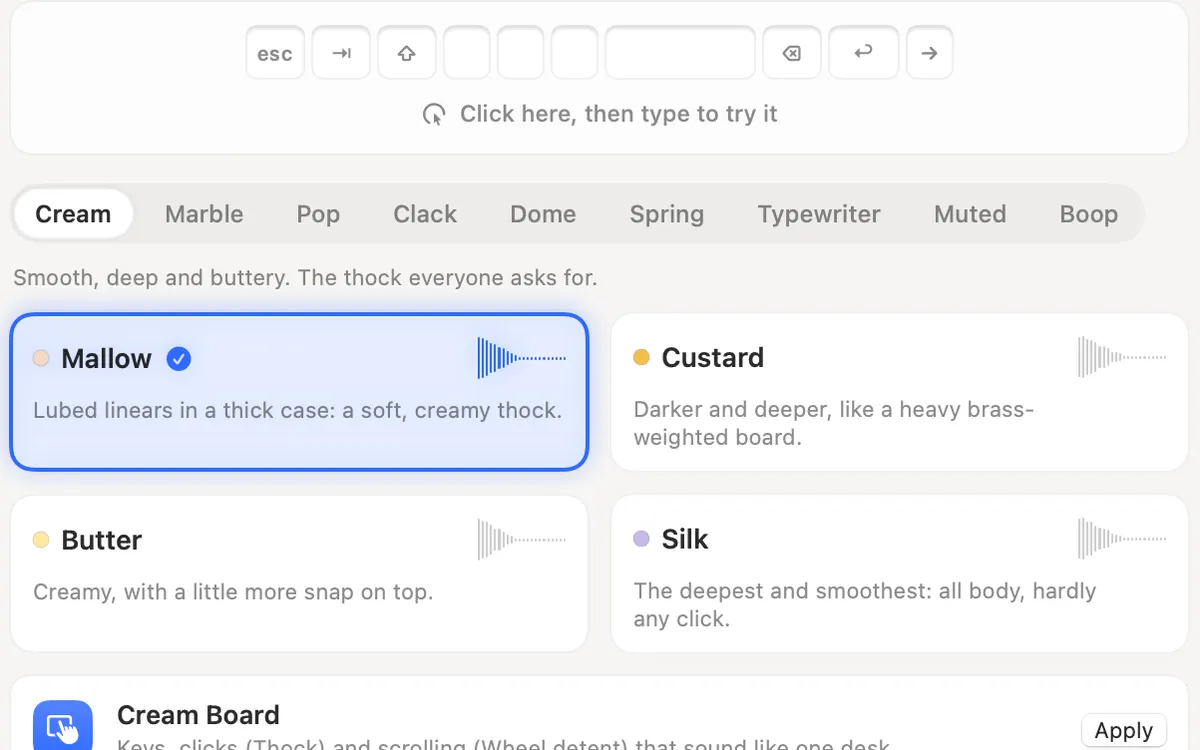
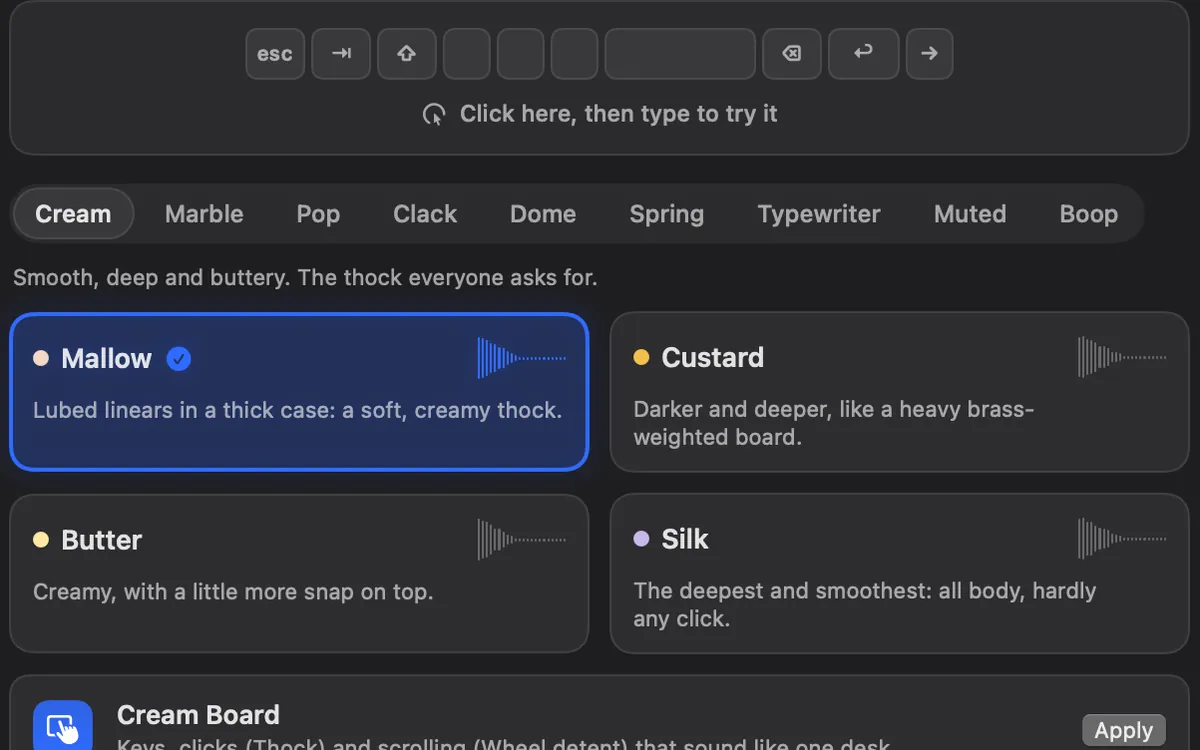
Clacky’s typewriter sounds
Every typewriter sound plays a tap, then the strike of the typebar a moment later, and rings a bell when you press Return.
| Sound | What it sounds like |
|---|---|
| Ribbon | A portable typewriter: tap, strike, and a bell on Return |
| Carriage | A heavy office machine with a deep, solid strike |
| Newsroom | A fast, dry machine for a deadline |
| Typebar (a click sound, in the Analog family) | An old typewriter key for your mouse: a tap, then the letter hits the paper |
Set up a typewriter in Clacky
- Keyboard sounds listen for key down/up only. Clacky never records, stores or sends which keys you type, and respects Secure Input.
- Open Clacky → Sounds and make sure Keyboard sounds is on.
- Pick the Typewriter tab and choose Ribbon, Carriage or Newsroom. Type on the try pad at the top to hear it.
- Apply the Typewriter family’s board to make the whole desk match: clicks play Typebar and scrolling plays Rotary.
- Set the keyboard volume, and under More options choose whether keys also sound as they come back up.
Typewriter sounds in other Mac apps
From our comparison of 17 keyboard sound apps, checked on 5 November 2026:
- Kachunk and Keyslam use recordings of real machines, which Clacky doesn’t. If that texture matters most to you, start with them.
- Mechvibes, Thock and Keyslam take sound packs of your own, so you can load a typewriter pack if you have one.
| App | Typewriter sounds | Price | What it does well |
|---|---|---|---|
| Clacky | 3 made on the Mac, bell on Return | $4.99 once after a 3-day trial | Also mouse, trackpad and scroll sounds, a click ripple and a screen recorder |
| Kachunk | 2 typewriters among 26 packs, with bell and carriage slide | Free with 2 packs, $4.99 once for all 26 | Says it has no telemetry and works fully offline |
| Keyslam | Recorded keyboards and typewriters, 15 in all | $3.99 once, with a free trial of 7 days | Says it makes no network connections. Reacts to how hard you type on newer MacBooks |
Where these facts come from
- Kachunk: getkachunk.com
- Keyslam: keyslam.com
- Mechvibes: GitHub README, Thock: GitHub README
- Checked on 5 November 2026.
Questions
Is there a free typewriter sound app for Mac?
Kachunk is free with 2 packs, and $4.99 once unlocks all 26, its 2 typewriters included. Check its page for which packs are in the free set.
Can I hear Clacky’s typewriter sounds before installing?
Yes. They play in your browser in the typing test and on the keyboard sounds explained page.
Are typewriter sounds good for writing?
Some writers love the bell on Return for long drafts. Others find it distracting. Try it for a day, and see keyboard sounds for focus for softer ideas.
Facts checked on 5 November 2026.
Related
- Thock, clack, creamy, poppy: keyboard sounds explainedWhat thock, clack, creamy, poppy, marbly and clicky mean for keyboard sounds, with a player: hear each one in your browser with Clacky’s own sounds.
- Keyboard sounds for focus and study on a MacDo typing sounds help you focus? How to use keyboard sounds on a Mac for study, writing and coding: soft sounds, headphones only, quiet during calls.
- The best keyboard sound apps for Mac (2026)The best keyboard sound apps for Mac, side by side: price, trial, sounds, privacy and network, macOS version. Free and paid, every fact sourced.
- Clacky vs KeyslamKeyslam suits you for recorded keyboards at $3.99 and no network at all. Clacky adds click, trackpad and scroll sounds, a ripple and a recorder.
- Clacky vs KachunkKachunk is free with 2 recorded packs and $4.99 for all 26, fully offline. Clacky is $4.99 too and adds click, scroll and trackpad sounds.
- Typing test with keyboard soundsTest your typing speed in the browser and hear every Clacky keyboard sound as you type.
Make something on your Mac today.
3 days free, every feature. Then $4.99 once.