My Kit: your everyday Mac tools, as cards
My Kit is the first place in Clacky. It holds the small tools you reach for every day as cards on one home: pin the ones you use, drag them into your order, and drag one out to remove it.
Every tool works the moment you switch it on. There is nothing to set up first, and anything you don’t use stays out of the way.
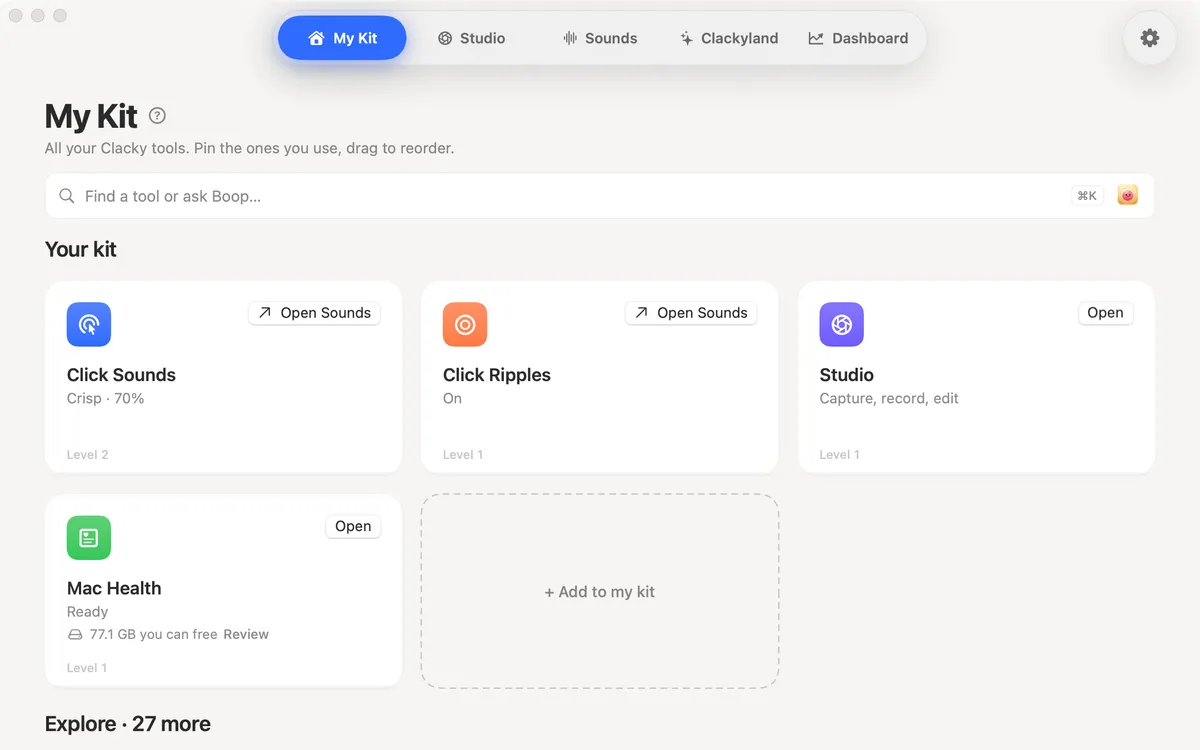
What’s in My Kit
A few of the tools you can add from Explore:
- Notch: Clacky’s status and controls around the notch, with a drawn notch on screens that don’t have one.
- Now Playing: Spotify or Music in the notch, with play, pause and skip.
- Mac Health: memory, CPU, battery and what fills your disk, explained in plain words, with gentle alerts.
- Keep Awake: stops your Mac and its screen from sleeping, for a while, with the lid closed, or until your AI agent is done.
- Agent Alerts: a sound and a nudge when Claude Code or Codex finishes or needs you.
- Focus Timer, Modes, Clipboard History, Text Expander, Color Picker, Window Snapping, Menu Bar Tidy, Mic Mute, App Uninstaller and more.
Made to stay out of your way
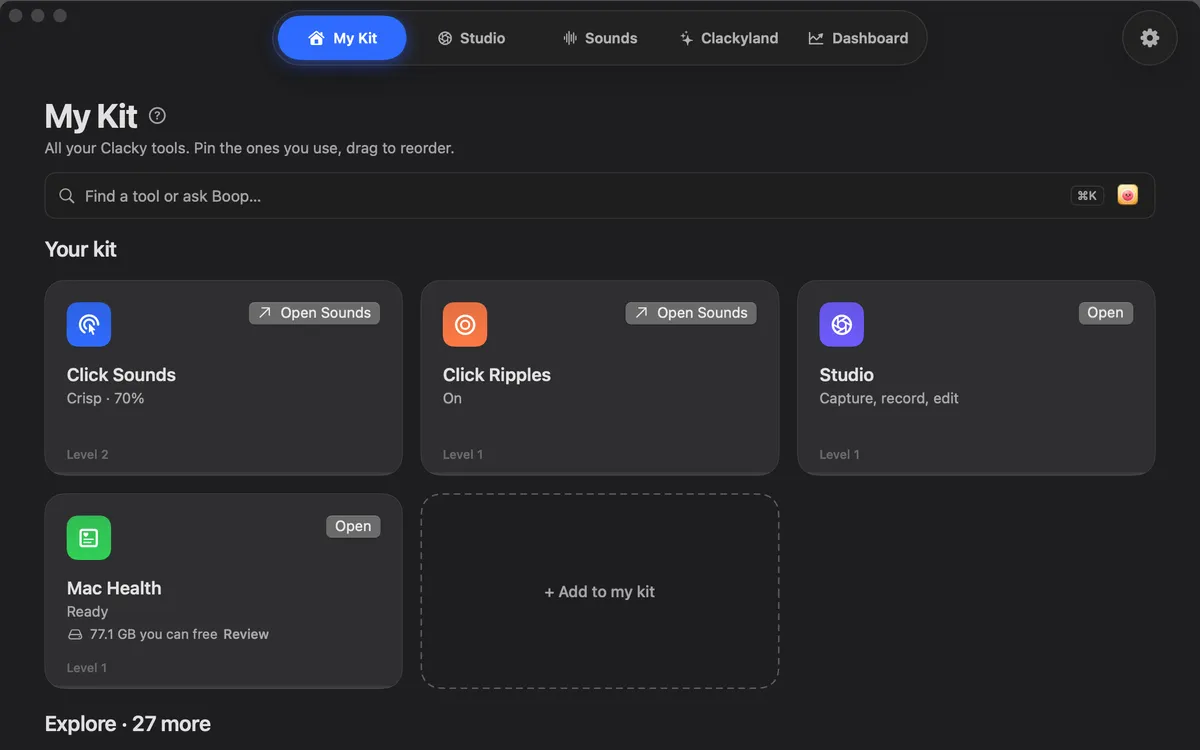
Cards come in clean Mac looks by default, or colourful game cards with your Blip if you like. Modes switch a whole set of tools on together (Record, Present, Code, Focus, Call, Quiet or your own), and None puts everything back.
Private things stay on your Mac. Clipboard History, for example, is off by default and kept in memory unless you choose to keep it, encrypted on this Mac.
Questions
- Do I have to use every tool?
- No. Add only the cards you want. A tool you never switch on does nothing.
- Where do I find more tools?
- In Explore, inside My Kit. Add a card from there and it joins your home.
- Which macOS does it need?
- Clacky runs on macOS 13 or later. A few tools need newer versions: the screen recorder needs macOS 15 and the screenshot studio macOS 14.
Make something on your Mac today.
Seven days free, every feature, cancel anytime.