Cookie-free website analytics for indie makers
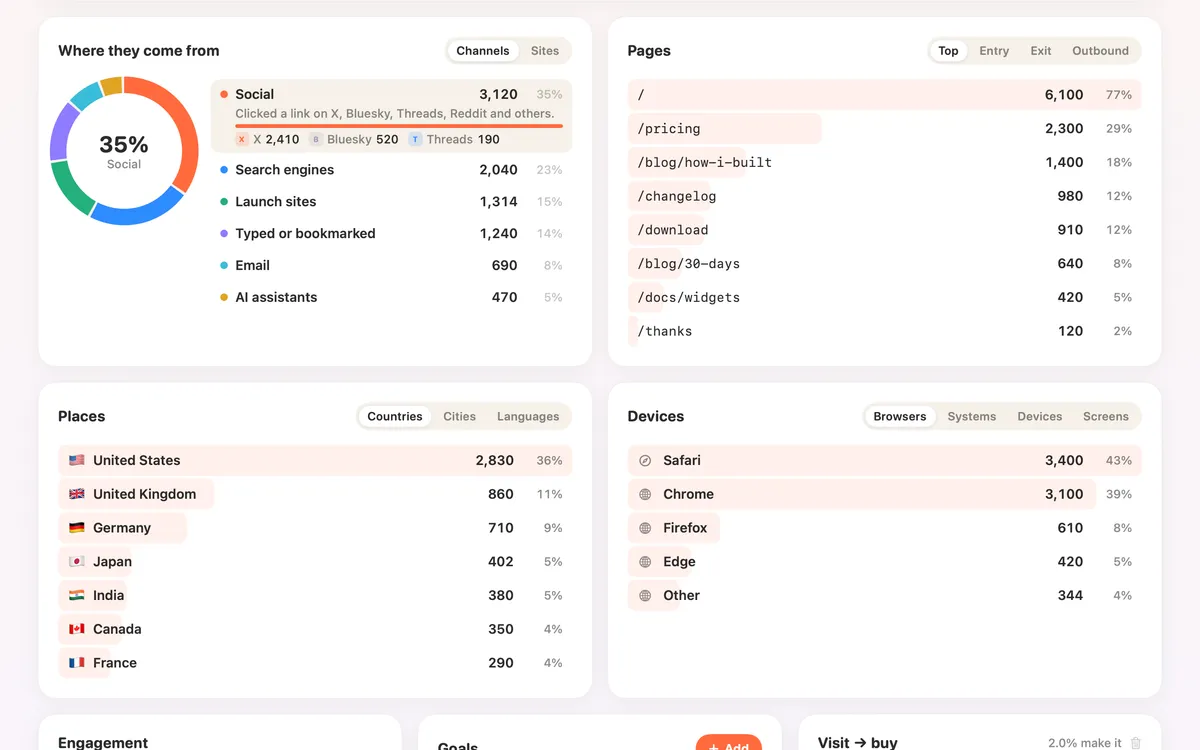
If you make a small site, an app or a side project, Clacky’s Dashboard shows its numbers inside the Mac app you already have open: visitors, where they came from, who’s on now and which visits turned into sales.
No cookies, no IP addresses kept, and no cookie banner needed for it.
Set it up in a minute
- Open Clacky, pick Dashboard in the pill switcher. It signs in by itself with your licence or trial.
- Click Add a website, paste its address and copy the one line Clacky gives you.
- Paste it before </head> on every page. The site turns green when the first visitor arrives.
What you see
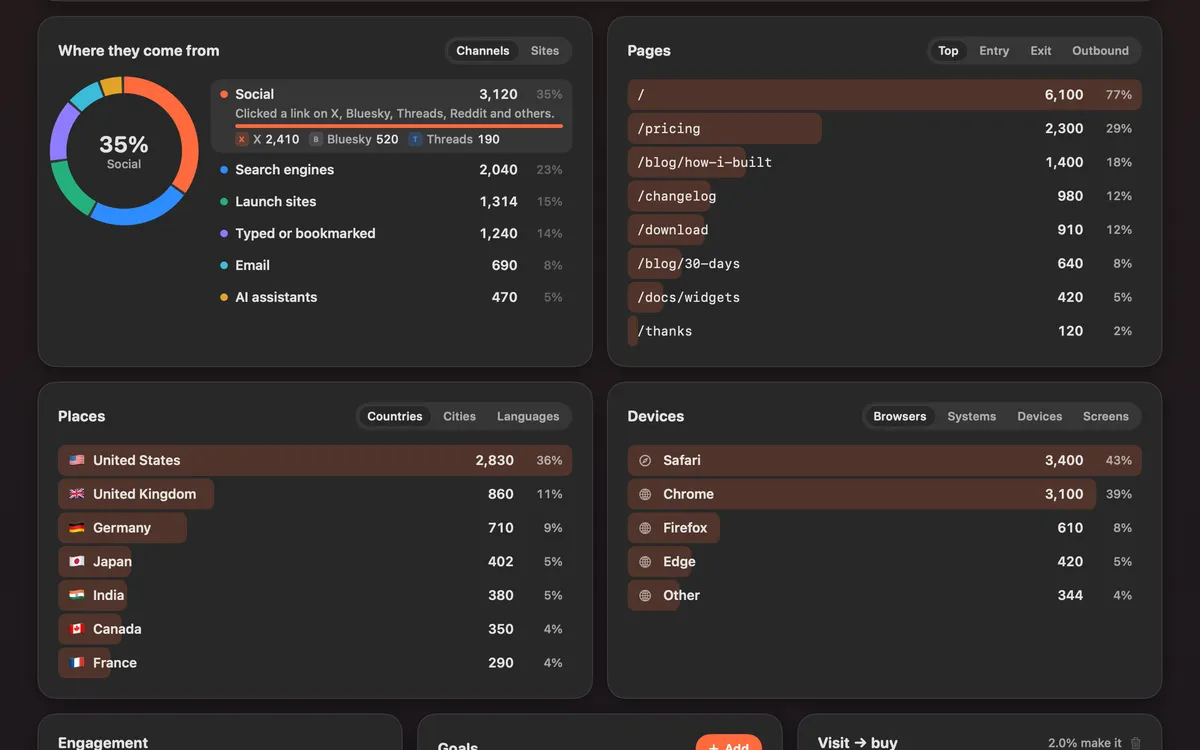
Visitors, visits, page views, bounce rate and visit time against the period before; sources including search, social, AI assistants, email, launch sites and campaigns; pages, countries, cities, devices and browsers; goals and funnels; a live globe; and, with Polar or Stripe connected read-only, revenue matched to the visit that clicked Buy.
Export CSV, or copy a read-only link anyone can open to see a site’s stats.
Questions
- Is it a separate subscription?
- No. Analytics is part of Clacky’s plan; the tier sets how many pageviews and sites. See pricing for the numbers.
- Does it work with any website?
- Any site where you can paste one line before </head>.
- How is it different from Plausible?
- Plausible is a dedicated web analytics product. Clacky’s analytics is one part of a Mac app. Our Clacky vs Plausible page compares them from each one’s own pages.
Facts checked on 17 October 2026.
Make something on your Mac today.
Seven days free, every feature, cancel anytime.