 MacPip
Answer
Clacky vs TapNoise: which playful Mac sound app should you get?
Pick TapNoise if you want playful MacBook sounds like slaps, a lid creak and charger sounds, a little companion called Tappy, and sounds for coding agents such as Claude Code, Codex and Cursor. Pick Clacky if you want a free trial, a lower regular price, 37 click sounds and 29 keyboard sounds, scroll ticks, a click ripple and a screen recorder.
TapNoise’s regular price is $14.99 for 1 Mac or $20.99 for two Macs, with lower launch prices while they last and no trial. Clacky is $4.99 once for 1 Mac, after 3 days free with no card.
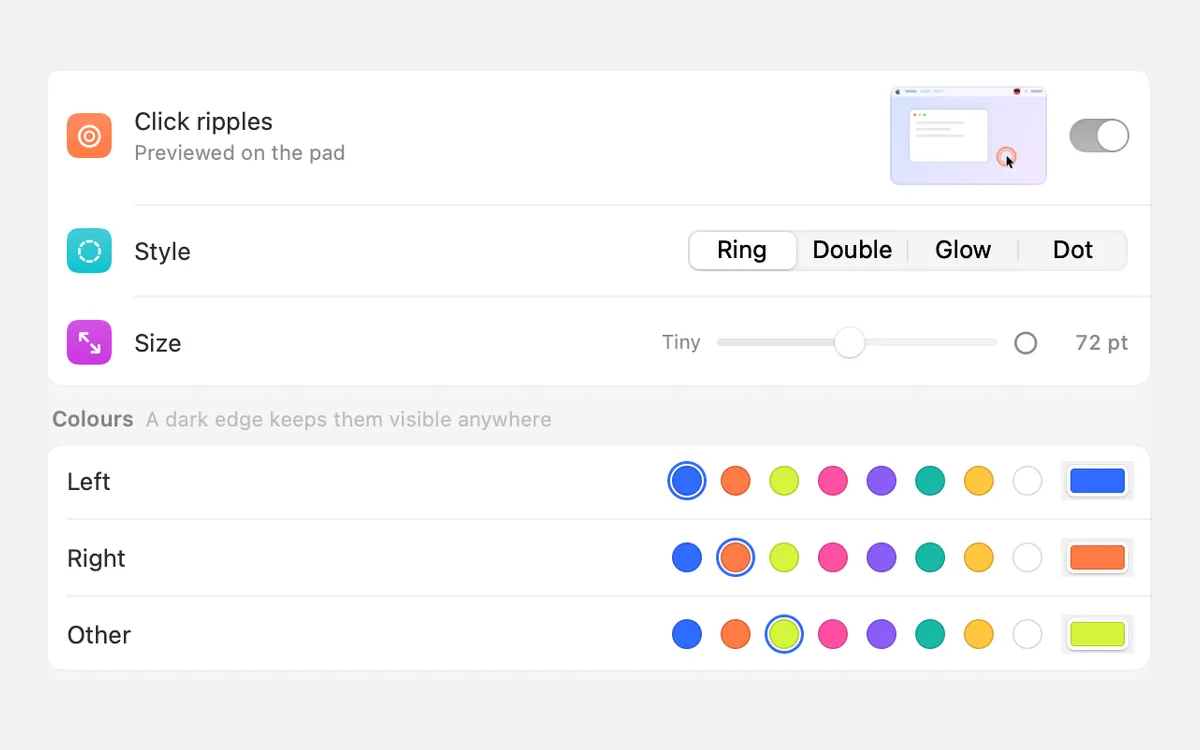
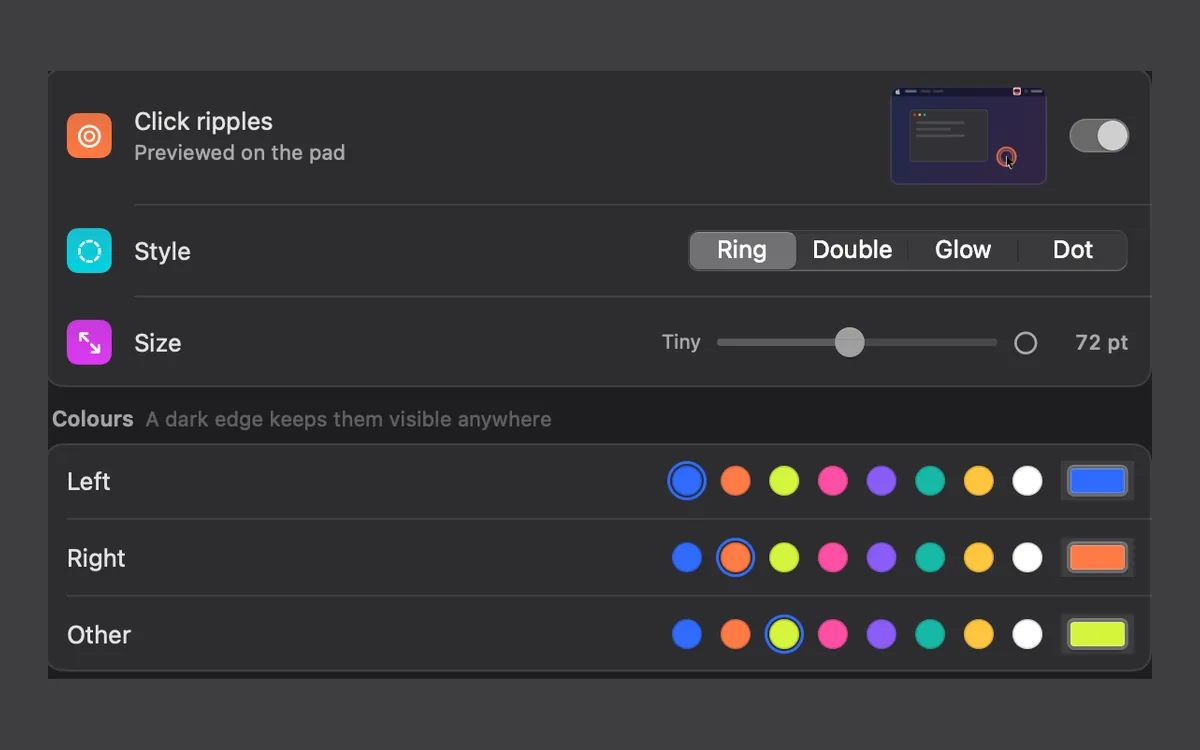
Clacky and TapNoise side by side
From each app’s own page, read on 5 November 2026.
| Clacky | TapNoise | Ahead | |
|---|---|---|---|
| Price | $4.99 once, 1 Mac | $14.99 Solo or $20.99 Duo regular, launch prices for now | Clacky |
| Try first | 3-day trial, no card | Browser preview, no trial | Clacky |
| Refund | Within 7 days | Within 7 days | Same |
| Sounds | 37 click, 29 keyboard, 8 scroll ticks | 20 sounds plus Song Mode | Clacky for range |
| Companion | Your Blip in Clackyland | Tappy, with moods, levels and hats | Taste |
| Coding agents | No | Agent Sounds for Claude Code, Codex and Cursor | TapNoise |
| Motion sensor tricks | No | Harder press, slaps, knocks, Guard Mode (MacBooks) | TapNoise |
| Ripple, recorder, screenshots | Yes | Not on its page | Clacky |
| macOS | 13 or later | 14 or later | Clacky |
Pick TapNoise if…
TapNoise is built around fun. On a MacBook with a motion sensor it reacts to harder presses, slaps and knocks, and Guard Mode adds a lift alarm. It also has Clean Mode, a shortcut cheat sheet, a break buddy, typing speed, streaks and a weekly card. Solo covers 1 Mac and Duo covers two at a time, and you move a licence with Remove from this Mac in its settings.
- You use coding agents and want a sound when they need you.
- You have a newer MacBook and want slaps, knocks and the lid to make sounds.
- You want two Macs on one licence (Duo).
Pick Clacky if…
Clacky focuses on the sounds you make all day: a click for every press and release of the mouse or trackpad, a tick for every scroll notch, and keyboard sounds from creamy to typewriter. It runs on macOS 13 and on desktop Macs, and you can try all of it free before paying a lower price. Clackyland gives you a Blip and a little harbour town that grows as you use your Mac, with no reminder pop-ups and one switch to turn it off.
Keyboard sounds listen for key down/up only. Clacky never records, stores or sends which keys you type, and respects Secure Input.
- You want to try before you pay.
- You record your screen and want clicks heard and seen in the video.
- Your Mac runs macOS 13 Ventura.
What both do the same way
Both are paid once with every update included, both are Mac only, and both run on Apple silicon and Intel (TapNoise from macOS 14). Both let you move your licence to a new Mac: in Clacky, choose Move to another Mac on the old one, then paste your key on the new one.
TapNoise’s site says it has no account and no analytics, keeps only counts of key positions, and goes online to check its licence and, once a day, for updates. Clacky lists every request on its privacy page.
Where these facts come from
Checked on 5 November 2026. Prices are in US dollars, before tax. Apps change, so check each page before you buy.
TapNoise’s launch prices depend on how many licences are left and how many days have passed since launch, so read its pricing page for today’s price.
- TapNoise: tapnoise.com and pricing
- Clacky: clacky.app, privacy and the 17-app guide
Questions
Does TapNoise have a free trial?
Does TapNoise work on a desktop Mac?
Is Clackyland like Tappy?
Facts checked on 5 November 2026.
Related
- The best keyboard sound apps for Mac (2026)The best keyboard sound apps for Mac, side by side: price, trial, sounds, privacy and network, macOS version. Free and paid, every fact sourced.
- Is there a cozy idle game for Mac that grows while you work?Yes. Clacky's Clackyland grows as you click and type, and Rusty's Retirement is an idle farm at the edge of your screen. What each one is, side by side.
- Cozy Mac apps for a calmer desktopCozy apps for your Mac: idle games that sit on your screen, ambient sounds, a cat in your menu bar or Dock, and soft click and keyboard sounds. Prices included.
- Click RipplesA ripple under the pointer on every click, so anyone watching sees where you clicked.
- Clacky vs KeyslamKeyslam suits you for recorded keyboards at $3.99 and no network at all. Clacky adds click, trackpad and scroll sounds, a ripple and a recorder.
- How do I move my Clacky licence to a new Mac?On the old Mac, open Settings → Licence and click Deactivate… under Move to another Mac. Then paste your key on the new Mac and click Activate.
Make something on your Mac today.
3 days free, every feature. Then $4.99 once.