 MacPip
Answer
Does Clacky play a sound when I click the trackpad?
Yes. Clacky plays a click sound for every press and release of your MacBook trackpad or Magic Trackpad, tap to click included, in every app.
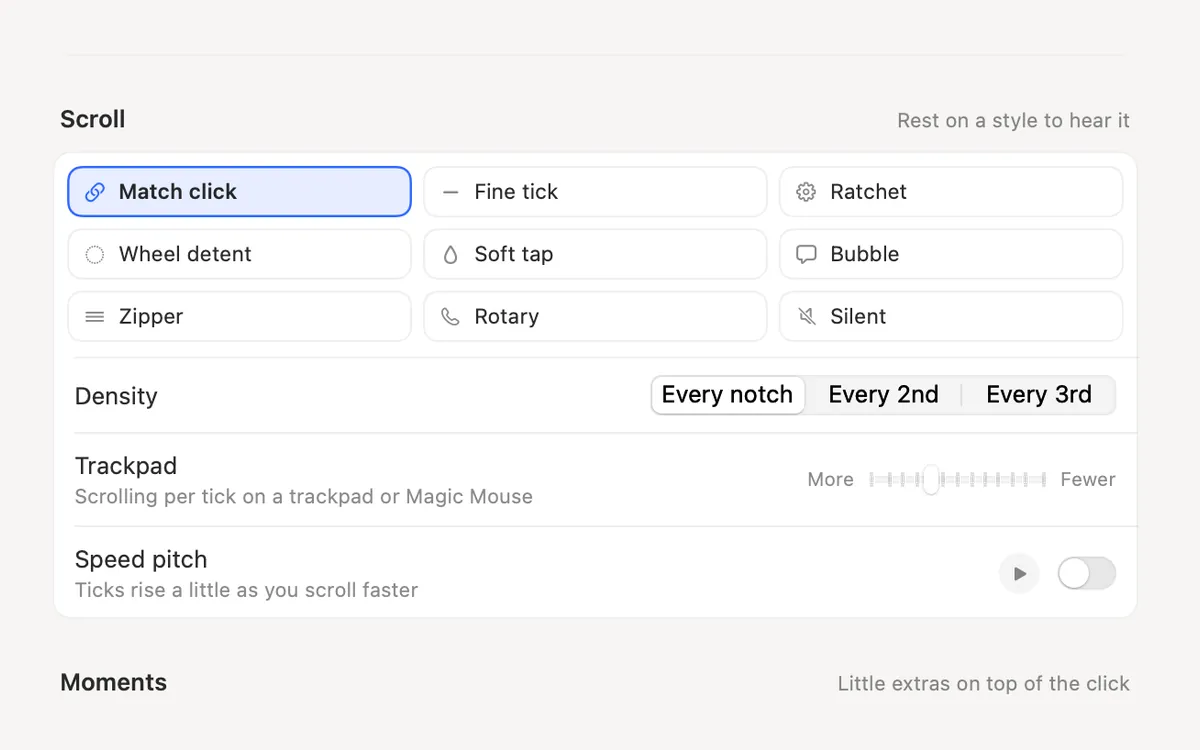
You pick the sound from 37 click sounds in 8 families, and Clacky can also add a soft tick as you scroll with two fingers. It does the same for any mouse.
Why a Mac trackpad needs help to make a sound
macOS has no setting for a click sound. A MacBook trackpad does not really move when you press it: a small motor taps back to fake the feel (the blog post on why the trackpad clicks without moving explains it). Tap to click makes no sound at all.
Clacky listens for the press and the release of the click, as macOS reports them, and plays a short sound for each one. It never sees what you click on, and the sound is made on your Mac, so no two clicks sound exactly alike.
How to turn on trackpad click sounds
It takes about a minute. Click sounds are on as soon as Clacky opens.
- Download Clacky from clacky.app and open it. The 3-day free trial starts by itself, with no card.
- Clacky asks for Input Monitoring and explains why first. Allow it in System Settings → Privacy & Security → Input Monitoring. On recent macOS versions clicks often work before you allow it, but keyboard sounds always need it.
- Click or tap your trackpad. You hear the default sound, Crisp.
- Open Clacky's Sounds place and rest the pointer on a sound card to hear it. Click one to use it.
- Want quieter clicks? Try the Studio family (Hush, Tap, Felt, Whisper, Thock), which is soft enough to leave on while you record.
Trackpad settings worth knowing
The menu-bar menu also has quick switches for Release, Scroll and Ripples, so you can flip one without opening Settings.
| Setting | Where | What it does |
|---|---|---|
| Release sound | Settings → Sounds | A lighter click as you let go. Turn it off for one sound per click |
| Right click | Settings → Sounds → More options | A different sound for the other button (on a trackpad, usually a two-finger click) |
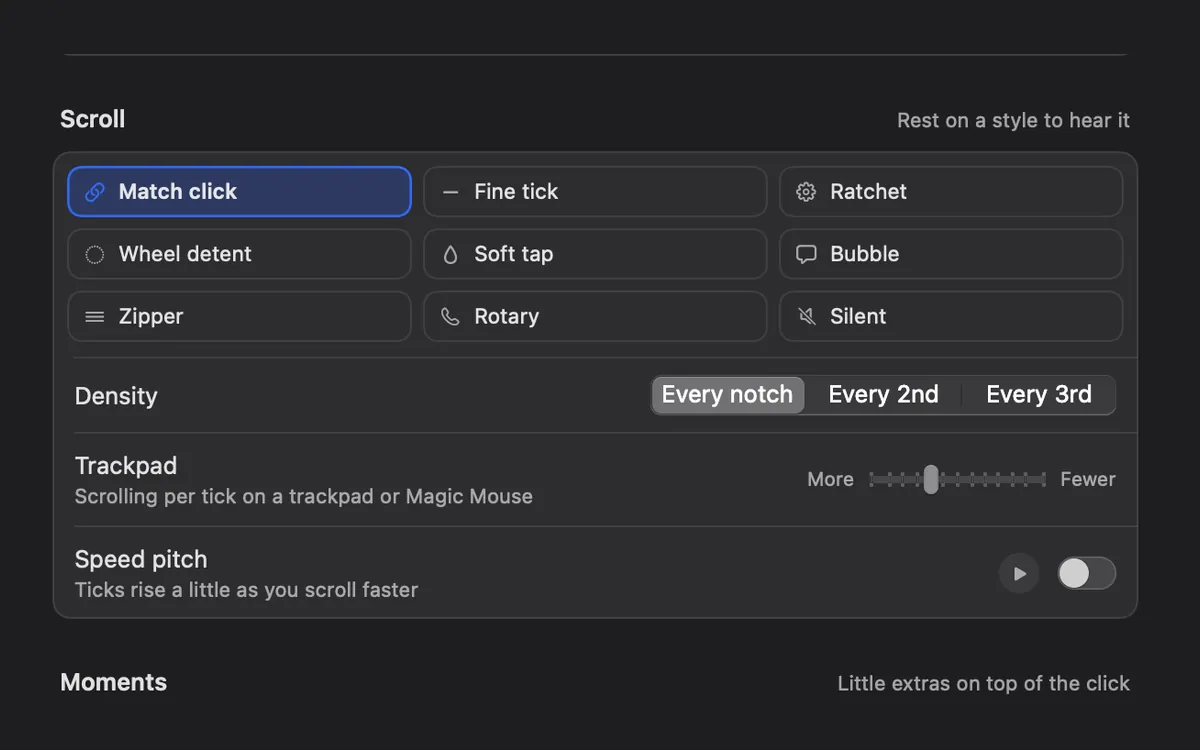
| Scroll ticks | Settings → Sounds | A soft tick as you scroll, in 8 styles |
| Trackpad | Settings → Sounds → More options → Scroll | How much scrolling makes one tick on a trackpad or Magic Mouse |
| Stereo | Settings → Sounds → More options | The click follows the pointer from left to right across your screens |
| Volume | Settings → Sounds, or the slider in the menu | Clacky's own level, apart from your other sounds |
If you hear nothing when you click
- Check that Clacky is on: the switch at the top of its menu-bar menu.
- Check your Mac's volume and where sound is going. Clacky plays through your current output unless you picked another one in Settings → Sounds → Output.
- Quiet during calls is on by default. While a call app uses your microphone, Clacky stays silent, and the menu shows Play Sounds Anyway.
- If Only with headphones is on, nothing plays on the speakers.
- Still silent? The guide to keyboard sounds not working on a Mac walks through every check.
Questions
Does Clacky work with a Magic Trackpad?
Can I hear the click sounds before I install Clacky?
Does Clacky show my trackpad clicks in screen recordings?
Can I make trackpad clicks quieter?
Facts checked on 5 November 2026.
Related
- Click SoundsA satisfying click for every press and release of your mouse or trackpad: 37 sounds in 8 families, from Arena to Spooky.
- Scroll TicksA soft tick for every notch of the scroll wheel, in 8 scroll styles.
- Does Clacky work with a Magic Mouse and Magic Trackpad?Yes. Clacky plays a click for every press and tap on a Magic Mouse or trackpad, and soft scroll ticks you can tune for smooth scrolling.
- Can my Mac make a sound when I click?macOS has no setting for a mouse or trackpad click sound. How to add one with an app, what the Input Monitoring permission allows, and the steps.
- All soundsEvery Clacky click sound in one place, grouped by family. Press play to hear each one in your browser: crisp snaps, soft taps, toys, gadgets and more.
- Can I change Clacky's volume without changing my Mac's volume?Yes. Clacky has its own volume slider in its menu and in Settings, plus a separate keyboard volume. Your Mac's volume and other apps stay as they are.
Make something on your Mac today.
3 days free, every feature. Then $4.99 once.