 MacPip
Answer
Does Clacky work with a Magic Mouse and Magic Trackpad?
Yes. Clacky plays a click sound and draws a ripple for every press and release on a Magic Mouse, a Magic Trackpad or a MacBook trackpad, tap to click and two-finger right clicks included.
Scrolling works too. A trackpad or Magic Mouse scrolls smoothly instead of in notches, so Clacky plays one soft tick per stretch of scrolling, and you set how long that stretch is.
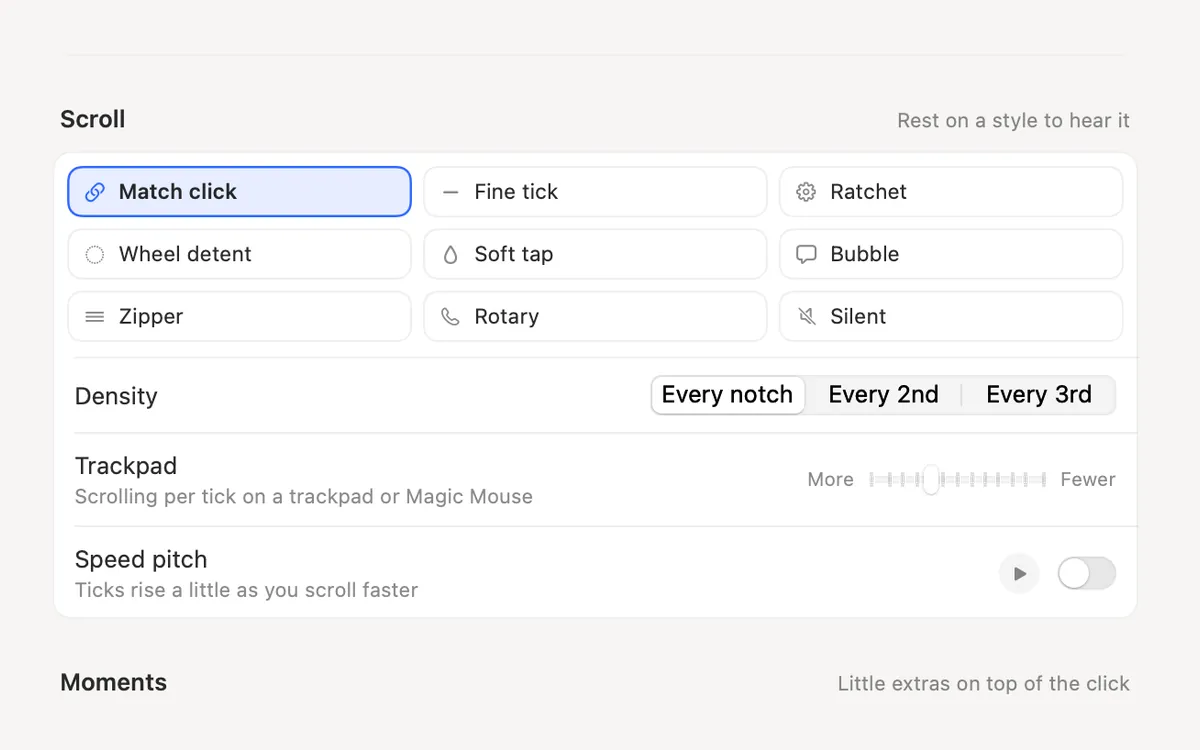
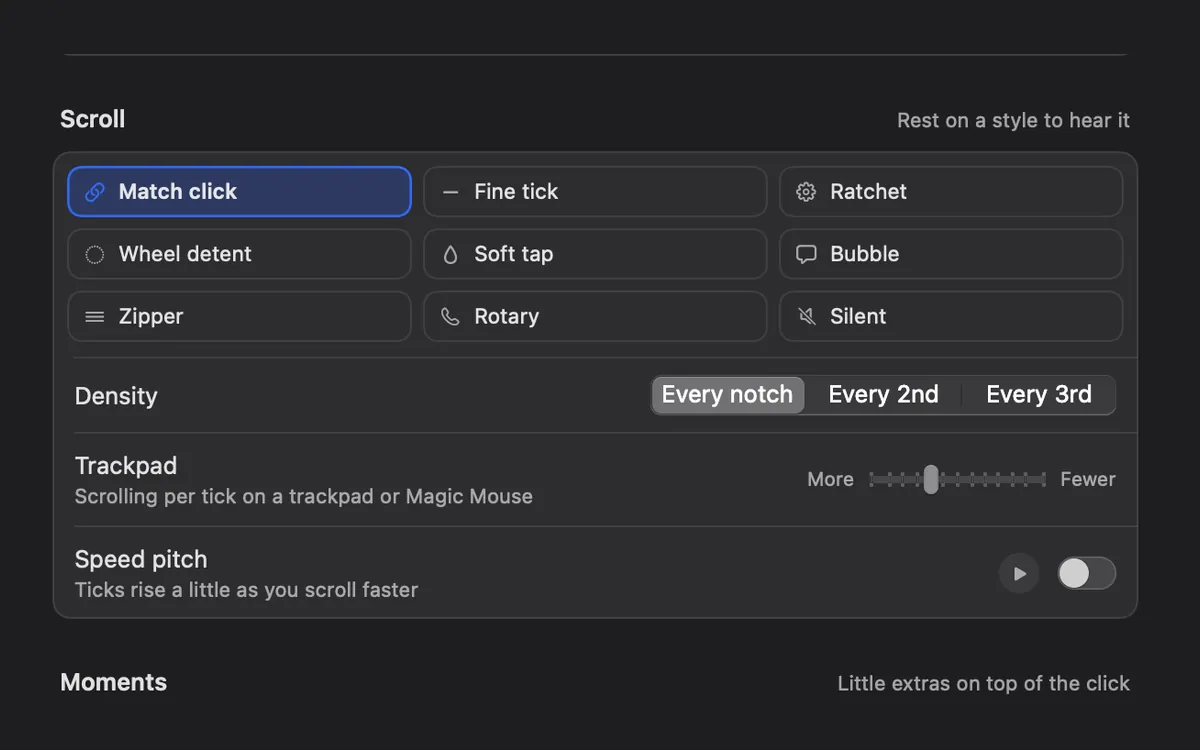
Clicks: every kind counts
macOS reports a tap to click, a physical press and a two-finger secondary click as ordinary left and right clicks. So every one of them plays the press sound, then the release sound, with a ripple under the pointer. Left, right and other clicks can each have their own ripple colour.
On a Force Touch trackpad the click you feel is made by a small motor, not a hinge. Clacky plays its sound on top of that. Why the trackpad works that way is in why a MacBook trackpad clicks without moving.
How scrolling sounds on each device
| Device | What macOS sends | What Clacky plays |
|---|---|---|
| Magic Mouse, Magic Trackpad, MacBook trackpad | A smooth stream of small movements, plus momentum after you lift your fingers | One tick per stretch of scrolling you set with the Trackpad slider |
| A mouse with a notched wheel | One event per notch | One tick per notch |
| Sideways scrolling on any of them | The same, on the other axis | Ticks the same way |
Tune scroll ticks for a Magic Mouse or trackpad
- Open Clacky and go to the Scroll section of the sound settings. Press ⌘K and type Scroll if you can’t find it.
- Pick a style: Match click, Fine tick, Ratchet, Wheel detent, Soft tap, Bubble, Zipper or Rotary. Silent turns the ticks off and keeps the clicks.
- Move the Trackpad slider (Scrolling per tick on a trackpad or Magic Mouse) toward More for more ticks or Fewer for fewer. It goes from 30 to 150 points of scrolling per tick, and starts at 70.
- Use Density (Every notch, Every 2nd or Every 3rd) to thin the ticks out further.
- Turn on Speed pitch if you like the ticks to rise a little as you scroll faster.
Things Clacky never changes
Clacky only listens. It can’t change, delay or block a click or a scroll, so your trackpad speed, gestures and Force Click settings in System Settings stay exactly as they are. If Clacky ever stopped, clicking would carry on as normal.
Questions
Does tap to click make a sound?
Why do scroll ticks keep going after I lift my fingers?
Does Clacky change my trackpad settings?
Facts checked on 5 November 2026.
Related
- Does Clacky play a sound when I click the trackpad?Yes. Clacky plays a click for every press and release of your trackpad, tap to click included, in every app. 37 click sounds, plus scroll ticks.
- Scroll wheel sound on MacAdd a soft tick for every scroll-wheel notch on your Mac, in 8 scroll styles, with a setting for trackpads and Magic Mouse.
- Scroll TicksA soft tick for every notch of the scroll wheel, in 8 scroll styles.
- Does Clacky work with a Logitech mouse like the MX Master?Yes. Clacky plays clicks and ripples for Logitech mice, the MX Master included, and you can tune scroll ticks for a fast free-spin wheel.
- Why your MacBook trackpad clicks without movingA MacBook trackpad doesn’t really click: a motor fakes it. How Force Touch works, why tap to click is silent, and how to make clicks quieter or louder.
- Can my Mac make a sound when I click?macOS has no setting for a mouse or trackpad click sound. How to add one with an app, what the Input Monitoring permission allows, and the steps.
Make something on your Mac today.
3 days free, every feature. Then $4.99 once.