 MacPip
Answer
Does Clacky work with a Logitech mouse like the MX Master?
Yes. Clacky works with Logitech mice, the MX Master included: left and right clicks, the middle button and other buttons macOS sees as mouse buttons all play a click and draw a ripple.
Clacky doesn’t know mouse brands. It reads what macOS reports, so the scroll wheel sounds different depending on whether it sends notches or smooth scrolling, and you can tune both.
Buttons
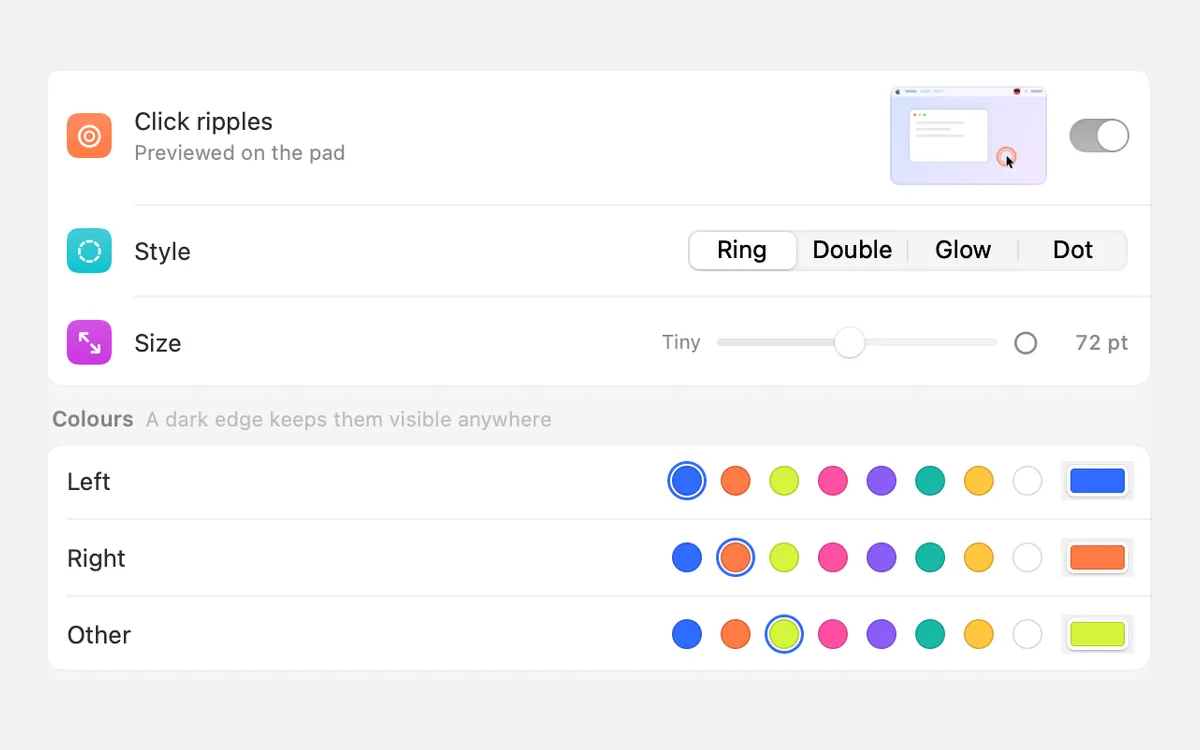
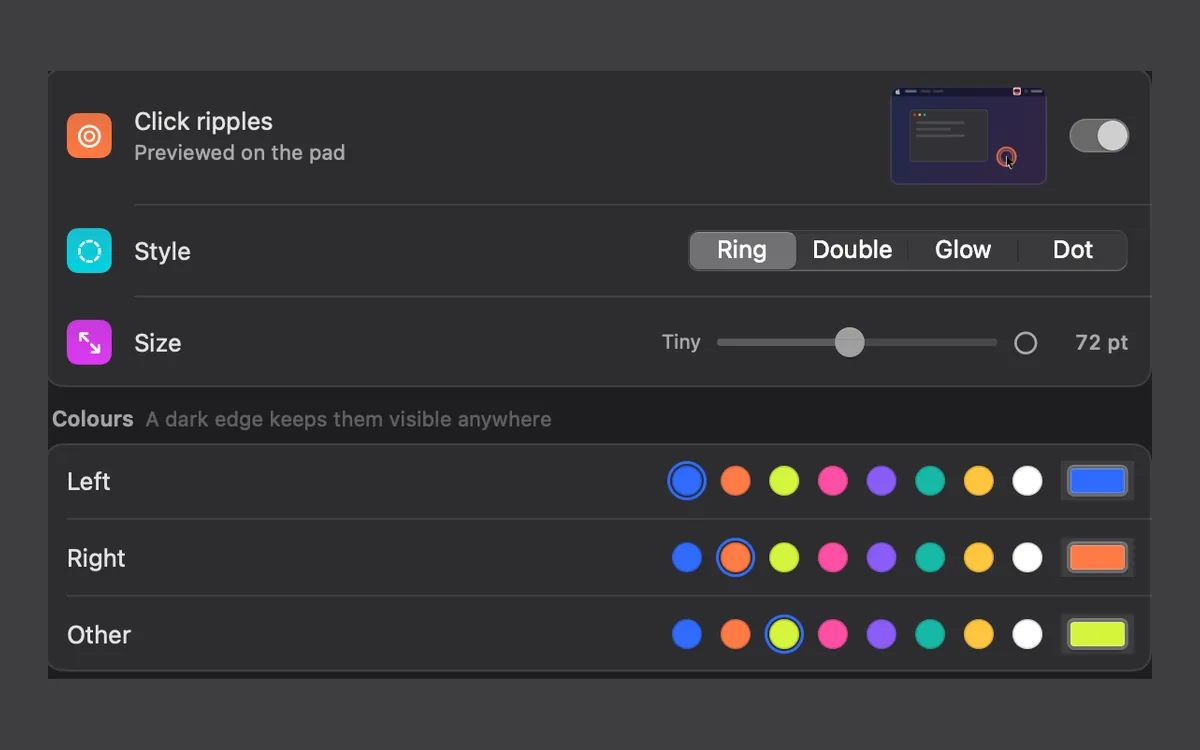
Left and right clicks play your click sound. The middle button and extra buttons count as other clicks: they play a click too, and their ripple has its own colour you can set under Other.
If Logitech’s Logi Options+ turns a button into a keyboard shortcut or a gesture, macOS may receive that action instead of a mouse button. Clacky only plays a click for it when macOS still sees a button press. Clacky doesn’t need Logi Options+ at all.
The scroll wheel: notches, smooth scrolling and free spin
We can’t tell you exactly what an MX Master sends in free spin, because that depends on the mouse and its software. Spin it once with Clacky on and you’ll hear which case you’re in.
| What the wheel sends to macOS | What Clacky plays |
|---|---|
| One event per notch (a classic or ratchet wheel) | One tick per notch. Scroll acceleration doesn’t add extra ticks |
| A smooth stream, like a trackpad (some mouse software does this) | One tick per stretch set by the Trackpad slider |
| A fast spin of either kind | Many ticks close together. Speed pitch, if on, makes them rise |
| The thumb wheel, sideways | Ticks the same way as up and down |
Make a free-spinning wheel sound right
- Open Clacky’s Scroll settings (press ⌘K and type Scroll).
- Set Density to Every 2nd or Every 3rd so a long spin plays fewer ticks.
- Pick a soft style such as Fine tick or Soft tap.
- Switch Speed pitch off if fast spins sound too busy.
- If your wheel scrolls smoothly, move the Trackpad slider toward Fewer.
- Prefer silent scrolling? Pick Silent. Your clicks keep playing.
Safe next to Logitech’s software
Clacky only listens to clicks and scrolls. It can’t change, delay or block them, so it doesn’t get in the way of Logi Options+ or your button settings. Want to test your buttons and wheel first? Try the free mouse test in your browser.
Click sounds and scroll ticks are explained in more depth in scroll wheel sound on Mac.
Questions
Does Clacky work with a Logitech USB receiver or Bluetooth?
Does Clacky work with Razer, Keychron or other mice?
Can I change the ripple colour for side buttons?
Facts checked on 5 November 2026.
Related
- Does Clacky work with a Magic Mouse and Magic Trackpad?Yes. Clacky plays a click for every press and tap on a Magic Mouse or trackpad, and soft scroll ticks you can tune for smooth scrolling.
- Scroll wheel sound on MacAdd a soft tick for every scroll-wheel notch on your Mac, in 8 scroll styles, with a setting for trackpads and Magic Mouse.
- Scroll TicksA soft tick for every notch of the scroll wheel, in 8 scroll styles.
- Click RipplesA ripple under the pointer on every click, so anyone watching sees where you clicked.
- Mouse testFree mouse tester: check left, right, middle, back and forward buttons, the scroll wheel, and find a mouse that double-clicks by itself.
- Can I change the colour and size of Clacky's click ripple?Yes. Settings → Ripples sets a colour for left, right and other clicks, the size from 12 to 140 pt, the style, line, opacity and speed.
Make something on your Mac today.
3 days free, every feature. Then $4.99 once.